

Scraib.app
Overview
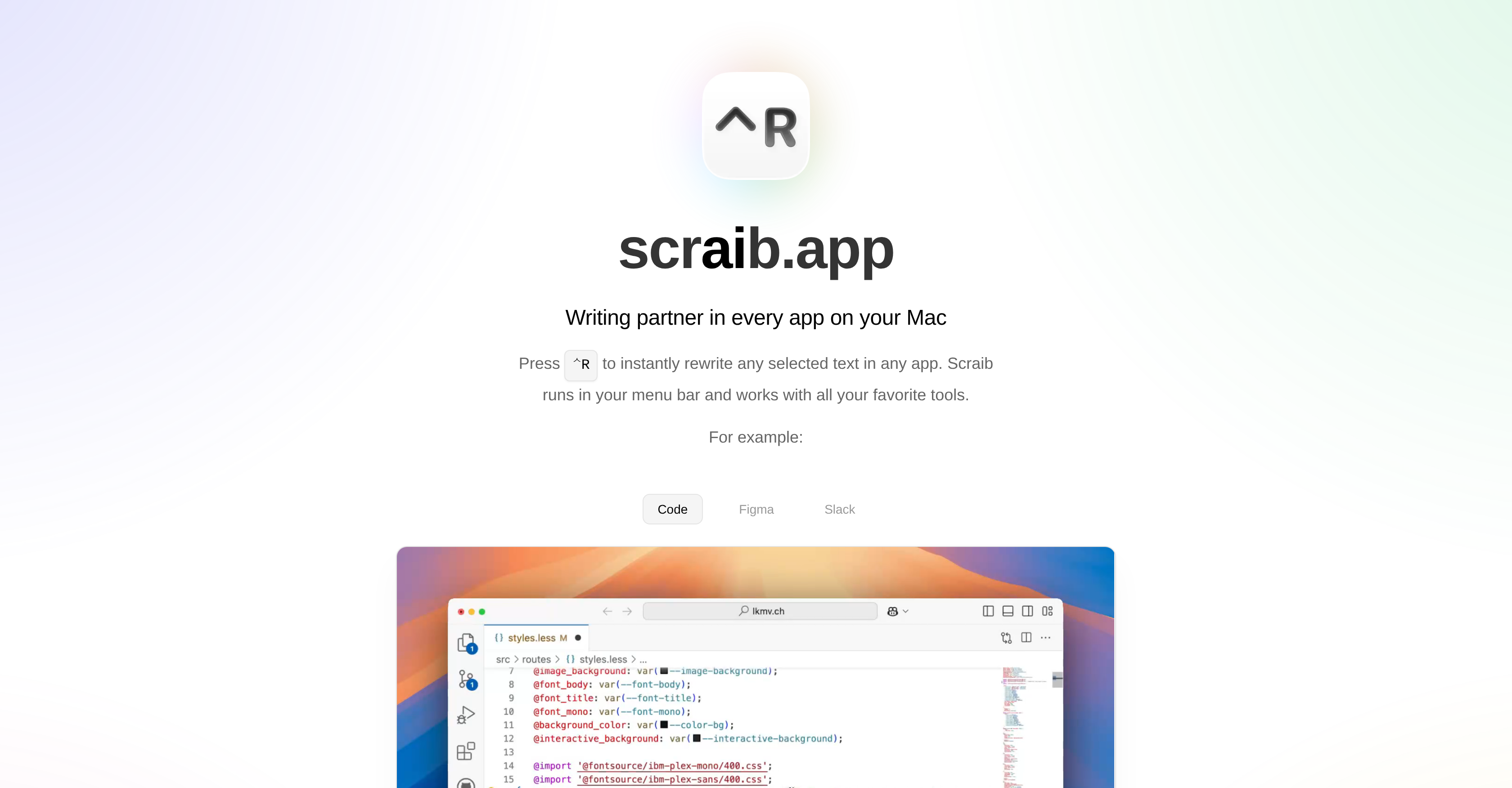
- Rewrite text instantly in any application without switching windows using the Control+R shortcut from your menu bar
- Improve your writing quality and sound more natural in English, especially helpful for non-native speakers
- Maintain your unique writing voice across all documents with custom style rules that adapt to your preferences
- Choose your preferred AI provider including ChatGPT, Claude, Gemini, and others by connecting your own API key
- Work uninterrupted across all your favorite tools including Code, Figma, and Slack without disrupting your workflow
Pros & Cons
Pros
- Mac integrated
- Seamless app-wide functionality
- Real-time text rewrite
- Custom rules capability
- Subscription or One-Time Purchase
- Optional API key usage
- Tailored for non-native English speakers
- User feedback driven development
- Free trial available
- Shortcut-based functionality (Control+R)
- Incorporates user's writing style
- Streamlining text rewriting & corrections
- Developer's active engagement
- Convenient menu bar location
- Rewrites in all applications
- Use your own API keys
- Integration with ChatGPT, Claude, Gemini
- Integration with Ollama, LiteLLM, OpenRouter
Cons
- Only for Mac users
- Subscription can be expensive
- Possible inaccurate rewrites
- May not fit all writing styles
- Limited customer support system
Reviews
Rate this tool
Loading reviews...
❓ Frequently Asked Questions
Scraib is an AI-powered writing assistant designed specifically to simplify and improve writing tasks on a Mac. It exists as a convenient tool in the menu bar, aimed at assisting in numerous applications. It primarily focuses on instantly rewriting and enhancing any selected text within any application, offering a personalized touch to the content.
Scraib operates from the menu bar on a Mac. Its key functionality is to instantly rewrite and enhance any selected text within any application. It also supports custom rules that match an individual's writing style, enabling a personal touch to your content.
You can use Scraib on your Mac by installing the application and letting it run in your menu bar. By simply pressing Control + R, you can instantly rewrite any selected text in any app. This allows you to utilize its features without needing to switch between various apps.
The core feature of Scraib is its ability to instantly rewrite and improve any selected text within any application you’re working in, providing a seamless writing experience.
Yes, Scraib can certainly rewrite any selected text within any application. This is a standout feature of its design, allowing the transformation of your text instantly, no matter what application you're working on.
No, Scraib's design ensures that it won't interrupt your workflow while using other apps. It runs unobtrusively in the menu bar, meaning it's always at the ready but never in the way.
Scraib is designed to work with all your favorite tools and apps on a Mac. This includes but is not limited to applications such as Code, Figma, and Slack.
Yes, Scraib does support custom writing style rules. This functionality allows it to match your unique writing style, contributing a personal touch to the content you create.
Scraib is priced with both subscription and one-time purchase options. Users can choose to subscribe with a 7-day free trial, then pay $3.99 per month or make a one-time purchase of $10 to unlock the use of their own API keys.
Yes, Scraib offers a subscription model to its users. It comes with a free 7-day trial, after which it costs $3.99 per month.
Yes, there is a one-time purchase option for Scraib. This option, priced at $10, allows users to use their own API keys directly with their preferred AI provider.
The AI providers supported by Scraib include ChatGPT, Claude, Gemini, Ollama, LiteLLM, and OpenRouter. Users can choose their prefered AI provider to use in conjunction with Scraib.
Yes, with Scraib you can use your own API keys. This can be accessed via a one-time purchase, allowing for direct payment to your chosen AI provider.
Scraib has been envisioned as a tool to aid non-native English speakers and anyone aiming to effortlessly refine their written communication. Its support for custom writing style rules and application-wide accessibility make it easy to use for people from all walks of life.
Scraib assists non-native English speakers by instantly rewriting and enhancing their selected text within any application. This feature aids in fixing errors, making the text sound more natural, and overall improving the quality of written communication.
Yes, Scraib highly values and welcomes user feedback. It uses this information to fuel its continued development and ensure it remains in line with its users' needs and preferences.
The information regarding future improvements for Scraib is not explicitly stated. However, as user feedback is highly appreciated, it's clear that the direction of further development will be driven by user needs and experiences.
Further details about Scraib can be acquired from their main site.
Yes, Scraib offers a free 7-day trial, following which you can choose to go for a subscription at $3.99 per month or a one-time purchase for $10.
Yes, Scraib does have a support contact. If you have any feedback or ideas for new features, you can reach Andrei, the author, at [email protected].
Pricing
Pricing model
Free Trial
Paid options from
$3.99/month
Billing frequency
Monthly


