Sketchflow.ai
Overview
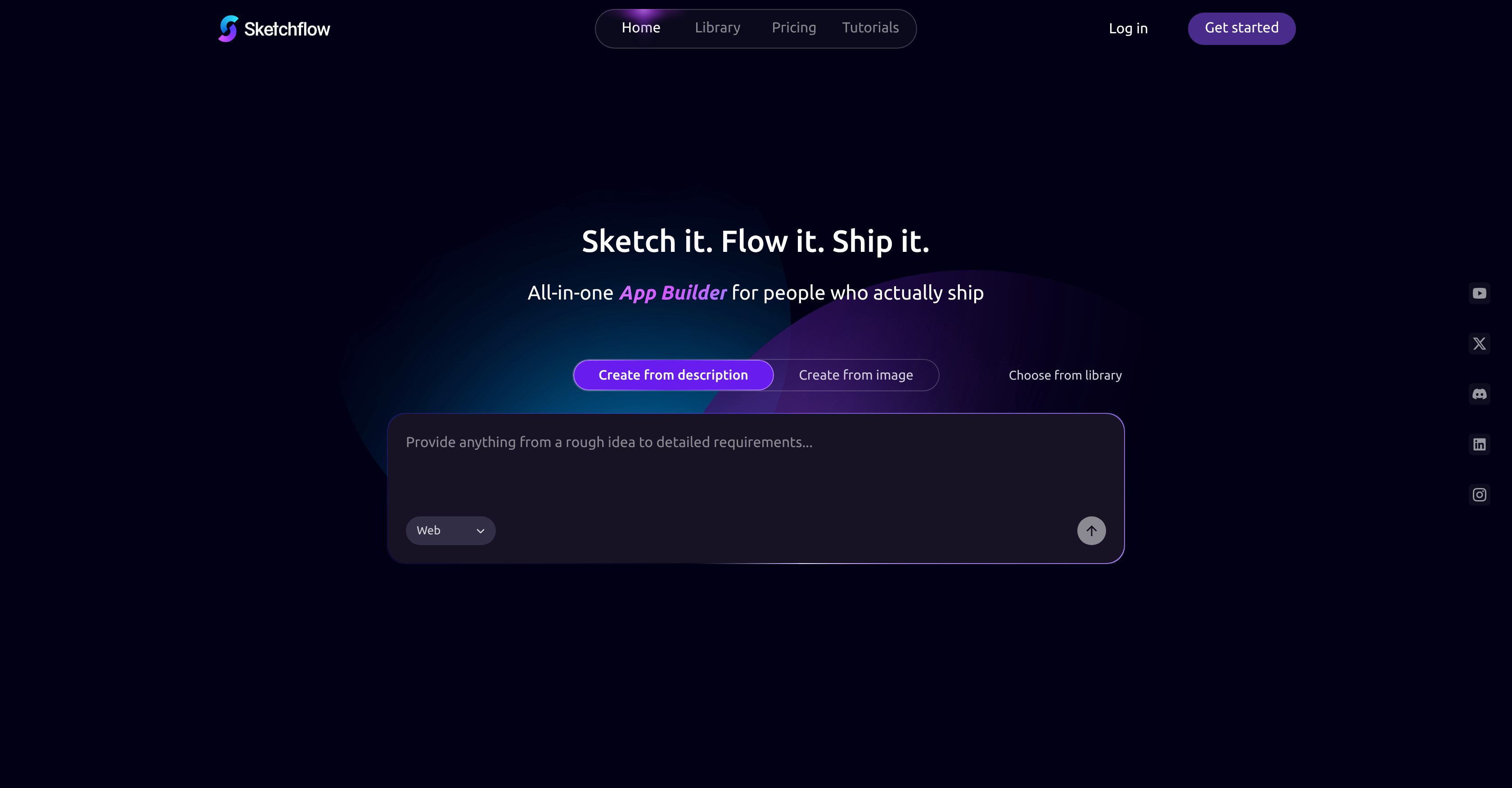
- Validate business ideas in minutes by generating complete, multi-page web applications from a single text prompt, powered by natural language processing.
- Transform design concepts into interactive, high-fidelity prototypes with real-time simulations, skipping manual wireframing and coding.
- Export production-ready, optimized front-end code that follows modern best practices, saving developers time on initial build-out.
- Map and refine complex product logic visually with fully editable workflow automation tools before designing interfaces.
- Start projects faster using a library of commercial-grade templates tailored for different business purposes and applications.
- Fine-tune every detail with manual editing controls after AI generation, ensuring the final output matches your exact vision.
Pros & Cons
Pros
- No-Code application generator
- Single-prompt app creation
- Native code export capability
- For complex appllications
- Refine visible, editable user journey
- Designs to real-time simulations
- Helpful for non-tech professionals
- Quality final product
- Facilitates speedy app creation
- Streamlines idea to product
- Reduces technical burden
- Can handle commercial applications
- Eases complexities of code-writing
Cons
- Lacks advanced coding features
- Manual polish required
- Possible limitations on customization
- Lacks pre-made templates
- Constrained by 'No-Code' approach
Reviews
Rate this tool
Loading reviews...
❓ Frequently Asked Questions
Sketchflow.ai is an AI-based web application generator. It is designed to facilitate the speedy creation of apps from product ideas. Operating on a 'No-Code' premise, it emphasizes simplicity, accessibility, and creative freedom with minimum technical burden.
Yes, Sketchflow.ai allows you to generate a web application without needing to write any code. This is part of its 'No-Code' premise which makes it ideal for individuals looking for simplicity and ease of use.
Sketchflow.ai is intended for a wide variety of users. It broadly caters to the needs of designers, content creators, and non-tech professionals. It can also be a useful tool for developers.
Yes, both designers and developers can use Sketchflow.ai. While it is designed to be easily used by people without a technical background, developers may also find it useful for their purposes.
The AI technology of Sketchflow.ai can interpret design patterns and transform them into interactive, real-time simulations. This means users can see their designs functioning in a simulation before they are fully developed into a finished app.
Sketchflow.ai enables native code exports as part of its functionality. After a design is transformed into a real-time simulation, the tool can then convert that design into native code, ready for use in app development.
Yes, Sketchflow.ai offers the capacity to import designs. This simplifies the app creation process by allowing designs to be utilized directly within the platform.
Single-prompt approach in Sketchflow.ai means it only requires one command or action from the user to initiate the generation of applications. This spares users the complexities of code-writing and makes the process faster and more efficient.
Yes, Sketchflow.ai works on multiple platforms. The features built in the apps created using Sketchflow.ai are designed to work seamlessly across various platforms.
AI technology is at the heart of Sketchflow.ai's operations. It is used to streamline the progression from idea to app, dramatically reducing the overall time and effort invested in app creation.
Sketchflow.ai supports the 'No-Code' movement by providing an accessible and user-friendly platform for app creation that doesn't require coding skills. This democratizes tech creation by lowering the skill threshold necessary to build apps.
Yes, Sketchflow.ai is user-friendly. It's designed with a simplistic interface to support creative ideation and promote rapid prototyping, making it accessible and easy to use for a broad spectrum of users.
Sketchflow.ai promotes rapid prototyping by transforming design patterns into real-time simulations swiftly. This allows users to see their ideas come to life quickly and make any necessary adjustments before finalizing the app.
Yes, Sketchflow.ai can be used for commercial applications. Its capabilities align with both small-scale hobbyist projects and larger commercial applications.
Yes, non-tech professionals can use Sketchflow.ai. It is designed with a 'No-Code' premise to cater to users without technical backgrounds or programming skills.
Sketchflow.ai lowers the skill threshold for app creation by following the 'No-Code' approach. It eliminates the need for code-writing, thus making app creation accessible to users possessing varying degrees of technical proficiency.
The range of applications that can be built using Sketchflow.ai is vast. From small-scale hobbyist projects to larger commercial applications, it offers a flexible and efficient platform for development.
No, Sketchflow.ai doesn't compromise on the quality of the final product. Despite simplifying and expediting the app creation process, it ensures the individuality and quality of the final product are maintained.
Sketchflow.ai streamlines the progression from idea to app by using AI technology. This AI engine speeds up the creation process, reduces complexity, and ensures a smooth transition from conception to realization of an app.
With Sketchflow.ai, you can create a wide variety of apps. Because it supports a range of functionality and is intended for a wide spectrum of users, the type of app you can create is largely dependent on your individual or business needs.
Pricing
Pricing model
Freemium
Paid options from
$25/month
Billing frequency
Monthly
Refund policy
No Refunds
Related Videos
Sketchflow Review 2025 – The BEST AI Tool for Website & App Design (Full Tutorial + Demo)
Get365AI•20.3K views•Oct 22, 2025