Overview
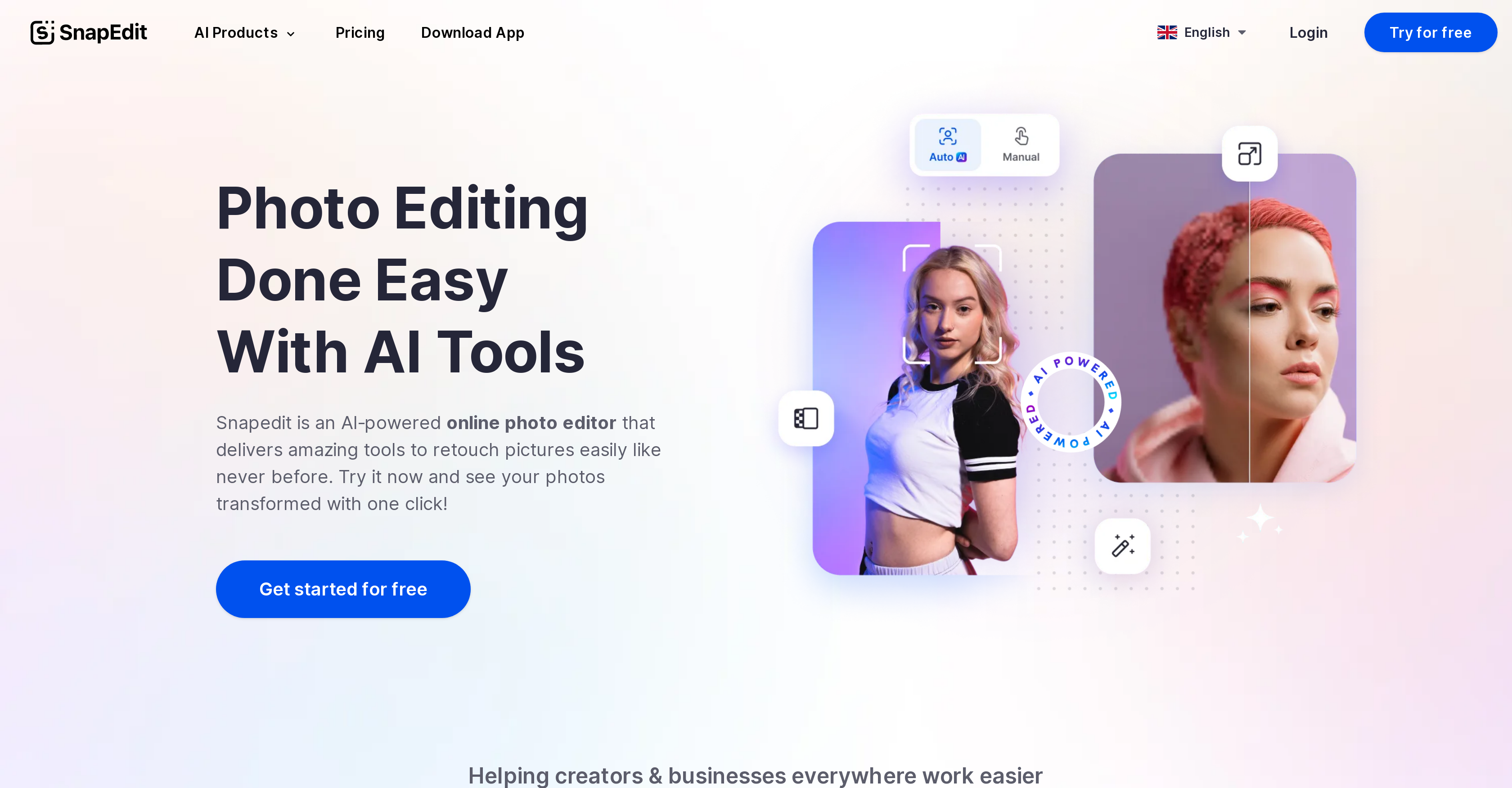
- Erase any unwanted object, person, or text automatically using AI detection that cleans images in seconds
- Enhance blurry photos and improve resolution instantly with automatic photo enhancement that sharpens details
- Remove complex backgrounds seamlessly and replace them with over 100 professional templates for creative transformations
- Clean up images by removing distracting wires, text, and watermarks with specialized AI tools that preserve image quality
- Restore old and damaged photos to their original clarity using AI specifically trained for photo restoration
- Maintain complete privacy with automatic deletion of all images after editing—nothing is stored on servers
- Edit photos in multiple languages with support for JPG and PNG formats across web and mobile platforms
Pros & Cons
Pros
- Easy interface
- Drag and drop upload
- Auto-detects objects
- Manual object removal
- Functions on web browsers
- Compatible with JPG, PNG
- High-definition downloads
- Supports multiple languages
- Free to use
- Online and mobile app availability
- Does not store images
- Provides photo enhancement
- Background removal feature
- Pre-designed templates availability
- Text and wirelines removal
- Old photo restoration
- User-friendly for beginners
- Used by various sectors
- Image resolution improvement
- Seamless background elimination
- HD image download
- Text removal auto-detection
- Wireline removal feature
- Blurry photo resolution enhancement
- Non-professionals can use
- No advanced skills required
- Real Estate photo editing
- Travel photo editing
- Fashion photo editing
- Ecommerce photo editing
- Photography editing
- Remove photo bombers
- Downscaled photo restoration
- Automatic object detection
- Web platform usable
- Mobile app availability
- Restore old photos
- Effective for large businesses
- Effective for content creators
- Compatible with smartphones, PCs, tablets
- Usage statistics display
- Multi-language support
- Training for old photo improvement
- Allows user reviews
Cons
- Limited image formats support
- No API mentioned
- No desktop application
- No batch editing
- No collaborative editing
- Erasure tool limited functionality
- No SDK mentioned
- Limited template options
- No RAW image support
- No advanced editing tools
Reviews
Rate this tool
Loading reviews...
❓ Frequently Asked Questions
SnapEdit is an online and mobile photo editing tool powered by Artificial Intelligence. It excels in identifying and erasing unwanted objects from photos, including people, text, watermarks, and logos. It provides a simple, user-friendly interface where users can upload their images for editing. Users also have the ability to manually blur or beautify their photos using SnapEdit's eraser feature. It offers support for various image formats and a selection of languages.
SnapEdit's AI detection technology works by automatically identifying unwanted objects in a photo. Once these elements are detected, the technology removes them swiftly and efficiently, leaving the image clear of the identified objects. This seamless process results in high-quality, clean images without requiring extensive human intervention.
Yes, SnapEdit can remove watermarks and logos from images. Its AI technology can detect and remove these elements effectively.
Yes, beyond the automatic AI-powered features, SnapEdit also provides manual object removal using an eraser feature. This allows users who prefer more control over the editing process to manually blur, beautify, or restore their photos.
SnapEdit supports popular web and mobile image formats, including JPG and PNG.
Yes, SnapEdit offers a mobile app version of its platform for an improved user experience. Users can download the app from the Apple App Store or Google Play Store.
Yes, SnapEdit is entirely free to use. Users can edit their photos online or on the mobile app without incurring any charges.
SnapEdit takes user privacy and safety seriously. The platform doesn't store any copies of the original or edited images. This means that once a user downloads their edited image, there are no saved versions lingering on the platform.
Various sectors can significantly benefit from SnapEdit's tools. These sectors include photography, ecommerce, fashion, travel, and real estate sectors. The range of editing features provided by SnapEdit can assist businesses in these areas to generate clean, high quality, and professionally enhanced images.
With SnapEdit, users can perform several photo editing tasks like object removal, photo enhancement, background removal, text removal, wirelines removal and old photo restoration. Each of these tasks is powered by AI to ensure accuracy and ease of use.
SnapEdit's object removal feature works by using AI technology to identify and eliminate unwanted details from photos. This includes people, watermarks, logos, text, among other elements. This feature provides clean and enhanced images free from undesired items.
Yes, SnapEdit can be used to enhance image resolution. It has a feature for automatic photo enhancement which improves blurry photos and increases their overall image quality.
SnapEdit allows users to smoothly remove backgrounds from images. Utilizing its AI technology, it can eliminate complex backgrounds and replace them with selected templates, providing a different look and feel to the image.
SnapEdit provides over 100 pre-designed templates that users can choose to replace the background of their image. This feature gives users the creative freedom to transform their photos while maintaining quality and resolution.
SnapEdit's text and wireline removal features work by detecting and eliminating text and wirelines from images. The AI technology is trained to identify these elements and remove them thoroughly, leaving the image clean.
Yes, SnapEdit can be used to restore old photos. It has a specifically trained AI tool which enhances and restores the quality of outdated photos, infusing them with a fresh, improved look.
SnapEdit is supported on various popular web browsers and is also available as a mobile app on both iOS and Android.
Once an image is edited on SnapEdit, users can download it in high definition directly to their device.
No, SnapEdit does not store any copies of the original or edited images. This upholds the privacy of the user as there are no retained versions of any user images on the platform.
Yes, SnapEdit is available in multiple languages including English, French, German, Indonesian, Italian, Portuguese, Thai, and Turkish. Users can switch to their preference within the platform settings.
Pricing
Pricing model
Freemium
Paid options from
$6/month
Billing frequency
Monthly
Refund policy
No Refunds
Related Videos
SnapEdit App - the best Photobomber Killer!!! (VN music2)
SnapEdit•4.8M views•Jul 24, 2022