
Songmastr
Overview
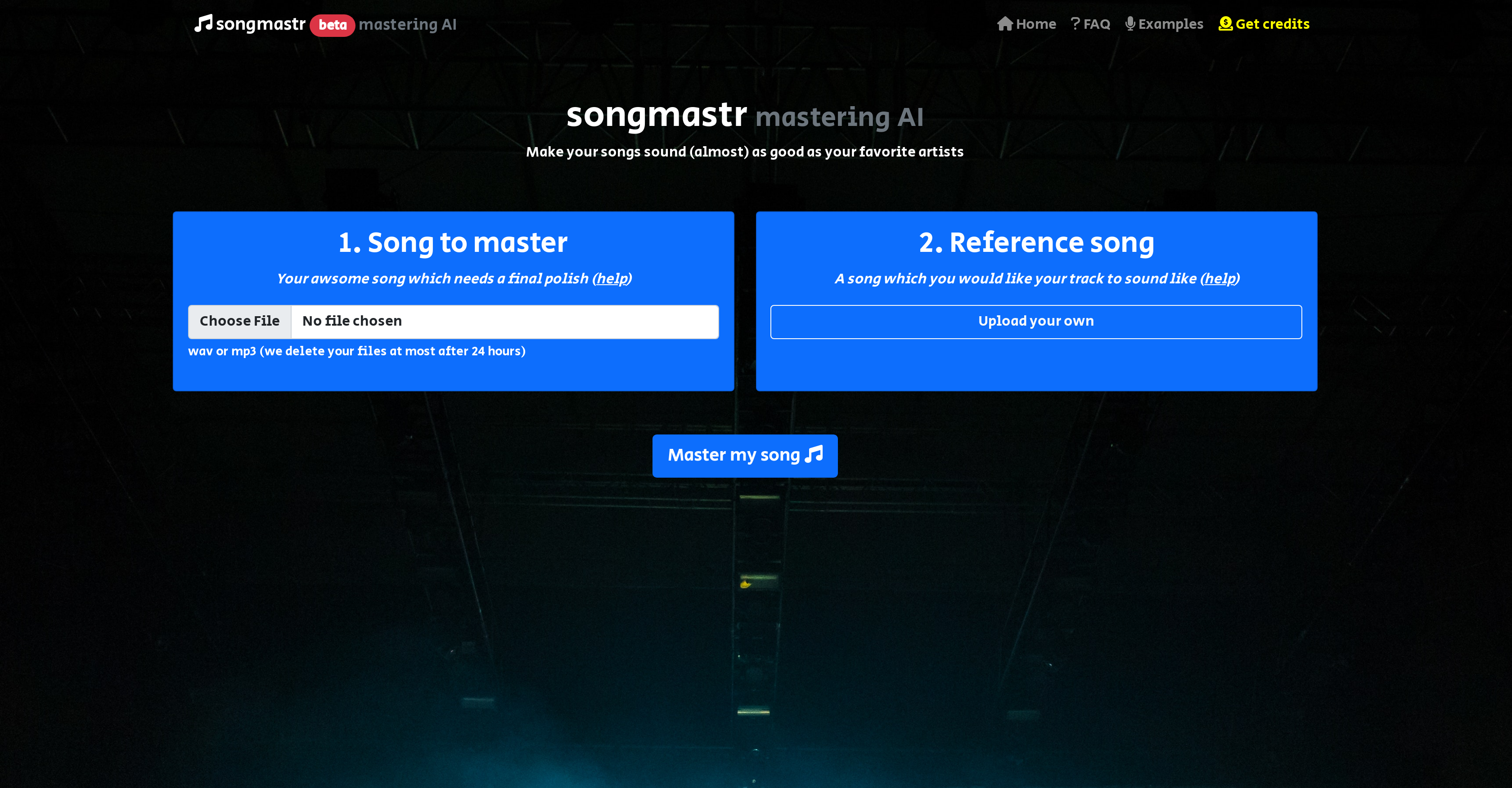
- Achieve commercial-quality sound by mastering your tracks to match any reference song using AI that analyzes RMS, frequency response, peak amplitude, and stereo width
- Master seven songs weekly at no cost with immediate processing and download, requiring no software installation or account creation
- Protect your creative work with automatic file deletion within 24 hours, ensuring your music remains private and secure
- Perfect instrumental tracks by selecting reference songs without vocals, specifically optimized for beats and instrumental music
- Maintain audio quality with support for WAV and MP3 formats while following simple pre-mastering guidelines for optimal results
Pros & Cons
Pros
- Instant song mastering
- Matches commercial reference track
- Free for 7 songs weekly
- Open source library
- No software required
- No registration required
- Processes any uploaded song
- Download ready after processing
- Supports up to 10-minute songs
- 80MB song size limit
- Audio mastering examples provided
- Guides on pre-processing provided
- Guides on reference track selection
- Based on Matchering
- Song genre and vibe matching
- Accepts beats and instrumentals
- Supports stereo compression
- Limited applied during mastering
- Free and paid plans available
Cons
- Limited to 10-minute songs
- 80MB file size maximum
- Up to 7 songs per week
- Requires well-mixed song for optimal result
- Reference track selection crucial
- Masters only to uploaded reference track
- Discourages limiter application pre-upload
- Possible genre/vibe limitations
- No option for multi-track mastering
- Files deleted after 24 hours
Reviews
Rate this tool
Loading reviews...
❓ Frequently Asked Questions
Songmastr is an AI-based automatic song mastering service that enables users to master their songs fitting to a commercial reference track. It is a user-friendly platform that requires users to simply upload a song from their computer, initiate the processing, and subsequently download the song once it's mastered.
Songmastr leverages AI in song mastering by using an algorithm derived from the Matchering open-source library. This AI algorithm matches the RMS, frequency response, peak amplitude, and stereo width of the user's song to the chosen reference track.
Songmastr accepts songs up to a maximum length of 10 minutes. This limitation is set in place to prevent server saturation.
Yes, Songmastr offers free services. This platform offers free mastering for up to seven songs each week.
The weekly limit for free song mastering on Songmastr is seven songs. To process more songs, users have to opt for paid plans.
The song to be uploaded on Songmastr should be properly mixed and should leave volume headroom (typically -6db). It should not be subjected to a limiter as limiting will be conducted during mastering. The song files should not exceed 10 minutes and 80MB.
In Songmastr, a reference track is of great significance as it sets the standard that the user's song will be mastered to. The AI system matches the mastering parameters of the user's song to the reference track.
In Songmastr, a good reference track should be in the same genre and vibe as the user's song. For beats or instrumental tracks, a reference without a singer is preferable. If a user uploads their own reference track, it should be of good quality and at a normal commercial volume.
Songmastr is based on the open-source library called Matchering.
Songmastr matches key mastering parameters like RMS, frequency response, peak amplitude, and stereo width of the user's song to the chosen reference track.
Songmastr supports WAV and MP3 file formats.
No, Songmastr does not require any special software or user registration. The system is designed to be user-friendly and accessible.
Before mastering on Songmastr, songs should be properly mixed with some volume headroom (typically -6db). It is advised to apply some compression, but not a limiter, as limiting will be done during mastering.
No, Songmastr does not retain the uploaded song files. According to their policy, files are deleted at most after 24 hours.
Yes, instrumental tracks can be mastered using Songmastr. If the track is a beat or instrumental, it's advised to choose a reference without a singer.
Songmastr advises users that they can apply some compression before uploading the song for mastering, but they should avoid applying a limiter as limiting is performed during the mastering process.
Yes, Songmastr provides examples of audio mastering in the examples section on their website.
The download process on Songmastr begins once the processing is finished. Users can download the file by clicking on the download button.
Yes, Songmastr offers paid plans for users who wish to process more than the free limit of seven songs per week. The cost of these plans is not expressly mentioned.
Pricing
Pricing model
Paid
Paid options from
$4/unit
Billing frequency
Pay-as-you-go


