

Sortio
Organize files without learning rule syntax: type an instruction like "Sort by client name and put each PDF in its matter folder" and the AI file organizer sorts and routes your documents.
Listing not yet reviewed by our editors · How we check
Overview
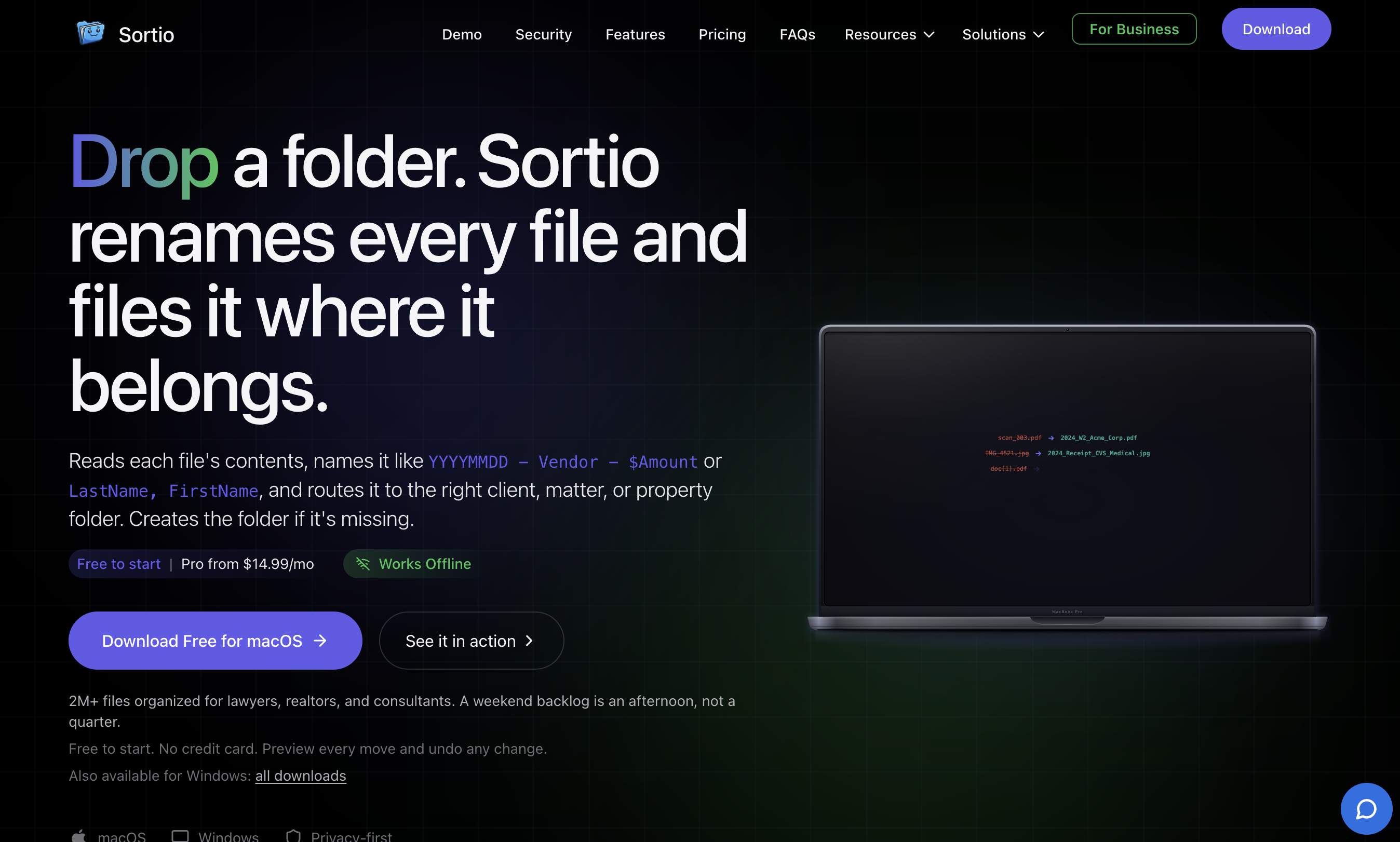
- Organize files without learning rule syntax: type an instruction like "Sort by client name and put each PDF in its matter folder" and the AI file organizer sorts and routes your documents.
- Keep the folder system you already know: Sortio files documents into your existing folder structure, so you don't have to rebuild your directories.
- Get consistent file names for bookkeeping and records: batch rename files to patterns like YYYY-MM-DD plus vendor plus amount, so invoices and receipts follow one naming convention.
- Reclaim a cluttered photo library: organize photos by event and remove blurry duplicates in a single pass.
- Stop sorting your Downloads folder by hand: Smart Folders watch any directory and sort new files as they arrive.
- Get the same result every time on recurring jobs: the Rule Builder turns repeat workflows into deterministic file automation that runs on folders of any size.
- Keep client, legal, and financial documents private: files stay on your machine, and BYOK and local-AI options keep sensitive content off outside servers.
- Sort and rename without risking your data: Sortio preserves original files with no content alteration or data loss.
- Find any document the moment you need it: instant file search locates files across your organized folders.
- Use one workflow on every computer you own: Sortio runs on Mac, Windows, and Linux with the same rules and Smart Folders.
- Start free and upgrade when your workload grows: the free tier includes starter AI credits and up to 5 rules. Pro, at $14.99/mo or $99/yr, adds 5,000-file runs and unlimited rule-based automations.
Pros & Cons
From the listing; not yet checked by our editors.
Pros
- Effective document organization
- Streamlines sorting, managing, archiving
- Easier navigation and location
- Analyzes file infrastructure
- Intuitive file categorization
- Customizable categorization parameters
- Improves efficiency and accuracy
- Enhances workflow
- Data preservation
- No data alteration
- Applicable for large-scale data
- Facilitates digital transformation
- Suitable for varied use-cases
- Personal to corporate use
- Requires enablement of JavaScript
- Maintains original file integrity
- Promotes workforce streamlining
- Advanced in data analysis
- Content type analysis
- Reveals data relevance
Cons
- Requires JavaScript enablement
- Potential complexity in setup
- Maintenance could require technical competency
- May not support non-digital files
- Over-reliance on customizable parameters
- Dependent on content type analysis
- Unclear data privacy measures
- Potential delays in large-scale data handling
- Limited to document organization uses
- Does not specify supported file types
Alternatives to Sortio
Tools that share the most tags with Sortio.
- AODocs
Automate complex document processes end-to-end with generative AI, eliminating manual tasks and human error
Not listed
Not listed
Not yet checked
- Send AI
Eliminate manual data entry entirely with custom AI models that automatically extract specific entities from your documents
Not listed
Not listed
Not yet checked
- TidyDocs
Find any invoice or receipt in seconds with intelligent search that works as you type, powered by AI that extracts vendor, date, and amount from any document
Freemium · from $19/month
$19/month
Not yet checked
- The Drive AI
Find any document instantly without manual searching through AI-powered content-based file search
Freemium · from $19.99/month
$19.99/month
Not yet checked
- Safe Appeals
Transform scattered files into a coherent project in minutes by dropping PDFs, research papers, and notes into a unified workspace where everything is automatically organized and indexed.
Paid · from $30
$30
Not yet checked
- Bit.ai
Transform scattered documents into a centralized knowledge base that your entire team can access instantly through powerful search capabilities
Freemium · from $8/month
$8/month
Not yet checked
Reviews
Rate this tool
Loading reviews...
Frequently asked questions
What is Sortio exactly?
Sortio is an Artificial Intelligence-enabled tool specifically designed for effective document organization. It uses advanced AI technologies to streamline sorting, managing, and archiving file tasks, allowing users easy navigation and location of specific documents.
How does Sortio apply AI technologies to document organization?
Sortio applies AI to document organization by analyzing the existing file infrastructure after integration, intuitively categorizing files based on content type, relevance, and other customizable parameters. Thus, seamlessly streamlining the process of sorting, managing and archiving files.
How does Sortio preserve the integrity of original files?
Sortio ensures the integrity of original files by paying careful attention during the sorting, managing, and archiving process, ensuring there is no data alteration or loss.
What technical competencies are required to setup and maintain Sortio?
To setup and maintain Sortio, users need to have skills to enable JavaScript, indicating a certain level of technical competency is required.
What does Sortio offer beyond document management?
Beyond document management, Sortio offers capabilities in data analysis and workforce streamlining. These contribute to the digital transformation journey of organizations.
How does Sortio contribute to the digital transformation journey of organizations?
Sortio contributes to the digital transformation journey of organizations by streamlining file management with AI technologies, improving data analysis and aiding in workforce streamlining.
How customizable are the parameters used by Sortio to categorize files?
The parameters used by Sortio to categorize files are highly customizable. They analyze content type, relevance, and can be adjusted based on user preference or need.
How does Sortio improve workflow efficiency?
Sortio improves workflow efficiency by providing a simplified and intuitive process for sorting, managing, and archiving files. This dynamic organization can significantly enhance efficiency particularly in environments where large amounts of data are handled regularly.