WhisperClipv1.0.38
Overview
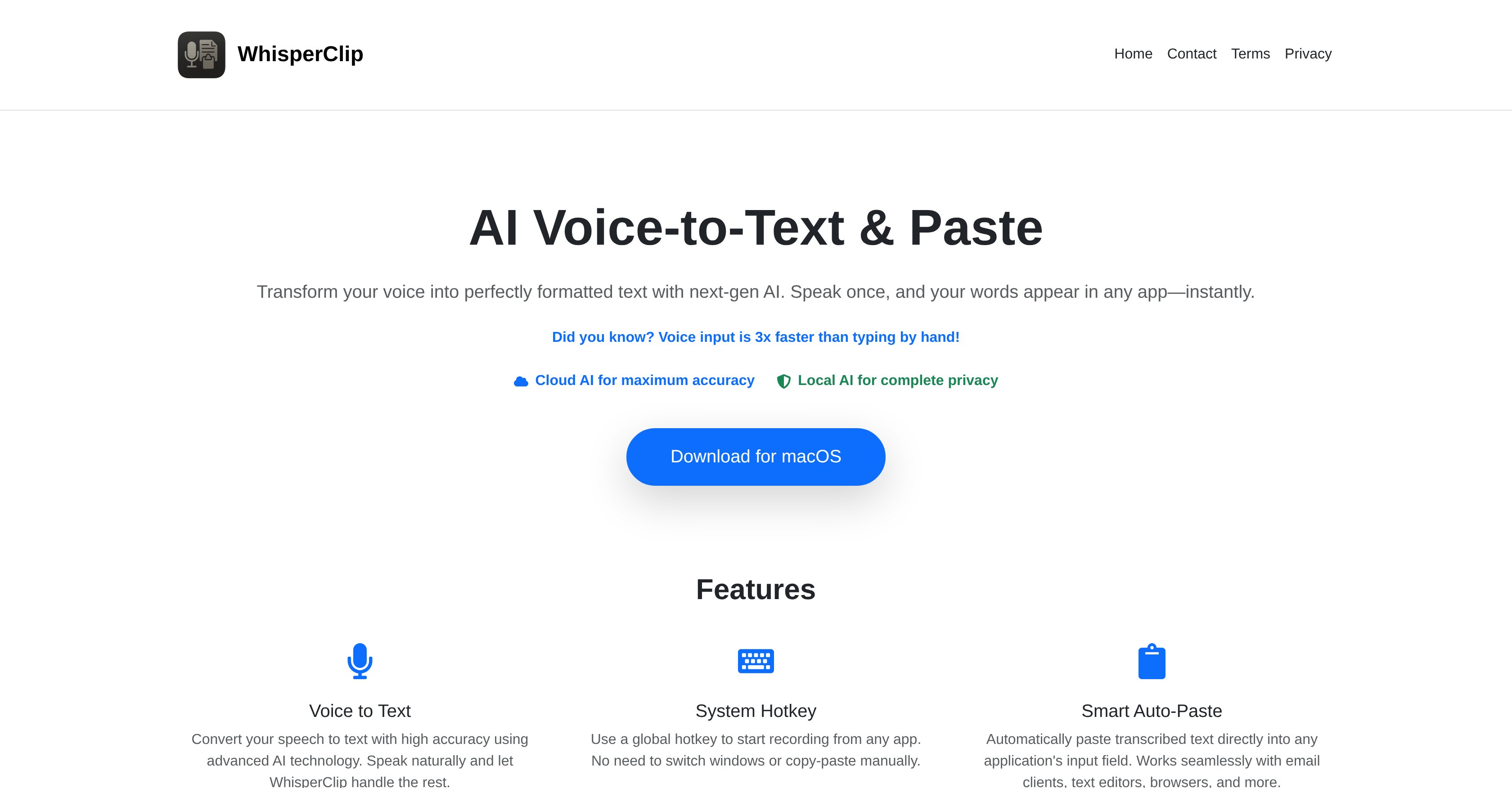
- Transform spoken words into perfectly formatted text instantly with cloud-based AI transcription that delivers maximum accuracy for general productivity tasks
- Maintain complete privacy for sensitive conversations with local AI processing that ensures your voice data never leaves your device
- Eliminate manual copying and window switching with Smart Auto-Paste that works seamlessly across email clients, browsers, document editors and messaging platforms
- Get polished, ready-to-send results with built-in grammar correction, punctuation and language translation that refines your spoken words automatically
- Work three times faster than typing by speaking naturally into any application while the tool handles transcription, formatting and pasting simultaneously
Pros & Cons
Pros
- High precision transcription
- Supports podcast transcription
- Handles interview transcription
- Lecture transcription capability
- Meeting transcription feature
- Natural Language Processing
- Automatic transcription
- Voice to text functionality
- Audio analysis included
- Text generation capability
- Universal transcription tool
- Precise speech recognition
- Audio processing capabilities
- Voice recognition technology
- Transcribes with precision
- Language transcription support
- No file size limit
- Fast transcription speed
- Easy integration API
- Multi-format audio support
- Timestamped transcription
- Supports multiple languages
- High accuracy rate
- Editable transcription output
- Searchable transcription text
- Exportable transcription file
- Compatible with web apps
- No software download needed
- Works with JavaScript
- User-friendly interface
- Scalable transcription solution
- Reliable transcription service
- Advanced audio processing
- Intuitive user experience
- Flexible transcription format
- Transcription customization
- Cost-effective solution
- Secure transcription service
- High-quality text output
- Continuous improvement
- Transcription accuracy guarantee
Cons
- Requires JavaScript enabled
- No multi-language support mentioned
- No speaker identification
- No custom vocabulary upload
- No real-time transcription
- Limited audio format support
- No editing tools integrated
- No collaboration features
- No analytics or insights
- No export to subtitles
Reviews
Rate this tool
Loading reviews...
Pricing
Pricing model
Free
Paid options from
Free