

Spritix
Ship a fully animated 2D character without drawing frame by frame: upload a full-body PNG, JPG, or WebP image or describe your character in text, and the AI sprite generator builds Idle, Walk, Run, Jump, and Attack animations.
Listing not yet reviewed by our editors · How we check
Overview
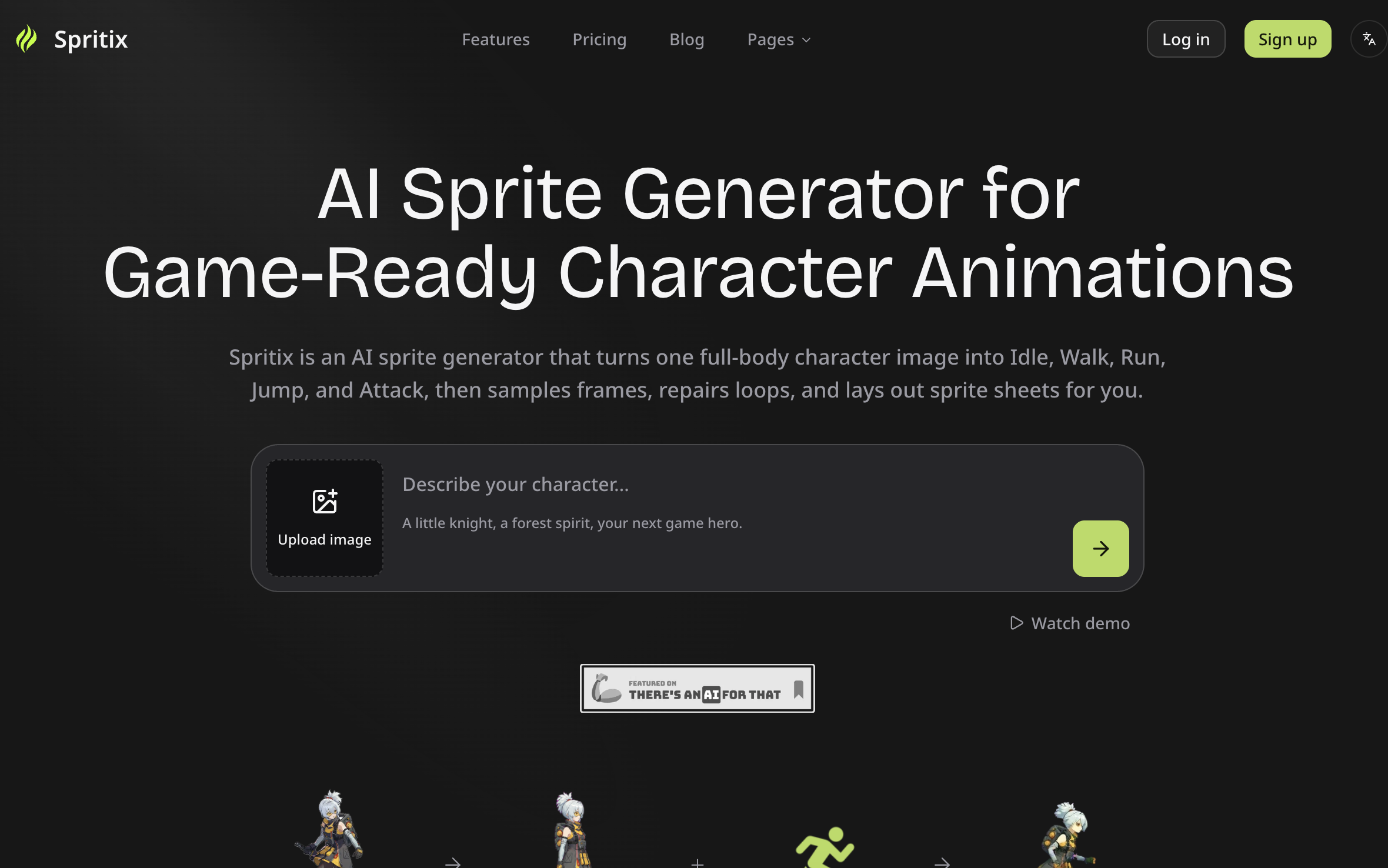
- Ship a fully animated 2D character without drawing frame by frame: upload a full-body PNG, JPG, or WebP image or describe your character in text, and the AI sprite generator builds Idle, Walk, Run, Jump, and Attack animations.
- Keep the same silhouette, costume, and proportions across every action: all sprite animations derive from one prepared character reference, so your hero looks identical whether idle or attacking.
- Cover top-down and isometric movement in one pass: generate 8-direction sprite packs as PNG and JSON bundles, with three directions mirrored automatically to keep motion symmetrical.
- Drop sprites straight into your engine with no conversion step: export PNG sprite sheets, atlas JSON, animated GIFs, or a ZIP of individual PNG frames that import directly into Unity, Godot, and Phaser.
- Get seamless looping animations without manual frame cleanup: Perfect Loop analyzes the sequence, trims rough edges, and picks the cleanest start frame, with playback speed adjustable from 0.5× to 2×.
- Polish and re-export as often as you need at zero credit cost: loop trimming, speed changes, frame settings, and export rebuilds never touch your generation credits, and failed generations are refunded automatically.
- Grow one character's move set over the life of your project: saved versions let you return to earlier results and add new actions to the same character's animation library.
- Sell your game without royalty fees: generated sprite assets are cleared for commercial use, with a Free plan of 20 monthly credits and paid plans from $12/month for indie developers and small 2D teams.
Pros & Cons
From the listing; not yet checked by our editors.
Pros
- Image upload and text-based character creation Five actions from one prepared character reference Single-direction and 8-direction animations Sprite sheets, GIFs, atlas JSON, and PNG frames Browser-based loop trimming and playback controls Post-processing without generation credits Saved versions and reusable character libraries Up to 64 frames per animation on paid plans 20 free credits every month Automatic credit restoration for provider generation failures
Cons
- Five preset actions; no custom action prompts Requires an internet connection and an account Generated results may need cleanup Free production downloads limited to two generations monthly No skeletal animation export for Spine or DragonBones
Alternatives to Spritix
Tools that share the most tags with Spritix.
- God Mode AI
Ship professional animations without drawing skills using AI generation that eliminates technical barriers and artistic limitations
Freemium · from $19/month
$19/month
Not yet checked
- SpriteCook
Ship a full game art style in hours instead of weeks by generating every asset—characters, items, props, and tilesets—from a single text prompt with the AI pixel art generator.
Freemium · from $8/month
$8/month
Not yet checked
- SpriteFlow
Ship complete character animations in minutes instead of weeks, using one-click export to Unity, Godot, or Unreal with sprite sheet atlas and animation controller presets
Freemium · from $9.90/month
$9.90/month
Not yet checked
- AutoSprite
Ship complete character animation sets without drawing a single frame, generating idle, walk, and run cycles directly from one character image or text prompt
Freemium · from $12/month
$12/month
Not yet checked
- SpritePixel
Get characters that fit your game's art direction from the first draft: the AI character generator turns text prompts or uploaded reference images into original 2D game characters, with selectable art style (such as pixel art), perspective, and character type.
Freemium · from $12/month
$12/month
Not yet checked
- Ludo
Cut game design time in half by generating characters, mechanics, and stories in minutes instead of days
Free trial · from $15/month
$15/month
Not yet checked
Reviews
Rate this tool
Loading reviews...
Frequently asked questions
How do I upload a character image to Spritix?
Click the “Upload one character” button, select a clear full‑body PNG, JPG, or WebP file (max 10 MB), and confirm the upload to start the generation workflow.
What image file types and size limits does Spritix accept for the reference picture?
Spritix accepts PNG, JPG, and WebP image files, each limited to a maximum size of 10 MB.
Can Spritix generate 8‑direction sprites or only the 4 directions it lists?
Spritix can generate sprites in either a single direction or in eight directions, as stated in the product description.
Which animation actions (idle, walk, run, jump, attack) are available in Spritix right now?
The currently available actions are Idle, Walk, Run, Jump, and Attack.
How many frames can I export per action when using Spritix?
IDK
How does Spritix keep my character’s look consistent across different actions?
A single prepared character reference image anchors the look of every action; all animations are derived from that same reference to preserve silhouette, costume, and proportions across actions.
What export formats (PNG, GIF, JSON, ZIP) does Spritix provide for the generated sprites?
Export options include a PNG sprite sheet, an animated GIF, an Atlas JSON file, and a ZIP archive containing individual PNG frames.
Can I import Spritix sprite sheets directly into Unity, Godot, or Phaser without extra conversion?
Yes. The PNG sprite sheets, GIFs, and JSON files are standard formats that import directly into Unity, Godot, and Phaser without any proprietary conversion step.