
Overview
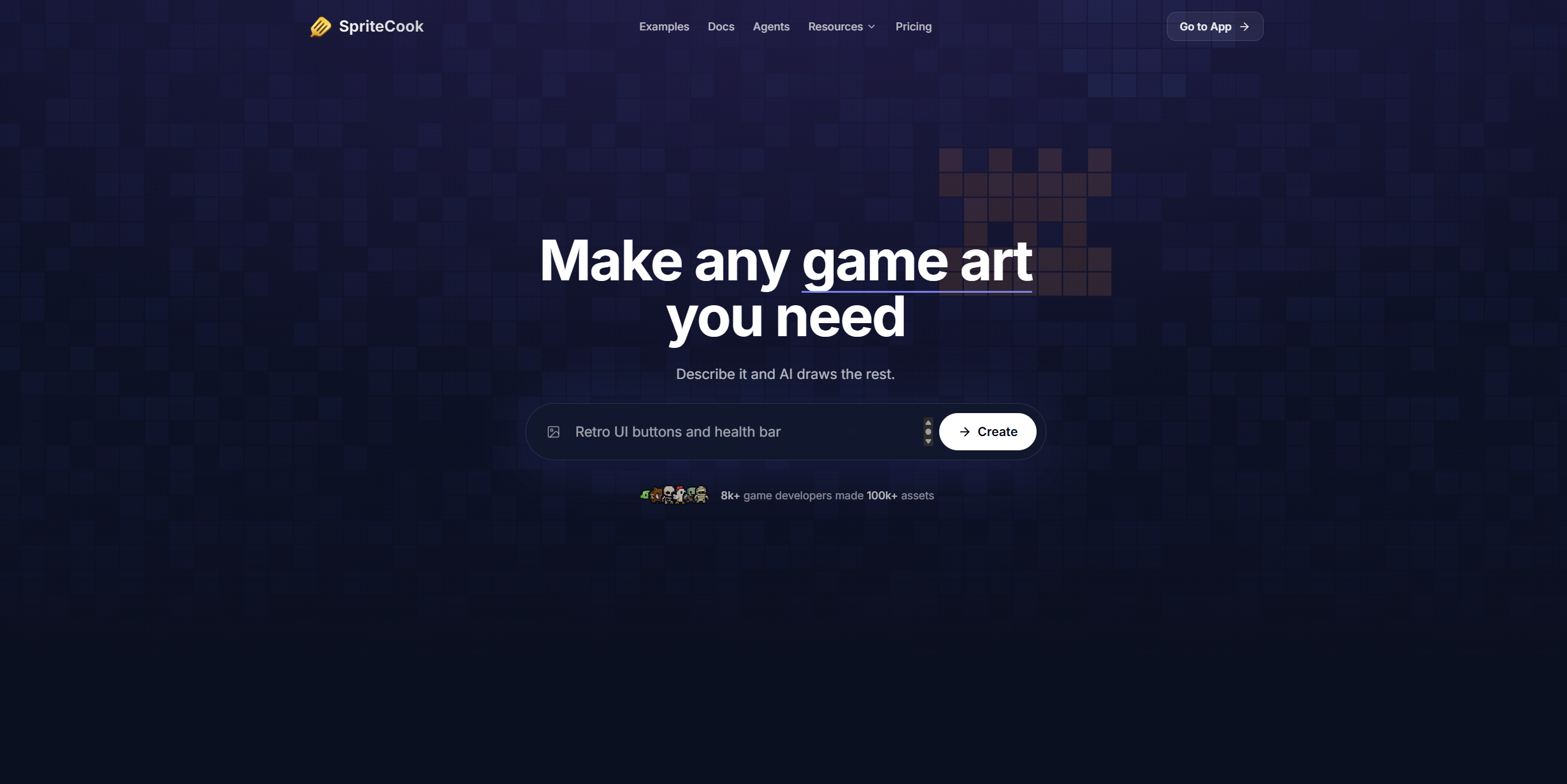
- Ship a full game art style in hours instead of weeks by generating every asset—characters, items, props, and tilesets—from a single text prompt with the AI pixel art generator.
- Keep your 50th sprite visually identical to your first by locking palette, mood, and visual direction once with Style Sets, eliminating style drift across your entire project.
- Drop animated characters directly into Unity, Godot, or Tiled without manual slicing using ready-made export files that preserve idle, walk, attack, and run cycles.
- Explore level layouts instantly without leaving the tool by testing autotile tilesets on the built-in map tester before committing to a final design.
- Generate one-off props on a clean pixel grid that are ready for immediate use in any game engine, removing the need for post-processing or cleanup.
- Produce an entire animated character—complete with idle, walk, run, and attack animations—from a single descriptive prompt, bypassing frame-by-frame animation work.
- Animate any uploaded image—props, scenes, or characters—by simply describing the motion you need, without requiring animation software expertise.
- Create sprites while you code by connecting SpriteCook directly to AI coding agents like Claude Code, Cursor, and VS Code Copilot through the MCP server.
- Own full commercial rights to every sprite you generate, with no licensing fees or attribution required, even for games you sell.
- Start prototyping immediately with 40 free credits every 30 days and no credit card required, scaling to paid plans only when your project demands more.
Pros & Cons
Pros
- Game-ready pixel art
- Detailed HD style option
- Animated sprite sheet creation
- Character creator with animations
- Autotile tileset generation
- Art style consistency
- Clean PNG or sprite sheet output
- Unity, Godot, and Tiled support
- No manual work required
- Commercial use of generated assets
- Free start, no credit card
- Asset pack creation
- Animate any sprite feature
- Texture and prop generation
- Game prototyping support
- Ideal for indie devs
- Great for game jam teams
- Automatic sprite generation while coding
- One-click animation presets
- Creates style sets
- Generates assets from user prompts
- Designed for seamless integration
- Generates animations from static images
- Provides editable PNG files
- Generates both pixel art and detailed 2D
- Supports diverse game engines
- Quick asset generation (under 30 sec)
- Includes free credits for usage
- Consistent art style across assets
- Prompt-based character and object creation
Cons
- Limited to game development
- Dependant on user prompts
- No manual editing options
- May lack unique styles
- Requires specific plugins for coding agents
- No multi-platform compatibility mentioned
- Requires continuous theme setting
Reviews
Rate this tool
Loading reviews...
❓ Frequently Asked Questions
SpriteCook is an AI-enabled tool designed to streamline the creation of pixel art for game developers. It aids in creating characters, items, animated sprite sheets, and ensures consistency in design.
SpriteCook facilitates pixel art creation through key features such as a character creator, animator, and image generator. It produces fully animated characters from a single prompt, can animate any sprite based on user instruction, and create textures, sprite sheets and props.
SpriteCook is compatible with multiple game engines, including but not limited to Unity and Godot.
Key features of SpriteCook include a character creator, an animator, a style set, and an image generator. The tool enables the creation of fully animated characters from one prompt, provides the capability to animate any sprite, ensures all created assets appear consistent, and facilitates the creation of textures, sprite sheets, and props.
SpriteCook's character creator can produce fully animated characters from a single prompt. This feature also has one-click presets for common animation like idle, walk, attack, and run.
The Animator feature in SpriteCook allows users to animate any sprite based on their instructions. It can animate props, characters, and whole scenes.
Yes, SpriteCook offers art consistency. It has a feature called 'style set' that ensures all created assets maintain the same aesthetic, appearing as if rendered by the same artist.
With SpriteCook, one can create characters, items, UI elements, props, backgrounds, and animations. It caters to both pixel art and detailed 2D art.
Yes, SpriteCook can be effectively used for prototype building. It's used by prototype builders looking to develop games quickly without compromising on visual quality.
Yes, SpriteCook does offer a feature for prop creation. It allows the generation of one-off props with real pixel art on a clean grid, making them ready for immediate use.
SpriteCook can integrate effortlessly with your AI agent. It has an MCP server that connects to agents like Claude Code, Cursor, and VS Code Copilot. Your agent can generate sprites alongside your code.
Yes, you can generate one-off props with SpriteCook. It renders real pixel art on a clean grid, making the props ready to use immediately.
The primary users of SpriteCook are solo developers, game jam teams, and prototype builders. It is useful to anyone aiming to develop games quickly and effectively without compromising on visual quality.
Yes, you can create sprite sheets with SpriteCook. Its image generator feature creates textures, sprite sheets, and props.
SpriteCook is suitable for solo developers as it facilitates ease of use in terms of generating game art. It can create a variety of assets including characters, items, and sprite sheets, all while ensuring art consistency.
SpriteCook uses a unique feature known as a 'style set' to ensure all assets look consistent. This system ensures that all created assets appear as if they were rendered by the same artist, helping maintain a uniform style across all game art.
Yes, SpriteCook aids in animation. Its 'Animator' feature provides the capability to animate any sprite based on user instructions. It works on props, characters, and whole scenes.
'Style Set' is a feature in SpriteCook that guarantees consistency across all created assets. It ensures that all assets look like they were made by the same artist, in any style that the user wants.
SpriteCook's image generator creates textures, sprite sheets, and props in real pixel art on a clean grid. This means that all generated game art is ready to use as-is, without needing further modification.
SpriteCook plays a significant role in game jam teams by allowing rapid creation of art assets. Its flexible features allow the teams to develop a full art style in hours, ensuring they meet their deadlines without compromising on visual quality.
SpriteCook utilizes complex AI algorithms to convert text prompts into pixel art. The art can range from character models to items, textures, and full animated sprite sheets. The AI takes the input from the user, interprets their request, and then produces pixel art in the demanded style, maintaining a consistent theme.
With SpriteCook, you can create a diversified range of game assets. These include pixel art characters, items, animated sprite sheets, and textures. SpriteCook's unique Character Creator allows you to define animations for characters, such as idle, walk, attack and run cycles. The Tileset mode generates complete autotile tilesets for comprehensive map creation. Furthermore, you can create asset packs that maintain visual consistency throughout.
SpriteCook's 'Animator' feature allows you to animate any sprite. To utilize this feature, simply input the animation you need to implement on an image. This feature is extremely versatile and can be used for props, characters, and complete scenes, as per your requirements.
Yes, SpriteCook does offer a Tileset mode. This mode is used to generate complete autotile tilesets that can be used to cleanly paint in any tilemap. This feature greatly assists game developers in creating complex and aesthetically pleasing game environments.
SpriteCook supports the PNG and sprite sheet file formats. These formats can seamlessly function with any game engine, thus providing a smooth workflow for game developers. Unity, Godot, and Tiled also receive ready-made files for effortless import.
Yes, SpriteCook is highly compatible with popular game engines such as Unity and Godot. It provides specially formatted files for Unity, Godot, and Tiled for smooth and easy importing. SpriteCook's generated files can manifest in any engine, thus making it a versatile asset creation tool.
SpriteCook maintains art style consistency through the incorporation of 'Style Sets'. A style set allows you to lock in a style after it has been set once. This means that, regardless of when you create a sprite, there is an ensured consistency. Each sprite, from the first to the fiftieth, will match each other in terms of style, palette, and mood.
SpriteCook can be a pivotal asset for game prototyping as it offers rapid generation of pixel art assets. These include animated characters, props, and complete tilesets. The art style can be easily unified thus providing a consistent visual direction for the prototype. This facilitates the testing of game mechanics with suitable visual aids and pitches with authentic and cohesive aesthetics.
There are several advantages of using SpriteCook for indie game development. Firstly, it allows developers to quickly create game-ready pixel art assets, including characters, items, animated sprite sheets, and props. The styles can be kept consistent through 'Style Sets'. Additionally, it allows developers to animate any sprite based on the described requirements. Furthermore, every output from SpriteCook can be used free of charge and commercially, reducing the need for dedicated art resources. SpriteCook also works well with popular game engines like Unity and Godot, streamlining the development process.
SpriteCook's 'Animate Any Sprite Feature' is a flexible tool that allows users to animate any uploaded image. All you need is to describe the animation you desire on the image. This feature is not restricted to characters and can be leveraged for props and whole scenes.
Yes, SpriteCook can be used within AI coding agents. It provides a plugin that can be installed for AI coding agents like Claude Code, Codex, Cursor, and OpenCode. This unique feature allows SpriteCook to create sprites whilst game coding is in progress, thus streamlining the game development pipeline.
Installing SpriteCook's plugin within AI coding agents is a fairly straightforward process. SpriteCook provides an installation command that can be executed in your terminal. The command to install SpriteCook is $ bash -c "$(curl -fsSL https://spritecook.ai/install.sh)". The plugin works with multiple AI agents, including but not limited to: Cursor, Codex, Claude, and OpenCode.
Yes, SpriteCook offers a free usage tier. Users receive 40 free credits every 30 days, with no credit card required. If you require more, there are paid plans available.
Yes, you own the rights to all the sprites created with SpriteCook. Everything you produce with SpriteCook can be used for commercial purposes, even in games you sell.
SpriteCook provides users with several resources and support channels. There are comprehensive API documents and free tools listed on their website. These facilitate the effective integration and utilization of SpriteCook. Users also have access to a 'Resources Blog' for additional assistance. Furthermore, there's an active Discord community where game developers can share tips, prompts and showcase games built with SpriteCook.
SpriteCook provides ready-made files for game engines like Unity, Godot, and Tiled. These files can be directly imported into your game with no need for slicing or manual work. This simplifies the task of importing fully animated sprites or tilesets into game engines, thus saving significant development time.
SpriteCook's 'Style Sets' feature ensures consistency in the art style throughout your asset creation process. You set a theme once, and the system locks it in to ensure all subsequent assets, including your 50th sprite, match the original style.
Yes, SpriteCook has a feature to generate props automatically. The Image Generator tool under SpriteCook is programmed to generate all items your game might require. It includes one-off props which are delivered as clean, usable pixel art, ready for immediate use in game development.
SpriteCook provides a feature known as 'Style Sets' to ensure the assets you generate match your game's style. With this feature, you can lock in definite mood, palette, and visual direction after setting it once. Every asset generated afterwards will faithfully adhere to the set theme. This allows for consistent visual branding throughout the asset creation process.
Pricing
Pricing model
Freemium
Paid options from
$8/month
Billing frequency
Monthly
Refund policy
Refunds for billing errors and technical issues, per our policy.
Related Videos
How to create start-end frame animation in SpriteCook
SpriteCook•111 views•Apr 13, 2026