

Overview
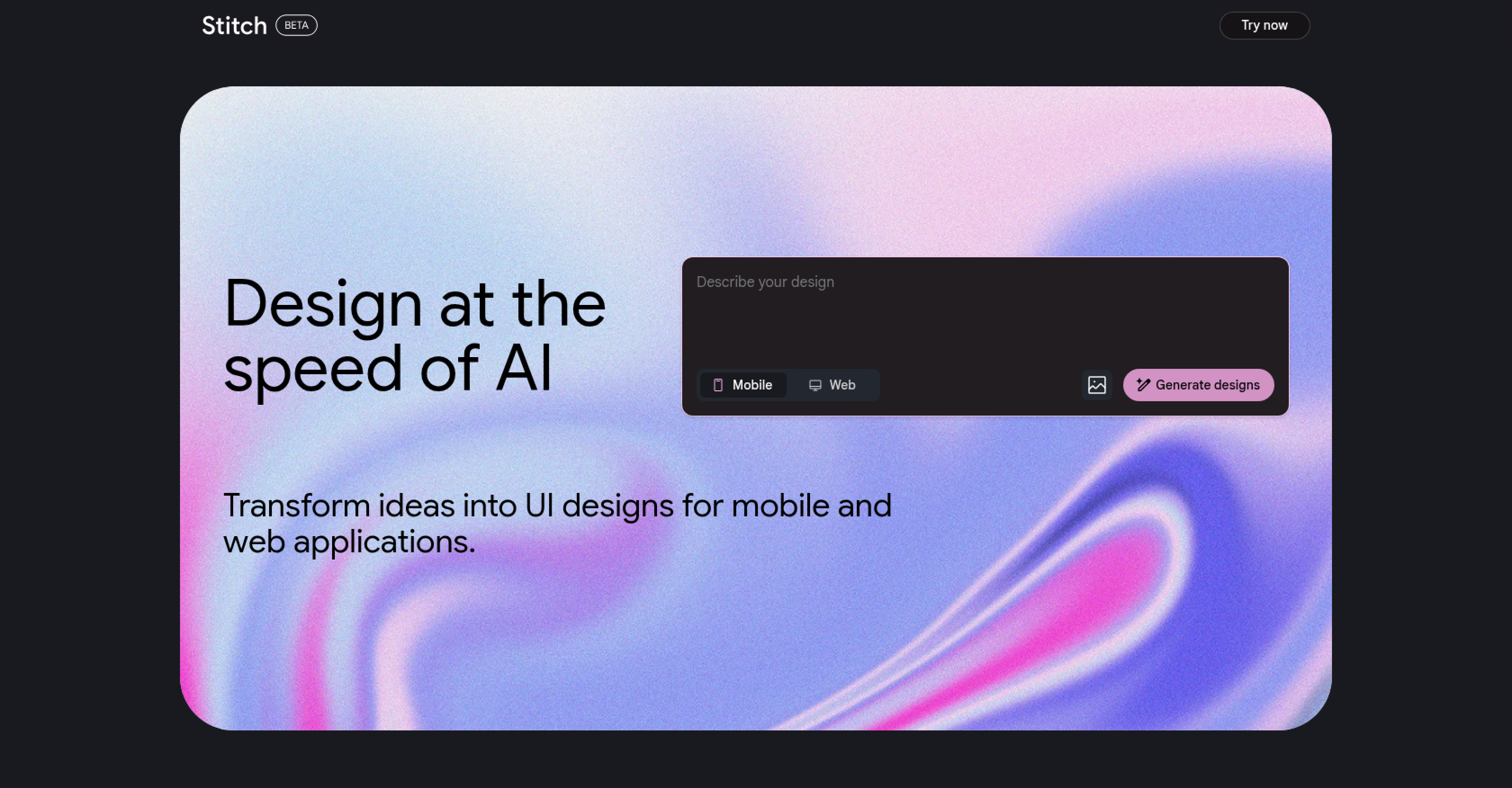
- Transform your ideas into complete UI designs in seconds instead of hours using AI-powered generation
- Quickly test multiple design concepts during early project stages to find the best direction faster
- Create professional-looking interfaces without design experience, making UI creation accessible to beginners and small teams
- Generate designs that serve as customizable starting points, saving professionals time on initial sketches and drafts
- Develop functional and user-friendly interfaces tailored to your specific project requirements and goals
Pros & Cons
Pros
- Rapid UI design production
- anticipates user demands
- Generates visually appealing designs
- Functionally user-friendly designs
- Facilitates design customization
- Ideal for initial project stages
- Frees up UI/UX designers
- No deep design knowledge required
- Beginner-friendly tool
- Efficient for small teams
- Helpful for professional designers
- Fast initial sketch creation
- Allows for refinement optimization
- Can be used for web applications
- Can be used for mobile applications
- Good for rapid prototyping
- Contributes to development efficiency
- Assists in design simplification
- Facilitates project acceleration
- Useful for ideation stage
- App design automation
Cons
- Limited to UI design
- No full replacement of professionals
- Potential over-reliance on automation
- May lack design diversity
- Little information on technical specifications
- Over-simplifies design process
- No support for in-depth customization
- Doesn't prioritize design principles
- Not suitable for complex projects
- Lacks integration with other tools
Reviews
Rate this tool
Loading reviews...
❓ Frequently Asked Questions
Stitch is an artificial intelligence tool that simplifies and automates the process of designing user interfaces (UIs) for mobile and web applications.
Stitch applies AI algorithms and machine learning to anticipate user needs, thereby generating UI designs based on user input.
Yes, Stitch can be utilized by beginners without a profound understanding of design principles. It provides an approachable pathway for individuals and small teams without dedicated UI/UX experts.
Stitch operates by generating UI designs based on the user's input. However, the specific nature of this input is not detailed on their website.
Stitch assists professionals by automating the creation of initial sketches and drafts which allows more time for optimization and refinement. Consequently, this makes the design process more efficient.
Stitch can be used to design user interfaces for a broad array of mobile and web applications.
Stitch's primary strength is its ability to rapidly produce UI designs, underscoring its suitability in the fast-paced environment of application development.
While Stitch does facilitate the creation of initial design drafts, it’s the design team that personalizes the UI to meet specific user needs. Stitch's designs function as the starting point for further customization and refinement.
The ideation stage of design is the initial phase where different ideas are generated and tested. Stitch expedites this stage by creating UI design options quickly.
Stitch's generated designs function as a launchpad for the design team, providing a base for further customization and refinement, thereby assisting the design team in shaping an original UI.
Using Stitch offers significant automation in the design process. It rapidly generates UI designs based on user input, thus relieving some of the workload from designers. However, it doesn't entirely eliminate the necessity for manual input, particularly for customization and refinement.
No, while Stitch can assist by automating a portion of the workload, it does not completely negate the need for skilled UI/UX designers.
Stitch provides designs that are functional, visually appealing, and user-friendly.
The primary strength of the Stitch tool lies in its ability to quickly produce UI designs.
Yes, Stitch is particularly useful during the early stages of a project when various ideas are being tested and evaluated.
No, Stitch is not solely for creating initial sketches and drafts; professionals can also use it for optimization and refinement.
Yes, professionals can utilize Stitch as a tool for creating initial sketches and drafts in a fraction of the time, affording more room for optimization and refinement.
Yes, Stitch has the capacity to assist in creating application interfaces tailored to specific project goals.
Stitch quickly generates design options, thus facilitating the testing and evaluation of different design ideas during the early stages of a project.
Stitch enhances development efficiency by automating part of the UI design process, thereby freeing up time that developers can allocate to customization, refinement, or other parts of the application development process.
Pricing
Pricing model
No Pricing
Related Videos
Google Stitch AI | Create Professional UI Design in just 30 seconds
Make It 10x with AI•4.2K views•Jun 21, 2025


