

Stockphotos Upscaler
Overview
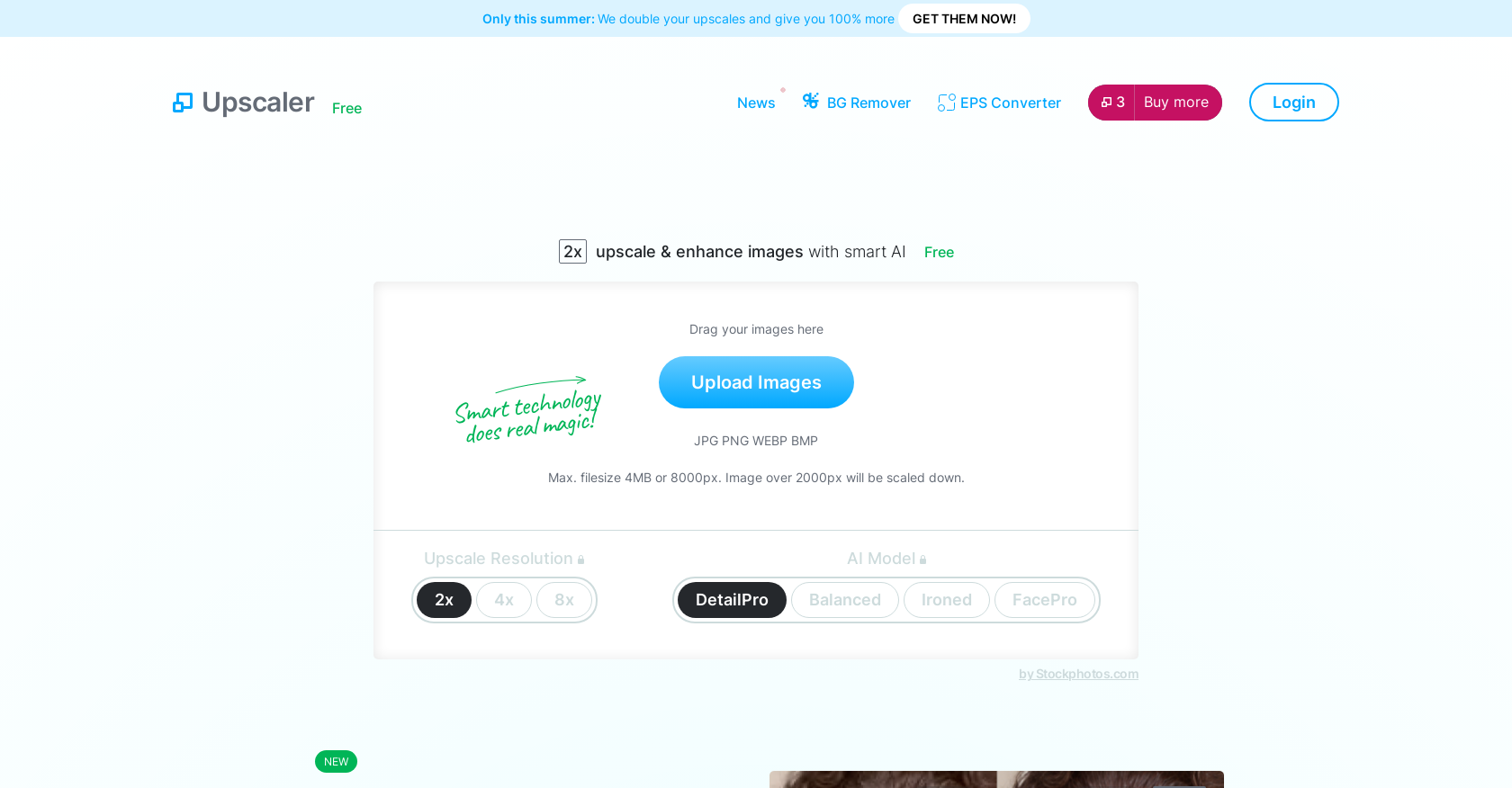
- Transform low-resolution images into crisp, high-quality photos ready for professional printing and archiving using AI upscaling up to 8x
- Rescue blurry or pixelated photos by intelligently reconstructing missing details and sharpening edges without artificial artifacts
- Perfect facial features in portraits with specialized FacePro technology that analyzes and enhances facial structures with precision
- Choose the optimal enhancement for any image type with dedicated AI models for detailed illustrations, balanced general photos, or pet portraits
- Process images in seconds rather than hours with instant online upscaling that requires no software installation or technical skills
- Enlarge images for any purpose while maintaining perfect sharpness and clarity, eliminating the pixelation typical of traditional resizing methods
Pros & Cons
Pros
- Free online software
- Enhances image resolution
- Supports 2x, 4x, 8x upscaling
- Designed for detail enhancement
- Prevents pixelation and loss of detail
- Transforms poor quality images
- Fast upscaling process
- Maintains image quality and sharpness
- Useful for prints and archives
- Option for face-specific upscaling
- Handles any image type
- Training on millions of photos
- Improves both personal and professional photos
- Seamlessly upscales nature and structures
- Comes with several features
- Balances sharpness in detailed illustrations
- Supports larger file size
- Eliminates blurry details
Cons
- Supports specific formats only
- Limited upscaling options
- Poor quality image limitations
- Potential loss of details
- No offline usage
- Quality may vary by picture
- Max 4MB or 8000px limit
- Limited Privacy due to cookies
Reviews
Rate this tool
Loading reviews...
❓ Frequently Asked Questions
The AI Image Upscaler provided by Stockphotos.com is an online software designed to enlarge images and photos without compromising their quality. It leverages AI technology for upscaling.
The AI Image Upscaler enhances and upscales images. It increases the resolution by factors of 2x, 4x, and 8x, while preserving details and quality. Also, it offers several AI models for different upscaling needs.
The AI Image Upscaler maintains image quality by using AI technology to intelligently fill in details during the upscaling process, ensuring that the images retain their sharpness and do not get pixelated or lose detail.
The AI Image Upscaler supports upscaling resolution by factors of 2x, 4x, and 8x.
Different AI models available with the AI Image Upscaler include DetailPro, Balanced, Ironed, and FacePro. These models are tailored for specific purposes such as enhancing details in faces and pets or preserving sharpness in detailed illustrations.
The DetailPro model in the AI Image Upscaler is designed to enhance details in the images. It is particularly useful for preserving sharpness in detailed illustrations.
The AI Image Upscaler is useful for users who need higher-resolution images for prints, archives, or in any situation where a better quality photo is required. It can transform even poor quality images into clear and lifelike representations in just a matter of seconds.
Yes, the AI Image Upscaler can handle poor quality images. It is equipped to transform them into clear and lifelike representations.
The upscaling process in the AI Image Upscaler is swift. It takes just a matter of seconds to produce the desired results.
Yes, the AI Image Upscaler is suitable for both personal and professional use. It can deliver high-resolution images required in various professional avenues like printing, digital art, website design, etc.
The basic version of the AI Image Upscaler provided by Stockphotos.com is free. The premium features might require a subscription.
The AI technology in the Upscaler works by analyzing the image, understanding its detail and structure, and then adding in extra pixels with appropriate colors and gradients to enhance and enlarge the image while maintaining its quality.
No, the AI Image Upscaler guarantees that there will be no pixelation or loss of detail in the upscaled images.
Yes, the AI Image Upscaler is an exclusively online software provided by Stockphotos.com.
The AI Image Upscaler has a maximum file size limit of 4MB or 8000px. Images over 2000px will be scaled down.
The AI Image Upscaler supports various image formats including JPG, PNG, WEBP, BMP. It can process images ranging from faces and pets to detailed illustrations.
FacePro is a AI technology used in the AI Image Upscaler that reconstructs faces with unmatched detail and accuracy. It is particularly helpful in processing poor quality images with faces.
Yes, currently, Stockphotos.com is offering a summer deal that doubles your upscales and gives you 100% more.
The Balanced AI model in the AI Image Upscaler offers a balanced approach to upscaling, providing good results for a variety of image types, making it a versatile choice for different image content.
The AI Image Upscaler, particularly the FacePro technology, reconstructs faces in poor quality images by analyzing the facial features and context, and intelligently filling in the missing details, transforming them into clear, lifelike representations.
Pricing
Pricing model
Freemium
Paid options from
$7
Billing frequency
One-time


