

Summary Box
Overview
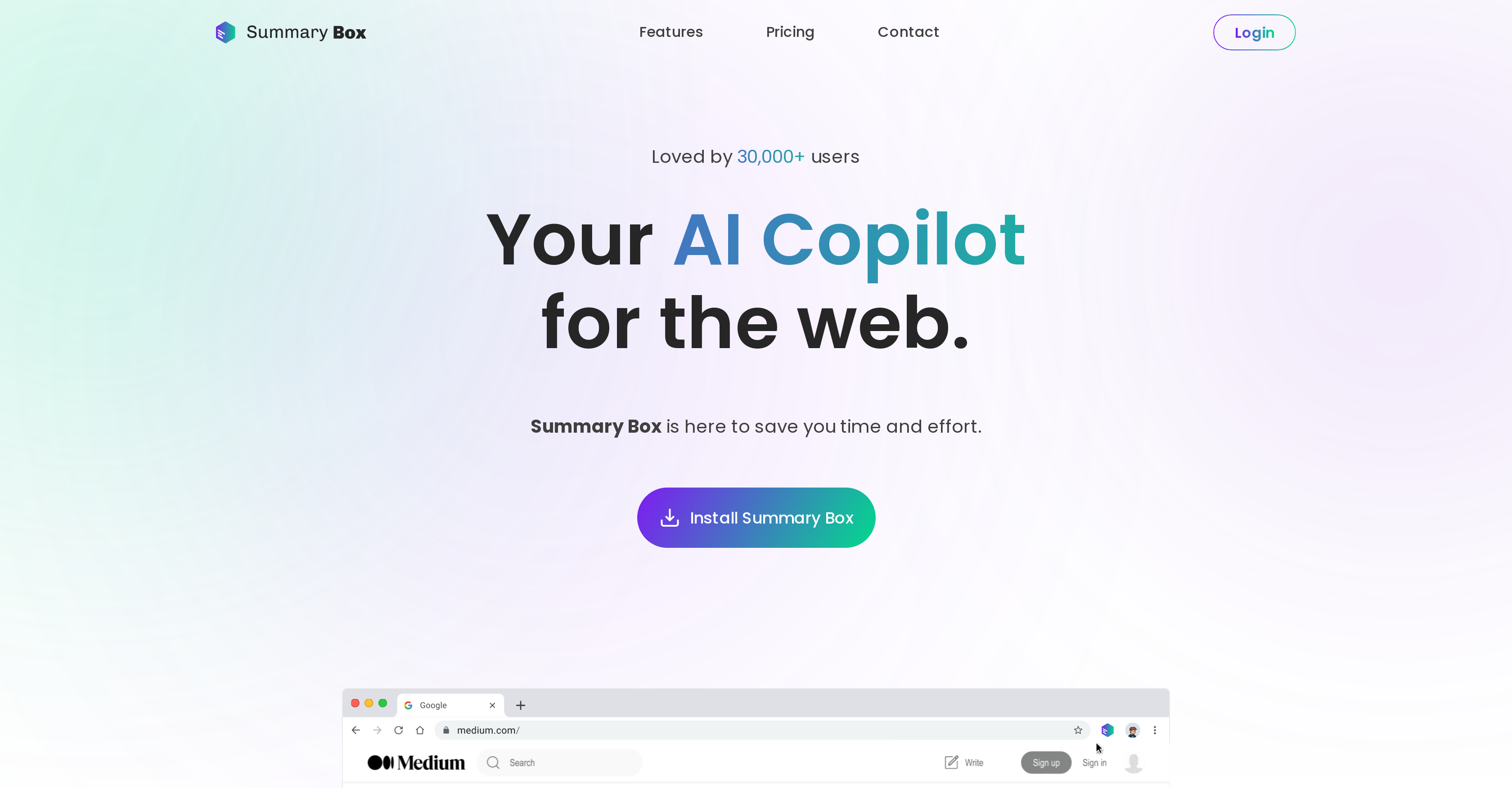
- Grasp key points from any article in seconds with one-click AI summarization that works across all websites
- Generate perfectly-toned content that matches your unique writing style with personalized AI that learns your preferences
- Summarize YouTube videos without watching them entirely using video content analysis
- Extract key information from lengthy PDFs and documents through direct upload and AI-powered analysis
- Ask questions directly about any webpage content for instant answers without leaving the page
- Customize summary length to get exactly the detail level you need with adjustable condensation controls
- Track exactly how much time you save on research and reading with visual time-saved analytics
- Create drafts and content faster with AI writing assistance integrated into your browsing workflow
Pros & Cons
Pros
- Abstractive summaries
- Summarizes Youtube videos
- Summarizes PDFs
- Summarizes Google Docs
- Time-saved tracker
- Summary length slider
- Bookmarking feature
- Test questions feature
- Free Chrome extension
- Interactive learning ability
- Multiplatform integration
- Personalized user experience
- Generates error-free content
- Accessible on any site
- Answers directly on webpages
- Compatible with different file types
- Creates shorter summaries
- Evolves with user
- Web article transformation
- Quick comprehension
- Writing style adaptation
- Integrated with Google Search
- Gmail writing assistant
- Paraphraser feature
- Max 40-page PDF summarizing
- Up-to 30k words writing
- Document upload for chat
- Understands user preferences
- Web interaction transformation
- Unlimited requests with premium
- Webpage chat feature
- Saves time
- Integrated with popular platforms
- Easily summarizable content
Cons
- Only available as Chrome extension
- No mobile app support
- Does not support real-time collaboration
- Requires premium for full features
- 5-days free version limited
- Maximum PDF summarization limit
- Limited document upload feature
- No offline features
Reviews
Rate this tool
Loading reviews...
❓ Frequently Asked Questions
Summary Box is an artificial intelligence (AI) tool that helps users create summaries of articles and texts, summarize Youtube videos, PDFs, Google Docs and generates content. The tool is designed to enhance user productivity on the web by providing intelligent assistance in numerous web interactions.
Summary Box uses state-of-the-art AI to understand the information in the articles and write summaries in its own words. It detects when an article is being viewed and indicates when it is possible to summarize.
Yes, Summary Box can summarize content beyond articles. Its capabilities also include summarizing YouTube videos, PDFs, and Google Docs.
Summary Box leverages generative AI technology that can draft content, answer questions, and offer intelligent assistance during web interactions. The AI can learn user's preferences, writing style, and interests and thus offer assistance in line with these learned parameters.
The premium subscription in Summary Box provides users with additional features like the ability to ask unlimited queries, a summary length slider, bookmarks, and test questions features. It also includes a time-saved tracker, ensuring the user is aware of the time they have saved through the tool.
The time-saved tracker feature in Summary Box keeps track of the articles users have summarized. This provides a visual representation of the time a user has saved through the tool.
The summary length slider feature in Summary Box allows premium subscribers to customize the length of their summaries. This feature allows users to determine how condensed their summarization should be.
Yes, users can summarize YouTube videos with Summary Box. The feature is a part of the advanced capabilities of the tool.
Yes, users can upload and summarize PDF documents with Summary Box. The tool provides a platform to upload PDFs and uses AI to generate concise and comprehensive summaries.
Yes, there is a Chrome extension available for Summary Box, allowing users to readily access the features of the service from their browser.
Summary Box integrates seamlessly with popular platforms, allowing users to summarize content on any website. The tool delivers its features through a browser extension, making it accessible on any webpages.
Summary Box enhances productivity on the web by streamlining content consumption. It generates summaries for articles, videos, PDFs, and Google Docs, allowing users to quickly grasp key points, thus saving time. The generative AI assists in web interactions, drafting content, answering questions, leading to increased efficiency.
Yes, Summary Box houses an AI-powered writer that helps users to create compelling and error-free content. It understands the user's writing style, preference and interest for a tailored writing experience.
Summary Box tailors its service based on its understanding of a user's preferences, writing style, and interests. The AI gets more personalized as it gathers more data from the user's interaction with the tool, thereby enhancing user experience over time.
Yes, with Summary Box, it is possible to ask direct questions on various websites. The tool is integrated into the browser and can thus interact with content on a variety of websites.
Summary Box does offer features for interactive learning. By uploading documents to the tool's dashboard, users can engage in AI-driven discussions, dive deeper into their learning materials and get a personalized, interactive learning experience.
Summary Box can be used to draft content based on the user's preferences, interests, and writing style. Its advanced generative AI capability includes creating draft content and intelligent assistance during web interactions.
The premium pricing plan in Summary Box has a host of advanced features including unlimited requests, a summary length slider, a maximum of 40-page PDF summarization, 30k word max writing assistance, webpage chat, and integration with Google Search and Gmail.
Yes, Summary Box provides a free trial for the first 5 days. This free version allows users to get acquainted with the core functionalities of the tool, including chat, summarization, and writing capabilities.
Yes, you can use Summary Box as a writing assistant. The AI-powered writer can create compelling, error-free content following your chosen tone and style.
Pricing
Pricing model
Paid
Paid options from
$4/month
Billing frequency
Monthly
Related Videos
Summarizing lengthy topics chrome extension called summary Box ,check Description #shorts #study
LittleSane•1.6K views•Jan 25, 2023


