
Overview
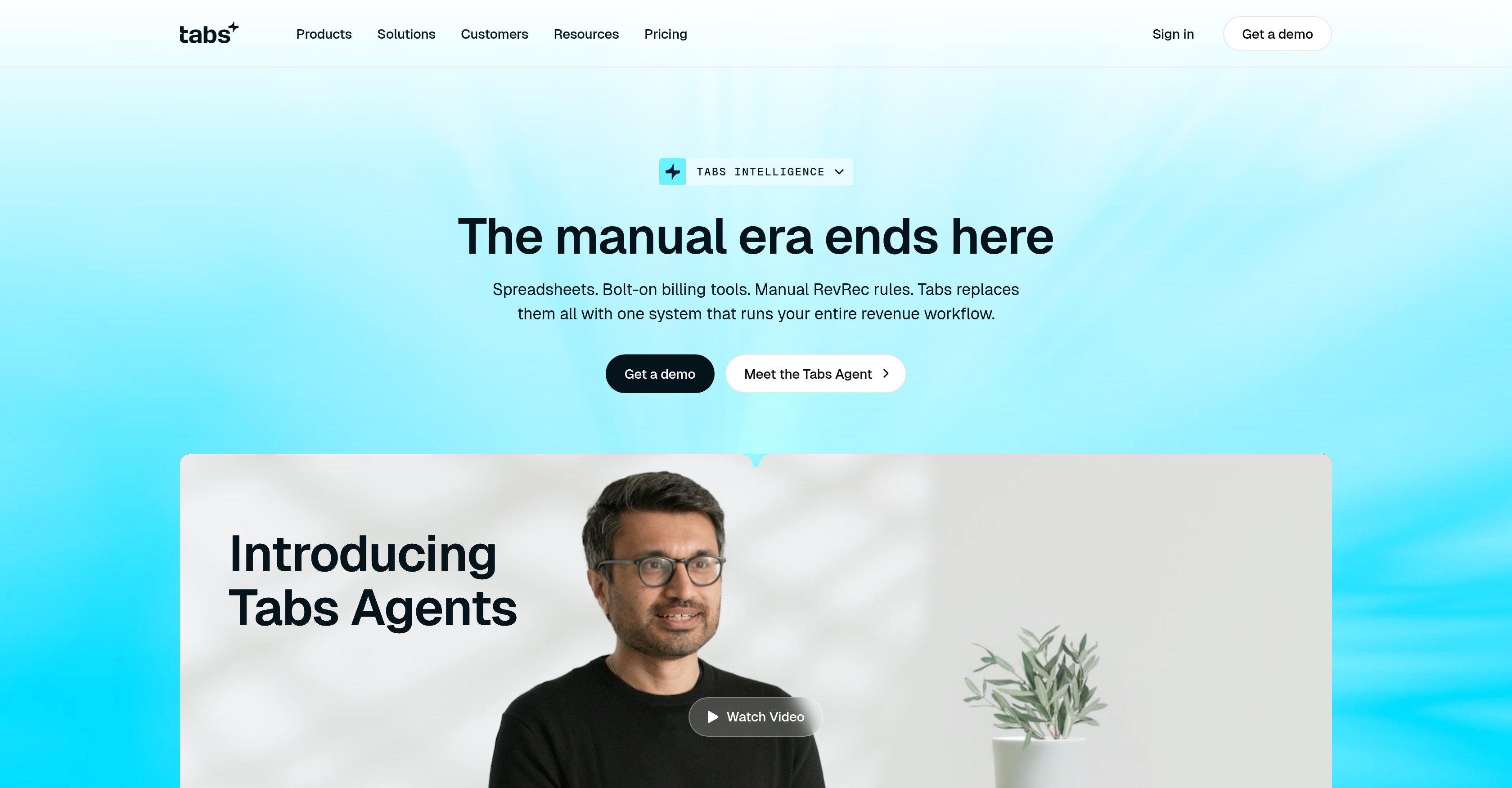
- Eliminate manual spreadsheets and bolt-on billing tools by unifying revenue recognition, invoicing, and reconciliation into a single automated system
- Replace custom mapping and manual setup with AI agents that learn directly from your contracts, CRM, and payment platforms
- Close the books faster and error-free with AI agents that handle invoice preparation, cash application, and reconciliation accurately and on time
- Gain real-time visibility into Annual Recurring Revenue (ARR) and renewal clauses through a Commercial Graph that merges billing terms and customer activity
- Maintain tight control over sensitive financial operations with built-in safety controls and integrations designed to prevent errors
Pros & Cons
Pros
- Automates revenue workflow
- Integrates with CRM
- Ingests payment platforms data
- Learns from client contracts
- No custom mapping required
- No manual setup required
- Creates Commercial Graph
- Unifies billing terms
- Analyzes Annual Recurring Revenue
- Interprets renewal clauses
- Records customer activity
- Background operating agents
- Accurate and fast tasks
- Handles critical financial tasks
- Prepares invoices automatically
- Applies cash payments
- Manages revenue recognition
- Performs reconciliations
- Generates invoices promptly
- Handles collections process
- Prevents errors in integrations
- Improves financial control
- Audit-ready accuracy
- Automates collections
- Stay compliant in recognition
- Unified revenue data
- Supports mixed billing models
- Automates end-to-end billing
- Secure financial operations
- One-click approval functions
- Slack and email workflows
- Flags exceptions only
- Automates invoice generation
- Eliminates manual work
- Safe and secure tool
- Automates usage calculations
- Saves finance team's time
- Efficiency in revenue scale
- Automates contract ingestion
- Creates customer profiles
- Provides accurate financial actions
Cons
- No multi-language support
- Limited third-party integrations
- Requires extensive data inputs
- May not support all billing models
- Specific to finance industry
- Doesn't support offline usage
- Complex setup for new contracts
- No role-based access control
- Invisible operating agents
- No predictive analytics
Reviews
Rate this tool
Loading reviews...
❓ Frequently Asked Questions
Tabs AI is a finance-focused Artificial Intelligence tool.
Tabs AI's purpose lies in automating revenue work processes, replacing manual processes and systems with a singular, streamlined revenue management system.
Tabs AI automates manual processes involving spreadsheets, bolt-on billing tools, revenue recognition rules, and more. It takes care of invoice preparation, cash application, revenue recognition, and reconciliations.
Tabs AI improves manual processes by implementing an automated system capable of understanding clients' contracts, CRM, and payment platforms. This eliminates errors, reduces time consumption, and removes the requirement for custom mapping or manual setup.
Tabs AI learns from the clients' contracts, CRM, and payment platforms.
Yes, Tabs AI eliminates the need for custom mapping or manual setup.
The Commercial Graph in Tabs AI merges billing terms, Annual Recurring Revenue (ARR), renewal clauses, and customer activity into a unified system.
The Tabs AI agents handle tasks like invoice preparation, cash application, revenue recognition, and reconciliation.
The AI agents of Tabs AI are capable of doing manual work accurately, quickly, and on time.
Yes, Tabs AI can generate invoices.
Yes, Tabs AI can perform collections and reconciliations.
Tabs AI offers integrations designed to save time and avoid errors in the finance process.
Tabs AI provides a degree of safety and control over sensitive financial operations for its users.
Tabs AI manages Annual Recurring Revenue (ARR) by ingesting and understanding terms from clients' contracts and merging them into a Commercial Graph.
Tabs AI handles renewal clauses by understanding them from the client contracts and integrating them seamlessly into the revenue workflow using its Commercial Graph.
Tabs AI interacts with customer activity by incorporating it into the Commercial Graph, allowing for a more comprehensive understanding of the revenue ecosystem.
Yes, Tabs AI assists with effective management of cash flows including tasks like invoice preparation, revenue recognition, and reconciliation.
Tabs AI improves operation efficiency by automating various manual processes, enabling quick and error-free execution of tasks, and streamlining the entire revenue workflow.
Yes, Tabs AI can automate revenue work from contracts.
Yes, Tabs AI does help with financial control by providing safety and control over sensitive financial operations.
Pricing
Pricing model
Paid
Paid options from
$2,000/month
Billing frequency
Monthly