Overview
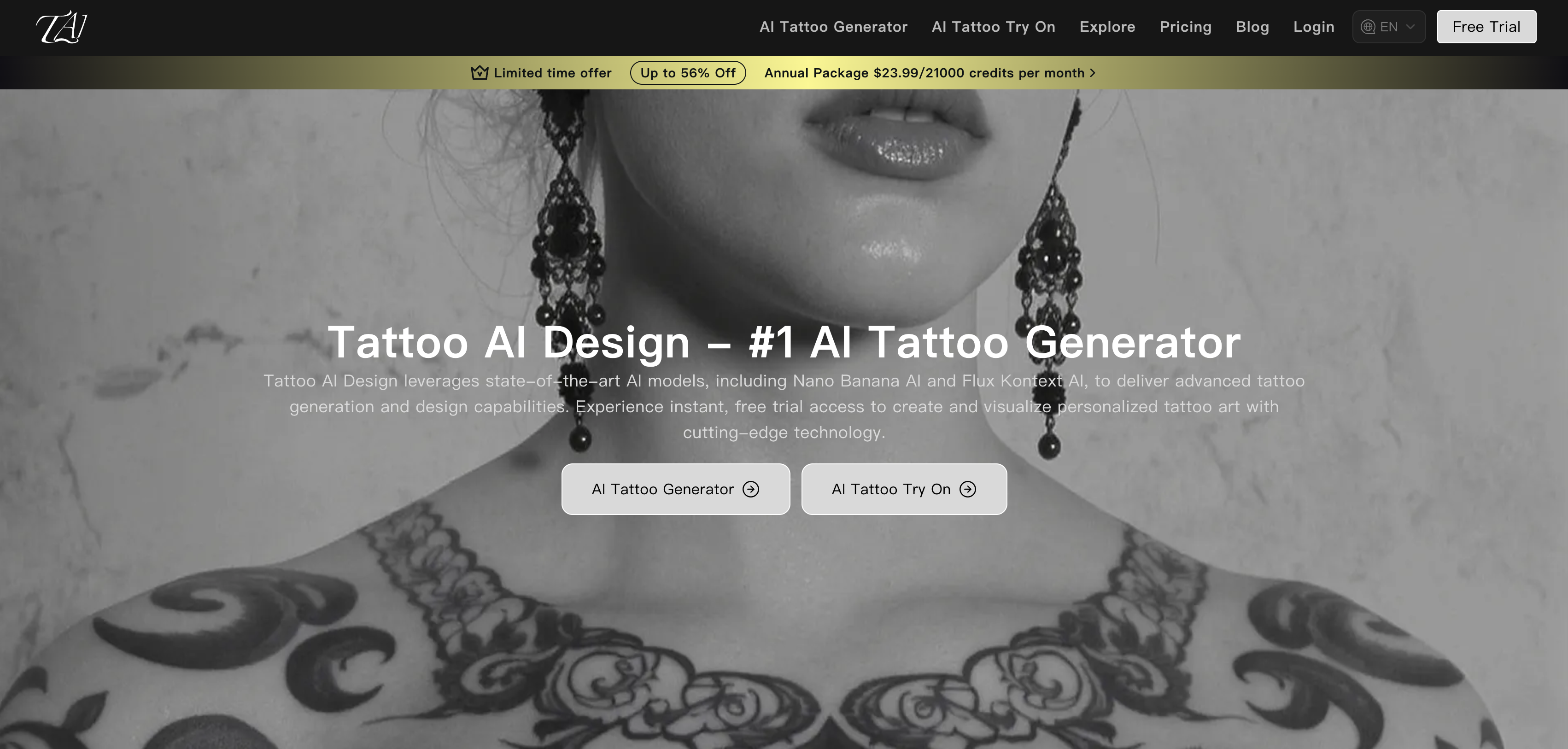
- See exactly how a tattoo will look on your skin before committing, using realistic simulation powered by precise body part recognition and skin tone matching.
- Confidently choose the perfect design by quickly comparing multiple styles and placements on your own photo with swift design switching.
- Visualize custom or AI-generated tattoo ideas from keywords on your body's unique contours, thanks to automatic angle adjustment and pattern mapping.
- Make informed decisions with zero risk by testing color modifications and pattern replacements in a natural-looking, free preview.
- Present design concepts clearly to clients by demonstrating pattern effects on their photos, streamlining the consultation process for professionals.
Pros & Cons
Pros
- Free usage
- Realistic tattoo simulation
- Diverse pattern selection
- Upload custom designs
- Generates designs from keywords
- Adapts designs to body curves
- Precise body part recognition
- Auto angle adjustment
- Skin tone matching
- Flexible adjustments
- Color adjustment
- Pattern replacement
- Quick design switching
- Offers low risk trials
- Useful for personal trials
- Useful for professional presentations
- Intuitive tattoo effect display
- Simple operation process
- Broad choice of designs
- Suitable for tattoo professionals
- Aids in decision making
- Upload image prompts
- Tailors to different users
- Many input methods
- Auto-detection of body parts
- Suitable for style comparison
- Supports multiple orientations
- Enhances client presentations
- Reduces regret risk
- Easy to upload photos
- Fast switching between styles
- Easy design positioning and previewing
- Supports user-generated designs
- Supports commercial use of images
- Detailed FAQ section
- Multilingual support
- Multiple resolution options
- Generate from Public Templates
- Individual User friendly
- Multi-Scene Compatibility
- Virtual Tattoo Try On Simulator
- Easy Tattoo Position & Preview
Cons
- Limited to certain body parts
- May inaccurately recognize skin tone
- Relies on quality user photo
- Inflexible angle adjustments
- Doesnt support 3D visualization
- Potential misinterpretation of custom designs
- No in-app editing features
- No multi-tattoo display
- No offline mode
- Limited design input methods
Reviews
Rate this tool
Loading reviews...
❓ Frequently Asked Questions
AI Tattoo Try On is a high-tech tool designed to simulate the application of tattoo designs onto photographs of the user's body. Its objective is to help users visualize tattoo concepts in a realistic format before getting inked, thus providing users with a low-risk trial before actual tattooing.
AI Tattoo Try On works by using cutting-edge image recognition and pattern mapping tech. It allows users to select patterns from a gallery, upload customs designs, or generate designs from keywords. The tool automatically tailors designs to fit body curves, matching skin tone, and adjusting angles for a natural simulation.
AI Tattoo Try On utilizes advanced image recognition technology, pattern mapping technology, precise body part recognition, auto angle adjustment, and skin tone matching to simulate tattoos on body photos.
Yes, AI Tattoo Try On supports diverse pattern selection and upload methods, allowing users to upload their custom designs.
AI Tattoo Try On adjusts tattoo designs to fit body curves by using precise body part recognition and auto angle adjustment technology. This ensures that the tattoos follow the natural contours and angles of the user's body.
The body part recognition feature in AI Tattoo Try On is particularly precise. It plays a pivotal role in adapting tattoo designs to fit body curves, contributing to the tool’s capacity to generate natural-looking simulation results.
In AI Tattoo Try On, flexible adjustments can be made to tattoo designs. These adjustments include color modification, pattern replacement, and quick design switching.
Yes, AI Tattoo Try On is indeed useful for professional tattoo artists. It enables them to demonstrate pattern effects to clients and compare different styles swiftly.
Yes, AI Tattoo Try On has a broad selection of base tattoo designs. Users can select from a comprehensive gallery, upload custom designs, or even generate patterns based on keywords.
AI Tattoo Try On is capable of simulating tattoos on various body parts. Users can select where to place the tattoo by uploading a clear photo of the desired area.
The process for using AI Tattoo Try On involves uploading your photo, then uploading your tattoo design or choosing one from the gallery. You then position the tattoo to see how it would realistically appear on your body.
Yes, keyword-generation for designs is a feature of AI Tattoo Try On. It allows users to generate unique tattoo designs from specific keywords.
AI Tattoo Try On assists users in making well-informed decisions by providing realistic simulations of the tattoo on their bodies. By seeing the tattoo's actual appearance against their skin tone and body shape, users can make decisions with greater confidence and reduced risk.
AI Tattoo Try On uses advanced software to match skin tone in its simulations. This helps ensure the simulation results are as natural-looking and realistic as possible.
Yes, AI Tattoo Try On provides the functionality for swift comparison of multiple tattoos. This feature allows users to compare different styles quickly and efficiently.
Yes, AI Tattoo Try On willingly allows for color adjustments in tattoo designs. It's equipped with versatile color adjustment settings that offer a multi-dimensional way of modifying the tattoo.
Switching between different designs in AI Tattoo Try On is a seamless process. The software is constructed for efficient design switching, assisting users in effortlessly exploring and evaluating different styles.
Yes, AI Tattoo Try On is a free tool. It provides users with the ability to visualize their tattoo concepts in a realistic format before tattooing, completely free of charge.
It is currently not mentioned on the website whether images created by AI Tattoo Try On can be used commercially.
Yes, AI Tattoo Try On provides a realistic visual experience. The tool marries advanced imaging technologies with precise body part recognition, auto angle adjustment, and skin tone matching to deliver lifelike results.
Pricing
Pricing model
Freemium
Paid options from
$7.99/month
Billing frequency
Monthly
Refund policy
Users can request refunds within 3 days of purchase if usage is below 10 designs, 5 try-ons, and 3 style variations. Refunds are reduced by used credits and fees.