TeamsMaestro - Free AI Meeting Note Taker
Overview
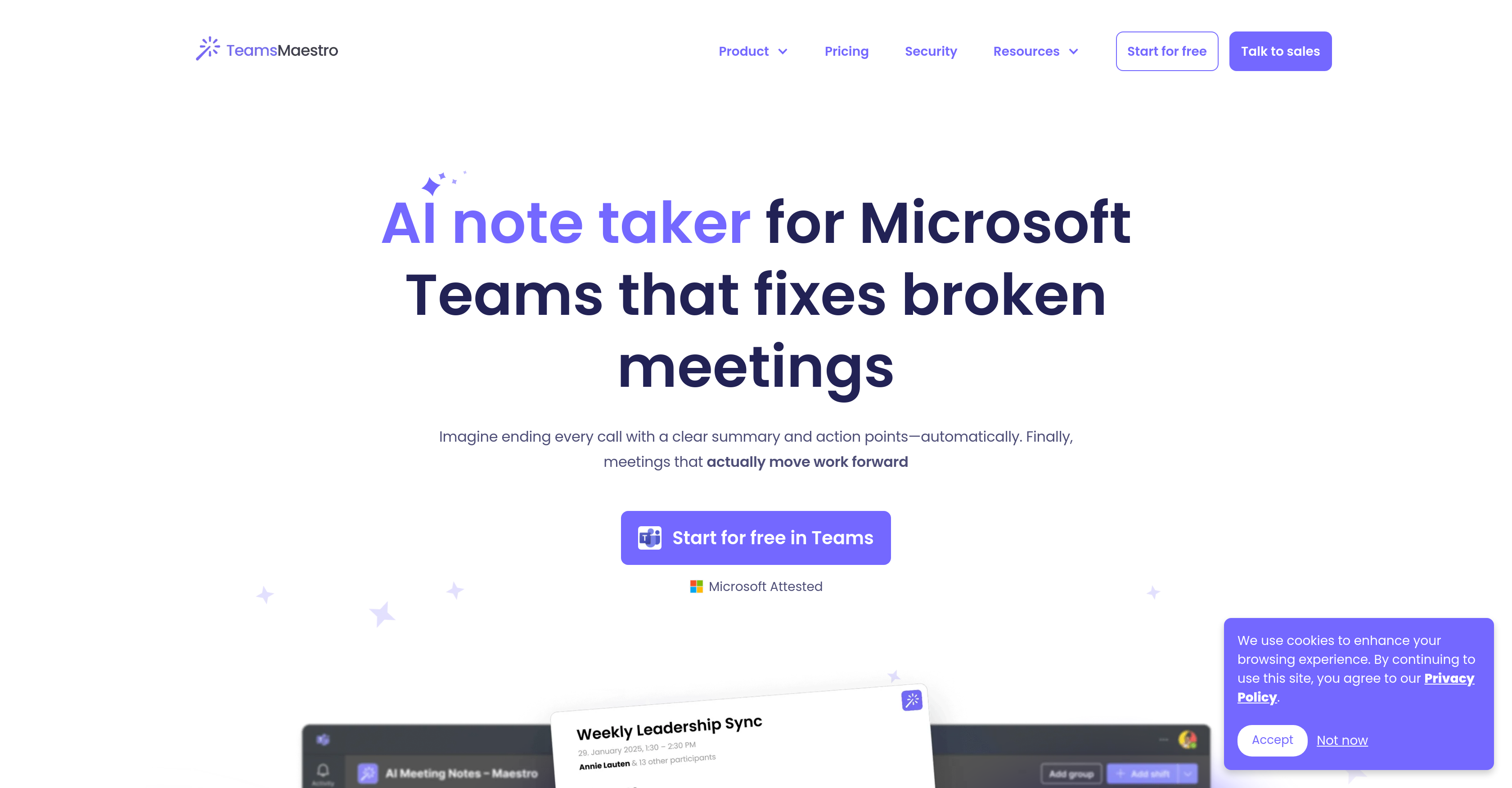
- Reclaim 5+ hours weekly by eliminating manual note-taking and follow-up emails with automated meeting documentation
- Ensure nothing falls through the cracks with auto-detected action items, deadlines, and clear task ownership
- Access all meeting notes in one centralized space within Microsoft Teams, eliminating platform switching
- Get immediate post-meeting alignment with automated email summaries containing key decisions and next steps
- Maintain complete data security with enterprise-grade encryption, SOC2, GDPR, and Microsoft Attestation compliance
- Support global teams with automatic transcription and summarization in 18 different languages
- Foster full participant engagement by freeing everyone from note-taking duties during discussions
Pros & Cons
Pros
- Auto-generates meeting summaries
- Includes purpose, key takeaways, detailed summary and action points
- Shares summaries via email post-meeting
- Allows centralized note storage
- Seamless integration with Microsoft Teams
- Supports Windows and macOS
- Supports Mobile and Web
- Multi-language support (18 languages)
- Auto-detects discussed language
- Enterprise-grade security
- GDPR and SOC II compliant
- Microsoft and Google verified
- Fixes broken meetings
- Enhances meeting efficiency
- Promotes alignment and follow-ups ease
- Streamlines team management
- Productivity enhancer
- Boosts collaborative work
- Transcription services
- Data privacy prioritized
- Agenda management
- Email sharing of notes
- Efficient note-keeping
- Bridges language barriers
- Partnership with Microsoft Teams
- Simplifies multi-platform note-keeping
- Trustworthy with sensitive data
- Avoids the need for manual input
- Automated notes for easier follow-ups
- Removes necessity for multiple platforms
- Assists in meeting productivity
- Securely handles user data
- Compliant with international standards
- Automatically joins scheduled meetings
- Offers intelligent recaps
- Boosts team productivity
- Consolidates meeting information
- Identifies sensitive data
- Offers secure, private note-keeping
- Condenses meeting to key moments
- Handles input in multiple languages
- Automated summaries and action points
- No installation required
- Free version available
- Protects meeting data
- Offers support for troubleshooting
- Can opt in/out for meetings
Cons
- Only for Microsoft Teams
- Limited to 18 languages
- Summaries only through emails
- No manual summarization control
- Dependent on meeting invitations
- Cannot disable per meeting
- Limited platform compatibility
- Shared access security concerns
- Single source note-keeping
Reviews
Rate this tool
Loading reviews...
❓ Frequently Asked Questions
TeamsMaestro fully integrates with Microsoft Teams, joining meetings automatically, and providing centralized space within Microsoft Teams for storing and accessing all meeting notes. It eliminates the need for using multiple platforms for note-keeping.
Core features that TeamsMaestro offers include automated note-taking, generation of meeting summaries including purpose, key takeaways, detailed summary, and action points of meetings. It shares these summaries automatically through email after every meeting and offers multi-language support for transcribing and summarizing meetings in 18 languages.
Auto-generated summaries by TeamsMaestro include the purpose of the meeting, key takeaways, a detailed summary of the discussion, and action points tasked to the meeting participants.
As soon as a meeting concludes, TeamsMaestro automatically generates and sends the meeting summaries to all participants via email, which ensures immediate accessibility.
TeamsMaestro simplifies note-keeping across multiple platforms by providing a centralized space directly within Microsoft Teams for all meeting notes. This eradicates the need to work across multiple platforms, thus streamlining the note-keeping process.
Yes, TeamsMaestro can be used on all platforms including desktop, mobile, and web versions of Microsoft Teams.
TeamsMaestro supports both Windows and MacOS operating systems.
TeamsMaestro is equipped to handle input in 18 different languages.
TeamsMaestro employs an automatic language detection feature which discerns the language used during the meeting. With this information, it accurately transcribes and summarizes the meeting, maintaining the original language used.
TeamsMaestro implements enterprise-grade security measures to negate data breaches. It ensures user data privacy and secure handling of sensitive data during all stages of note generation and sharing.
Yes, TeamsMaestro adheres to both GDPR and SOC II compliances.
TeamsMaestro has received verification of its security from both Microsoft and Google.
By freeing participants from manual note-taking, and providing comprehensive summaries including action points, TeamsMaestro allows meeting attendees to concentrate on the discussion at hand. This facilitates more efficient meetings.
No, TeamsMaestro does not require any manual input. It auto-generates meeting summaries including key takeaways and action items, allowing participants to focus entirely on their discussions.
Once a meeting concludes, TeamsMaestro shares the auto-generated meeting summaries with all participants via email. This ensures that everyone is in alignment and can easily follow up.
TeamsMaestro, with its transcription services, ensures that all key discussion points, decisions, and action items from a meeting are detailed and accessible for remote workers. It, therefore, fosters remote productivity and reduces the risk of miscommunications or misunderstandings.
Yes, TeamsMaestro provides a centralized space within Microsoft Teams where users can store and access all their meeting notes. This harmonizes note-keeping and eliminates the need to utilize multiple platforms.
Yes, TeamsMaestro is equipped to handle detailed conversations. It summarizes expansive discussions into digestible notes, condensing the entire meeting into key takeaways.
TeamsMaestro promotes better productivity and collaboration during meetings by auto-generating detailed meeting summaries, including the purpose, detailed summary, key takeaways, and action points for every meeting. This clarity on action points and accountability fosters productive collaboration.
Pricing
Pricing model
Freemium
Paid options from
$12/month
Billing frequency
Monthly