

TestDriverv6.0.15
Overview
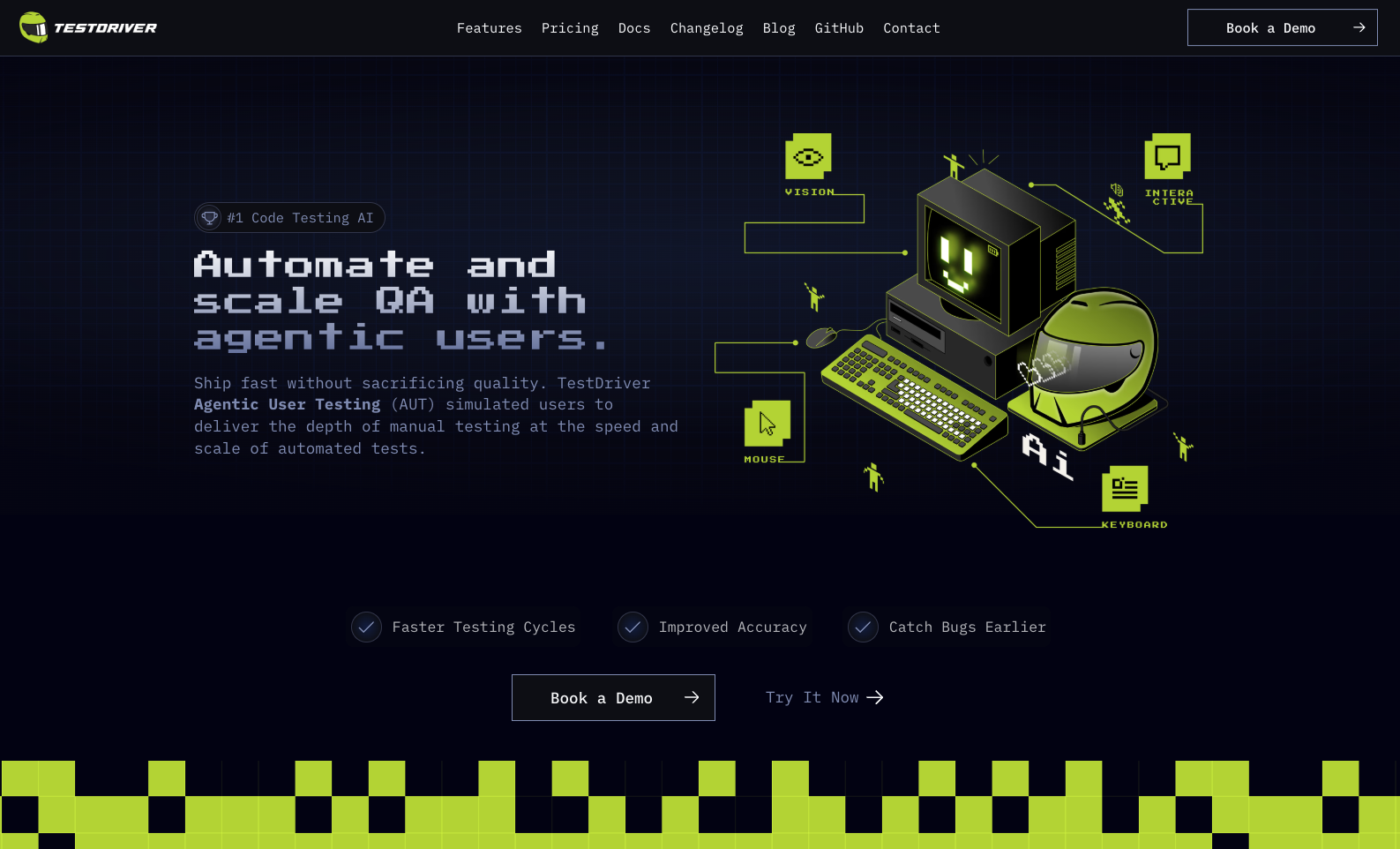
- Eliminate manual testing and automated script writing with AI-driven exploratory testing that runs comprehensive application investigations
- Trigger complete test cycles directly from GitHub pull requests using simple @TESTDRIVERAI tags or GitHub Actions
- Gain full visibility into AI testing behavior with real-time screen viewing, logs, and decision-making process transparency
- Focus more time on coding while AI handles quality assurance in isolated virtual environments with cloned project code
- Expand testing coverage beyond standard methodologies with AI-powered end-to-end testing capabilities powered by Dashcam.io
Pros & Cons
Pros
- Specifically designed for engineers
- Expands standard testing methodologies
- GitHub integration
- Replaces automated test scripts
- Eliminates time-consuming manual testing
- Creates virtual environments
- Clones project code
- Facilitates end-to-end testing
- Performs exploratory testing
- Allows developers to view testing
- Screen logs access
- Powered by Dashcam.io
- Efficiency focused
- Increases coding focus
- Minimizes testing efforts
- Can test anything
- Set up in minutes
- Clear debugging
- Test runs visibility
- Suitable for any codebase
- Secure testing process
Cons
- Only integrates with GitHub
- Dependent on Dashcam.io
- Doesn't write automated tests
- Limited to end-to-end testing
- No multi-platform support
- Limited customization on tests
- Specific to engineering teams
- No manual testing option
- No information about security
Reviews
Rate this tool
Loading reviews...
❓ Frequently Asked Questions
Testdriver.ai runs end-to-end exploratory tests that involve detailed investigations of an application. It replaces the need for automated test scripts or manual testing, however, the specific types of tests it can run are not explicitly stated on their website.
Integrating Testdriver.ai with GitHub is done by adding Testdriver to a GitHub repository. Once added, developers can trigger testing by tagging Testdriver.ai with '@TESTDRIVERAI' within a pull request or utilizing the dedicated GitHub Action.
End-to-end exploratory testing in Testdriver.ai involves detailed investigations performed by the AI on the application. It enables the AI to go through the entire application, following various user paths and exploring different scenarios to uncover potential issues or bugs.
Tagging '@TESTDRIVERAI' in a pull request, or utilizing the dedicated GitHub Action, triggers Testdriver.ai to create a virtual environment, clone the project code, and commence testing. The exact mechanism of how the AI interprets and executes on the @TESTDRIVERAI tag is not specified.
There is no information on their website indicating that Testdriver.ai can be set to run tests automatically.
The AI-driven capabilities of Testdriver.ai include running tests effectively, eliminating the need for writing automated test scripts or conducting manual testing. It also includes end-to-end exploratory testing and decision making capabilities for tests which are powered by Dashcam.io.
Testdriver.ai replaces the need for manual testing by using AI-driven capabilities to run tests effectively. It works by creating a virtual environment, cloning the project code, and commencing the testing process. This approach reduces the time-consuming aspect of manual testing.
Dashcam.io powers the functionality and decision-making process of Testdriver.ai. Though details on the exact role of Dashcam.io is not detailed, it is implied that it underpins the AI technology allowing Testdriver.ai to perform its end-to-end testing capabilities.
Developers can view the decision-making process of Testdriver.ai during a test by using the features of the tool that allow them to see the screen, logs, and decision-making process of the AI. There aren't specific details on how this is shown or visualized.
Testdriver.ai expands the standard testing methodologies by integrating AI-driven capabilities. It can effectively run tests, reducing the need for writing automated test scripts or manual testing, and facilitates end-to-end exploratory testing.
Testdriver.ai simplifies the test processes by integrating with GitHub, enabling developers to trigger a test by simply tagging '@TESTDRIVERAI' within a pull request. It also takes off the workload of writing automated test scripts and doing manual testing.
There is no information on their website indicating that Testdriver.ai can generate testing reports.
Adding Testdriver.ai to a GitHub repository involves a process that is not explicitly described on their website. However, once it's added, developers can trigger tests by tagging '@TESTDRIVERAI' within a pull request or using the dedicated GitHub Action.
Testdriver.ai creates a virtual environment for testing. The specific nature or characteristics of this virtual environment are not described on their website.
Testdriver.ai brings efficiency into the testing process by reducing the need for writing automated test scripts or time-consuming manual testing. It takes on the testing processes allowing developers to focus more on coding.
Testdriver.ai handles code cloning for testing by creating a virtual environment and cloning the project code when triggered by the '@TESTDRIVERAI' tag in a GitHub pull request or the dedicated GitHub Action. The detailed mechanism of code cloning is not specified.
The limitations of Testdriver.ai in terms of testing scope are not specified on their website.
There isn't information provided on their website indicating if Testdriver.ai can integrate with other version control platforms apart from GitHub.
Information about the support available for troubleshooting or escalating issues within Testdriver.ai is not provided on their website.
There is no information on their website indicating that Testdriver.ai can customize tests based on specific project requirements.
Pricing
Pricing model
Freemium
Paid options from
$0.05/image
Billing frequency
Pay-as-you-go



















