

Overview
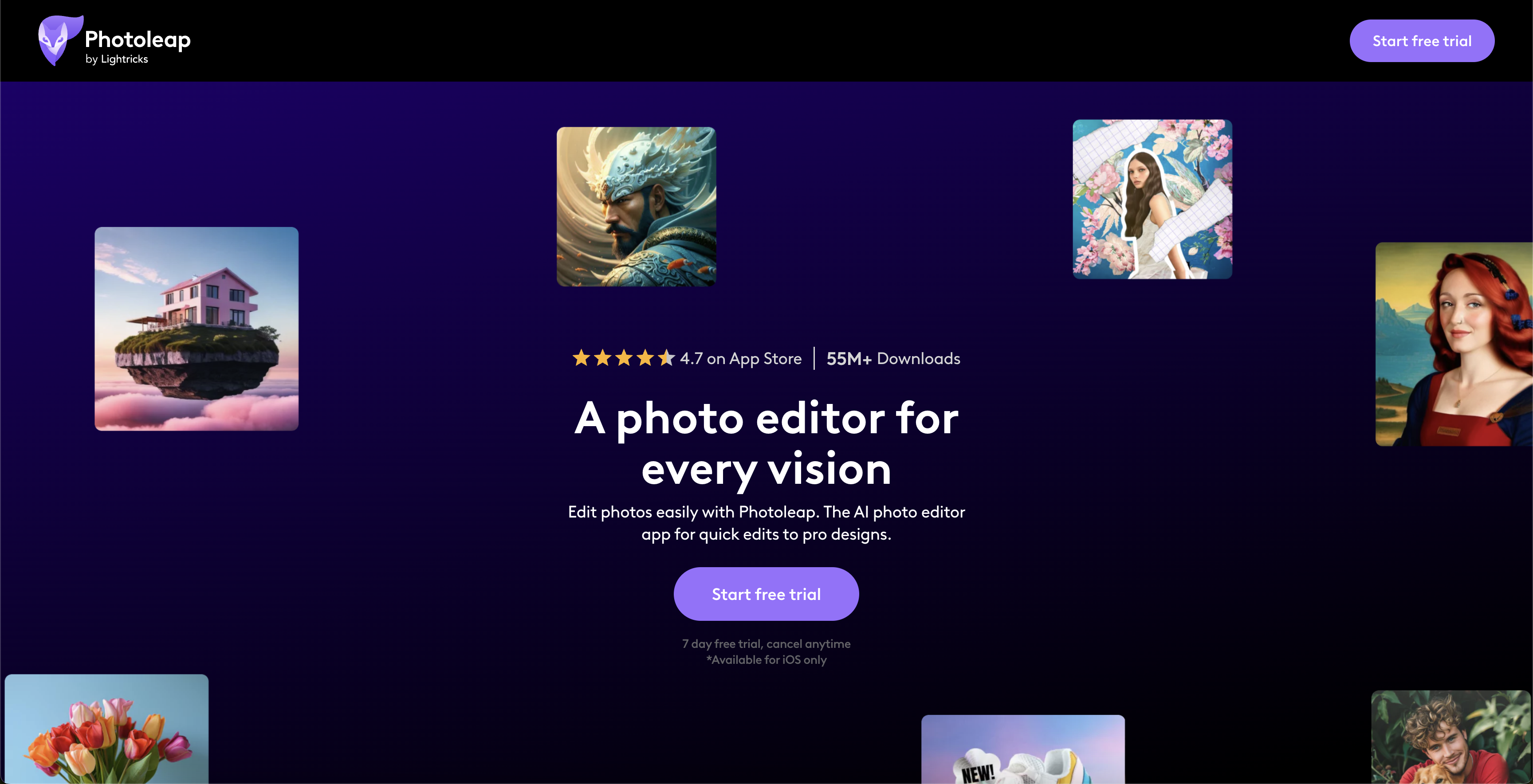
- Transform any photo into professional quality with AI enhancement that perfects colors, lighting, and details
- Generate completely new images from simple text descriptions using advanced AI image generation
- Create engaging animated content from static photos with simple swipe gestures for dynamic social media posts
- Remove unwanted objects and backgrounds seamlessly to emphasize what matters in your images
- Design professional headshots from casual photos using AI headshot generator for portfolios and profiles
- Preview tattoo designs virtually on photos before making permanent decisions with AI tattoo generator
- Combine multiple images into creative collages that tell compelling visual stories
- Apply artistic transformations instantly with one-tap effects that turn photos into artwork
- Access comprehensive editing tools including layers, double exposure, and text addition in one unified workspace
Pros & Cons
Pros
- Powerful photo editing
- Photo to GIF creation
- Video editing
- Offers 7-day free trial
- Motionleap capabilities
- Pro-level editing
- Quick filters
- Background and object removal
- Built-in library of assets
- Transform text to images
- Convert sketches to images
- Remove objects from photos
- Combine photos
- Remove image background
- Crop image
- Add borders to photos
- Photo collage
- Animate photos
- Merger, double exposure, layers
- One-tap effects
- Border addition to photos
- Profile Picture Maker
- Valentines Card Maker
- Mother's Day Card Maker
- Youtube Thumbnail Maker
- Edit and create in one app
- Special promotional offers
- High user rating
- Large existing user base
- Available on iPhone
- Easy to use interface
- Integrates with other Lightricks products
- High social media following
- Numerous photo enhancing tools
Cons
- IPhone only
- Limited free trial
- Paid features
- Highly specialized tool
- Limited animation functionality
- No desktop version
- Limited integration capabilities
- No android support
Reviews
Rate this tool
Loading reviews...
❓ Frequently Asked Questions
Photoleap is an all-in-one photo editing application developed by Lightricks. It offers a comprehensive set of tools and functionalities to transform photos into creative pieces. Key features include cutouts, object and background removal, and a variety of stickers, filters, effects, and fonts. Users can create photos, GIFs, and videos with ease and precision. It also includes AI functionalities that generate images and animations, making creativity accessible to everyone. Photoleap also integrates Motionleap capabilities, providing users with an all in one space for their creative endeavors.
Photoleap provides a comprehensive set of editing tools. Some of the key tools are remove objects from photo, combine photos, remove image background, crop image, add borders to photos, photo collage, blur photos, add text to photo and animate photos.
Photoleap includes a variety of AI functionalities, such as the AI Photo Enhancer, AI Headshot Generator, AI Tattoo Generator, AI Image Generator, AI Avatar Generator, AI Replace, AI Background Generator, AI Art Generator, AI Image Extender, AI Colorize Photos, AI Photo To Painting, AI Photo To Cartoon, AI Pet Portrait Generator, AI Selfie Generator, AI Interior Design, and AI Mugshot Maker.
Photoleap has a photo collage tool which can be used to combine multiple images into one, offering a creative way to tell a story or showcase a collection of pictures.
Yes, with Photoleap you are able to remove objects and backgrounds from photos. This functionality allows users to emphasize the essential elements of an image and remove any unwanted items.
Yes, Photoleap offers animation tools. Specifically, it includes a feature that adds movement to a static image with a swipe across the screen, allowing users to create fun GIFs and videos to share with their followers.
Yes, Photoleap provides the ability to add text to your photos. This feature helps in adding context, enhancing communication, or just playfully altering the visual content.
The AI Photo Enhancer in Photoleap is a tool that utilizes artificial intelligence to refine and enhance photos. It's designed to improve picture quality, perfecting the colors, lighting effects, details, and overall aesthetic of the image.
The AI Headshot Generator tool in Photoleap allows users to create professional-quality headshots. Using artificial intelligence, this tool can rework a simple photograph into a headshot, which can be used for professional profiles, resumes, portfolios, and more.
The AI Tattoo Generator in Photoleap is an innovative tool that allows users to create virtual tattoos on photographs. This allows users to preview what a tattoo design would look like on different parts of the body before making a permanent decision.
Yes, Photoleap has an AI Avatar Generator that uses artificial intelligence to create individualized avatars based on the information provided. This can be a fun and creative way to represent oneself in digital spaces.
Yes, Photoleap allows users to animate any static image, thus enabling the creation of GIFs and videos. This feature supports the creation of dynamic and engaging content for various social media platforms.
Yes, Photoleap offers a 7-day free trial, allowing users to test the application and its features before completing a purchase.
The 'Text to image' feature in Photoleap uses artificial intelligence to turn descriptions into images. Users can input a text description and the AI will generate a corresponding image in just a few seconds.
Yes, Photoleap offers capabilities for easy storytelling transformation. It allows users to transform their photos and add a personal touch with a library of assets like stickers, filters, effects, and fonts. This makes it simpler to tell a story or express a unique aesthetic through images.
Photoleap offers One-tap effects with QuickArt which allows users to transform their photos into art pieces in just a single tap. These built-in filters and effects drastically reduce the time taken to edit a photo while also enhancing its visual appeal.
The integration of Motionleap’s capabilities into Photoleap offers users a more cohesive and seamless editing experience. Instead of needing to switch between different apps for various editing tasks, users can enjoy a comprehensive range of tools in one unified space.
Pricing
Pricing model
Free Trial
Paid options from
$3.99/month
Billing frequency
Monthly
Refund policy
Users can cancel web subscriptions within 14 days of first purchase for a full refund.


