Overview
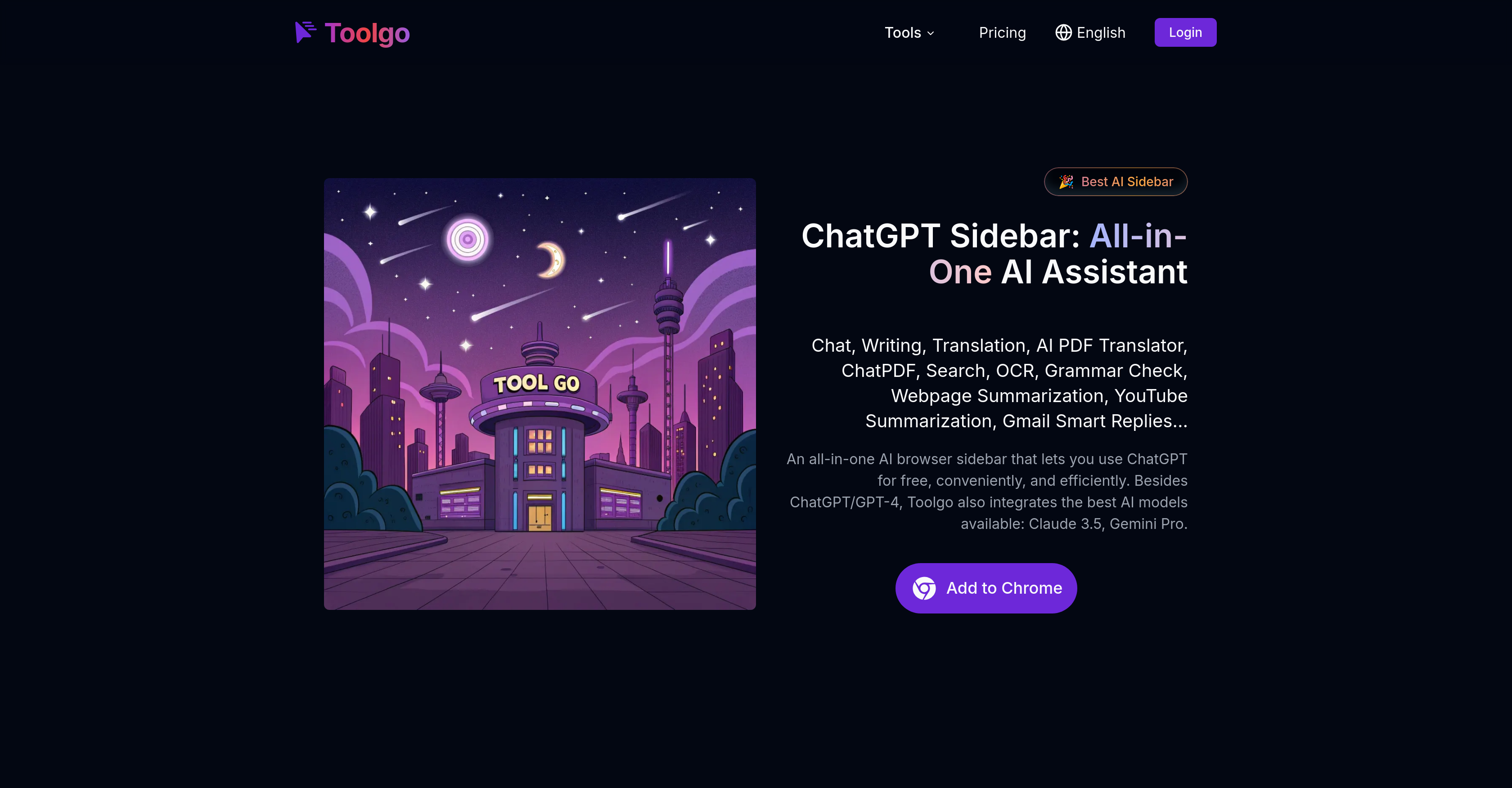
- Get instant answers from any PDF document without reading through pages using the ChatPDF feature that lets you query and summarize information directly
- Translate complex PDF documents while perfectly preserving the original layout and formatting through the specialized AI PDF Translator
- Write professional emails and reports faster with AI-powered drafting that optimizes grammar and expands content for maximum impact
- Extract editable text from images, screenshots, and scanned documents instantly using the built-in OCR technology for easy editing and referencing
- Generate smart email replies in multiple languages automatically with Gmail integration for efficient daily communication
- Summarize lengthy YouTube videos in seconds to grasp core content without watching the entire video, saving valuable time
- Access multiple AI models including ChatGPT, Claude 3.5, and Gemini Pro in one sidebar for real-time multilingual conversations and content creation
Pros & Cons
Pros
- ChatGPT Sidebar integration
- Real-time multilingual interaction
- Precise PDF translation
- PDF interaction via ChatPDF
- OCR text extraction
- Grammar check feature
- Flexible writing capabilities
- YouTube video summarizing
- Gmail smart replies
- High-precision translations
- Content optimization capability
- Document format preservation
- Information querying in PDFs
- Supports multiple sectors
- Increased work efficiency
- Cross-language communication
- Sidebar direct searches
- Professional grammar checking
- Automatic YouTube summarization
- Intelligent Gmail responses
- Supports academic research
- Enhances business operations
- Serves legal sector
- Ease in educational tasks
- Webpage summarization feature
- Search and citation speedup
- Legal document analysis support
- Textbook comprehension aid
- e-Book summarizing
- Foreign literature translation
- Report analysis assistant
- Contract review acceleration
- User manual interpretation
- Custom smart email replies
- Multiple language support
- Integrated information search
- Sidebar OCR recognition
- Multi-engine search options
- Contract translation feature
- Side-bar translation function
- Publicly available video summaries
- Writing assistance for professional documents
- Browser embedded extension
- Real-time translation feature
- Privacy-ensured smart email replies
- OCR for offline use
- Question-answering PDF interaction
- Multi-model support for chat
- Specially designed Gmail smart replies
Cons
- Limited file types support
- Internet connection for OCR
- Specifically designed for Gmail
- In-browser use only
- Doesn't work on all websites
- Potentially limited feature access
- Subscription for advanced features
Reviews
Rate this tool
Loading reviews...
❓ Frequently Asked Questions
Toolgo is embedded with several key features including chat, writing, translation, PDF processing, image, video, audio, 3D, summarization, and AI detection functions. It integrates AI models like ChatGPT/GPT-4, Claude 3.5, and Gemini Pro. Its writing function provides capabilities for creative writing, drafting emails or reports, content optimization and expansion, translation, grammar checks, and paraphrasing. Specific features like the AI PDF Translator can translate PDFs while maintaining the original format and layout, while ChatPDF enables intelligent interaction with PDF documents. Features like OCR for text extraction from images, YouTube video summarization, and Gmail smart replies are also available.
Yes, Toolgo is equipped with a writing assistant that can assist with drafting emails. This tool is especially helpful for drafting professional emails, where it not only helps in generating the basic draft but also optimizes the content, ensures correct grammar, and even expands the content if necessary.
Toolgo's AI translation feature is highly accurate. It supports high-precision translations across multiple languages, ensuring smooth and natural translated texts. Its specific tools like AI PDF Translator are designed to accurately translate PDF documents while retaining the original format and layout.
Toolgo's ChatGPT Sidebar integrates several advanced AI models including ChatGPT/GPT-4, Claude 3.5, and Gemini Pro. These AI models facilitate real-time interaction across multiple languages, ensuring efficient and seamless communication.
Yes, Toolgo has a specific feature for YouTube video summarization. This tool automatically generates a summary of a YouTube video, quickly conveying the core content, and helps in saving time viewing long videos.
Toolgo offers a robust range of PDF processing capabilities. There's the AI PDF Translator which accurately translates PDF documents into various languages while maintaining the original format and layout. The ChatPDF feature allows for intelligent interaction with PDF documents, capable of directly querying and summarizing information.
The AI PDF Translator is a feature in Toolgo that translates PDF documents into different languages accurately while maintaining the original format and layout. Useful for translating contracts, reports, academic papers, and complex documents, it ensures the translated text retains the same positioning and formatting as the original PDF.
Yes, the chat feature in Toolgo supports multiple languages with the help of various AI models integrated into the ChatGPT Sidebar. These AI models, including ChatGPT/GPT-4, Claude 3.5, and Gemini Pro support seamless multilingual conversations.
Toolgo is versatile and can serve a wide variety of sectors including academic research, business, legal, education, and even daily life activities. Its plethora of functions aims at making work and study more efficient whether it's creative writing, drafting reports, text translation, PDF processing, or summarizing YouTube videos.
Yes, Toolgo provides a specific feature known as OCR for text extraction from images. It quickly extracts text from various platforms such as images, screenshots, or scanned documents, making it handy for editing and referencing.
Toolgo offers a Gmail Smart Replies feature that automatically generates intelligent email replies. It creates quick-response templates in multiple languages, resulting in an efficient and professional email communication experience that's perfect for daily office work or quick responses.
Toolgo incorporates a professional grammar checking function that scrutinizes texts to identify grammar and spelling errors. The tool not only picks out these errors but also offers optimization suggestions to ensure content accuracy and fluency, substantially enhancing the accuracy of the Grammar Check.
Toolgo is definitely a useful tool for academic research. Its features like search and translation help in locating and understanding academic resources. Researchers can use the ChatPDF tool to extract key points from academic papers or leverage the AI PDF Translator for converting foreign research literature into their native language. It also aids in organizing data and managing citations.
Toolgo's writing capabilities cover a broad spectrum of applications. They provide a multi-functional writing assistant that can be used for creative writing, email and report drafting, content optimization and refinement. It also supports translation, grammar checking, paraphrasing, and content expansion, along with YouTube video summarization and Gmail smart reply features to boost writing efficiency and quality.
Indeed, Toolgo does support real-time interaction in multiple languages. Its ChatGPT Sidebar integrates various AI models, including ChatGPT/GPT-4, Claude 3.5, and Gemini Pro. These AI models enable multi-lingual, real-time interactions across languages- hence supporting seamless cross-language communication in real time.
Toolgo certainly helps in content optimization and expansion. The writing feature in Toolgo not only aids in drafting content but also helps with the optimization of the written material by ensuring correct grammar, use of apt words, and maintaining language fluency. Plus, Toolgo also has a special feature to expand the content, making it more cogent and impactful.
ChatPDF is a unique feature in Toolgo that allows for an intelligent interaction with PDF documents. This feature enables direct questions, provides instant answers, generates automatic summaries, and allows searching of specific information. It conveniently aids in quickly extracting the key points of documents, making it suitable for reading papers, research reports, contracts, and other such scenarios.
Toolgo is a comprehensive toolbox that includes the ChatGPT Sidebar, AI Writing Tool, AI Translation, PDF Processing tools like AI PDF Translator and ChatPDF, AI for Images, Audio, Video, 3D, Text Summarization, AI Detection, and Gmail Smart Replies. Each one of these tools serves specific functions and is incorporated to ensure an all-around optimized user experience.
Toolgo offers features that enable the processing of videos and audio as part of its suite. The YouTube Summarization feature, for instance, aids in quickly conveying the core content of a video, saving the user time in viewing lengthy content. Although specific audio processing tools are not detailed, it's mentioned that Toolgo provides 'AI for Audio', indicating capabilities for audio related tasks.
From the information on their website, while Toolgo mentions it provides 'AI for 3D' within its array of services, distinct features or applications of 3D uses are not detailed out. Therefore, specific 3D applications within the Toolgo suite cannot be conclusively described.
Pricing
Pricing model
Freemium
Paid options from
$4/month
Billing frequency
Monthly
Related Videos
Tool Go - All-in-One Chrome AI Sidebar
Toolgo•334 views•Dec 6, 2024