Unblur Image.io
Overview
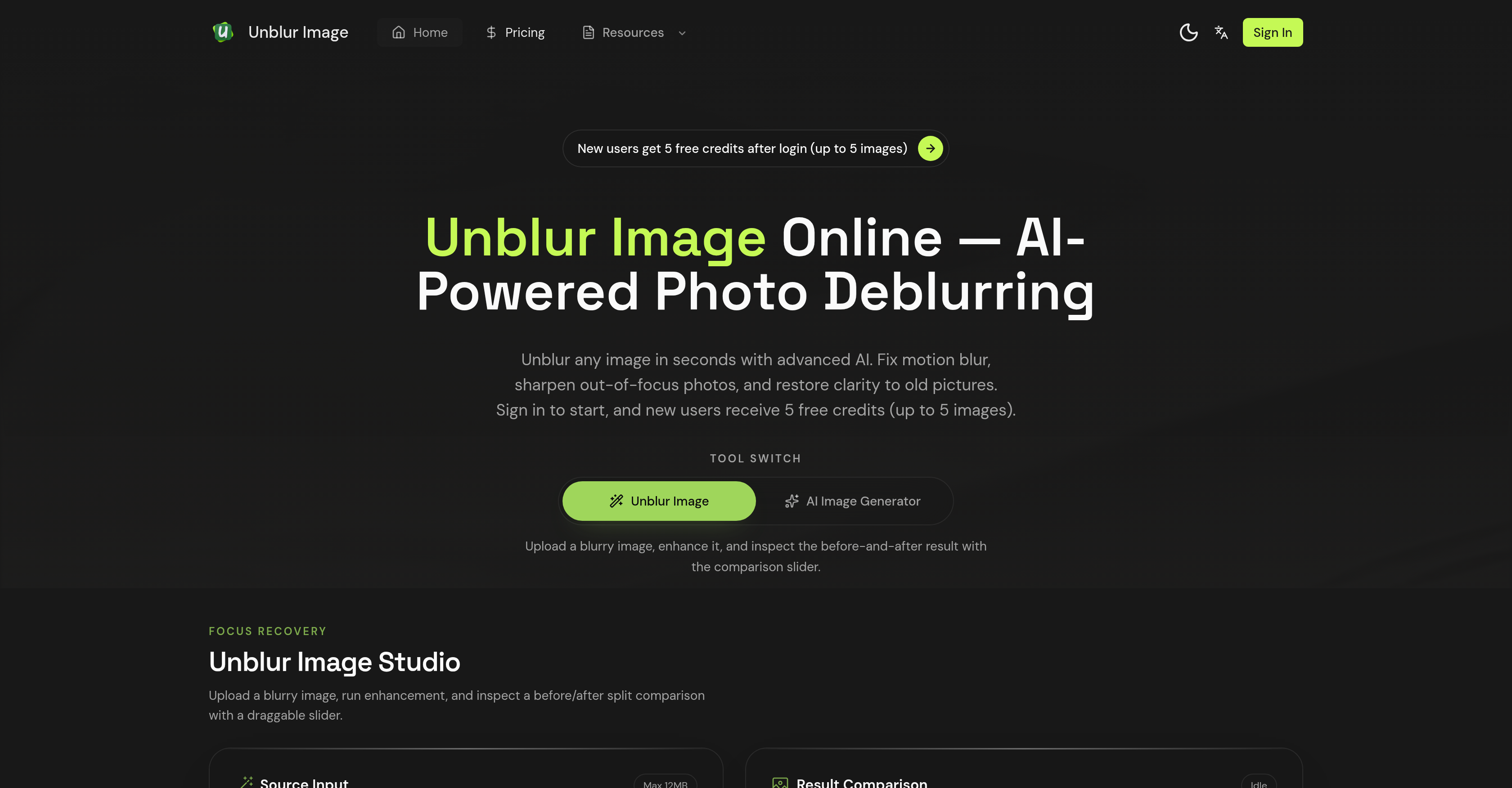
- Instantly salvage blurry photos with automatic AI that detects and fixes motion blur, out-of-focus shots, and compression artifacts
- Restore cherished old or damaged photos by sharpening details, reducing noise, and removing scratches to bring them back to life
- Make text in documents and images perfectly readable again with specialized AI that enhances text and document clarity
- Enhance portrait photos naturally by rebuilding eye sharpness, skin texture, and hair details with the dedicated AI face enhancement feature
- Upscale your images to higher resolutions while maintaining sharpness and clarity, improving overall photo quality
- Process multiple images at once to save time using the batch processing feature for large collections
- See the exact improvements you’ve made with a side-by-side before-and-after comparison slider for precise evaluation
- Start restoring photos immediately with no manual settings—just upload and let the AI work automatically
Pros & Cons
Pros
- Effective motion blur fixing
- Restores out-of-focus images
- Sharpening old pictures
- Restoring damaged photos
- Automatic blur type identification
- Optimal restoration technique application
- Quality photo upscaling
- Five free images processing
- Professional-grade image deblurring
- User-friendly single click process
- Text clarity improvement
- Batch processing for multiple images
- Supports common image formats
- Size limit up to 20MB
- Intelligent deblurring application
- Before and after comparison feature
- Side-by-side image comparison
- Processes low-light images
- Recovers image details
- Restores facial features accurately
- Enhances photo maintaining sharpness
- Restores clarity to old photos
- Available upscale function
- Makes blurry text readable
- Removes compression artifacts
- Includes batch processing
- Reconstructs textures and edges
- Restores obscured fine details
- Transforms low-quality photos
- Provides clear, sharp results
- New users get free credits
- Redesigns eye sharpness
- Rebuilds skin texture
- Maintains natural look
- Improvement in overall image quality
- Automatic blur detection
- Detail recovery feature
- Preview and download the result
- Free sign in credits
- No watermark on output
- Rectifies Gaussian blur
- Enhances old or damaged photos
- Restores clarity to photos
- Improves poor lighting images
- Breathe new life into old photos
- Removes scratches from old photos
- Improves photos taken with high ISO
Cons
- Limited to 20MB uploads
- Login required for usage
- Limited free trials
- No mobile app mentioned
- Pro plan for batch processing
- Only supports common formats
- Does not remove watermarks
- No specified privacy measures
- No real-time preview
Reviews
Rate this tool
Loading reviews...
❓ Frequently Asked Questions
Unblur Image is an AI-powered tool designed to remove blur from photographs and enhance image clarity. This powerful tool specifically rectifies issues such as motion blur, out-of-focus images, and sharpens old or dull pictures. It also restores old and damaged images.
Unblur Image works by allowing users to upload a blurry image in any common format. The AI then automatically identifies the type of blur present in the image - be it motion blur, out-of-focus, Gaussian blur, or compression artifacts - and applies an optimal restoration technique.
Unblur Image is capable of correcting a wide array of blurs including motion blur, out-of-focus, Gaussian blur, and compression artifacts.
Users can upload images in various common formats such as PNG, JPG, and WEBP to Unblur Image for processing.
In addition to removing blur, Unblur Image enhances parts of the image. It features a specialized AI face enhancement tool that restores facial features with precision.
Yes, Unblur Image is capable of upscaling the resolution of your photos. It has an upscale function that enhances photo quality by upscaling them to higher resolutions while maintaining sharpness and clarity.
The AI face enhancement feature in Unblur Image is designed to restore facial features with precision. It focuses on rebuilding eye sharpness, skin texture, and hair details while retaining a natural look.
New users have the opportunity to process up to five images for free with Unblur Image.
The batch processing feature available in the Pro plan of Unblur Image allows users to process multiple blurry images at once. This feature is beneficial for users with a large collection of photos to restore as it saves time.
Yes, Unblur Image provides text and document clarity enhancement, making blurry text readable again.
Indeed, Unblur Image is equipped to restore old or damaged photos. It uses AI capabilities to sharpen old pictures and bring them back to life.
Users can expect significant enhancements in their images after using Unblur Image. The applied corrections result in clear, sharp, and vivid image results, even from initially low-quality images.
Notable features of Unblur Image include blur removal, out-of-focus correction, image sharpness and quality improvement, AI face enhancement, batch processing for multiple images, and text readability enhancement. It can also aid in the restoration of old pictures.
Unblur Image works automatically. Once an image is uploaded, its AI identifies the type of blur present and applies the optimal restoration technique. Thus, users are not required to adjust any settings.
The maximum file size that users can upload to Unblur Image is 12MB.
No, Unblur Image does not add any watermarks to the edited photos.
Unblur Image specializes in enhancing all types of images whether they are out-of-focus, affected by motion blur, or old photos that need sharpness and clarity. Furthermore, it excels in enhancing facial features with its AI face enhancement feature.
On Unblur Image, users can compare the original and edited image with the help of a comparison slider. This feature shows a before-and-after split view for better evaluation.
In the Pro plan of Unblur Image, features such as batch processing which allows for processing multiple blurry images at once are included.
Absolutely, Unblur Image is user-friendly and suitable even for individuals without any prior image editing experience. The AI does the job automatically upon image upload, eliminating the need for any manual settings or adjustments.
Unblur Image can detect and fix several types of blur including motion blur, out-of-focus, Gaussian blur, or compression artifacts.
Unblur Image's specialized AI face enhancement functionality restores facial features with precision. It's designed for rebuilding eye sharpness, skin texture, and hair details while maintaining a natural look.
You can upload your blurry images in common formats such as PNG, JPG, or WEBP.
Image files uploaded to Unblur Image should be up to 20MB in size.
The upscale feature in Unblur Image is designed to enhance the overall quality of your photos by upscaling them to higher resolutions while still maintaining their sharpness and clarity.
In the case of old or damaged photos, Unblur Image uses its AI algorithms to correct and restore clarity, enhancing the quality and removing any blur or distortion present.
Yes, Unblur Image offers 5 free credits for new users, allowing them to process up to five images free of charge.
Yes, Unblur Image includes a feature specifically designed to clarify text and documents within images, making them readable again.
The batch processing feature included in the Pro plan of Unblur Image allows you to process multiple blurry images simultaneously, saving users' time.
Yes, Unblur Image can enhance images taken in low-light conditions. It efficiently reduces noise and blur instigated by high ISO settings and slow shutter speeds.
Unblur Image uses advanced AI algorithms to detect and remove compression artifacts from uploaded images, thereby improving the image clarity and overall quality.
Information on the exact maximum resolution that Unblur Image can upscale photos to is not specified on their website.
Unblur Image retrieves lost details from blurry images by using AI algorithms. These sophisticated algorithms reconstruct obscured textures, edges, and fine details, thus producing crystal-clear images.
After you upload your image to Unblur Image, the AI analyzes the blur type, applying its intelligent deblurring function automatically. You can then preview the unblurred image and download it.
Yes, Unblur Image offers a side-by-side comparison feature. This allows you to assess the before-and-after results effectively using a comparison slider.
AI Photo Clarity in Unblur Image refers to the product's ability to enhance the sharpness and clarity of details in a photo using its AI-driven techniques.
Unblur Image uses cutting-edge AI algorithms to reverse the effects of motion blur in photos, revealing the clear image beneath.
Yes, you can use Unblur Image to breathe new life into old photos. The AI can reduce noise, remove blur, and erase scratches and artifacts, offering a clear and enhanced result.
For a clearer before/after comparison, Unblur Image suggests uploading a close-up portrait or object shot.
Pricing
Pricing model
Free Trial
Paid options from
$9.90/month
Billing frequency
Monthly