

UPDF AI Assistant
Get through long reports and research papers in seconds: the AI PDF summarizer condenses lengthy documents into concise summaries in under 30 seconds.
Listing not yet reviewed by our editors · How we check
Overview
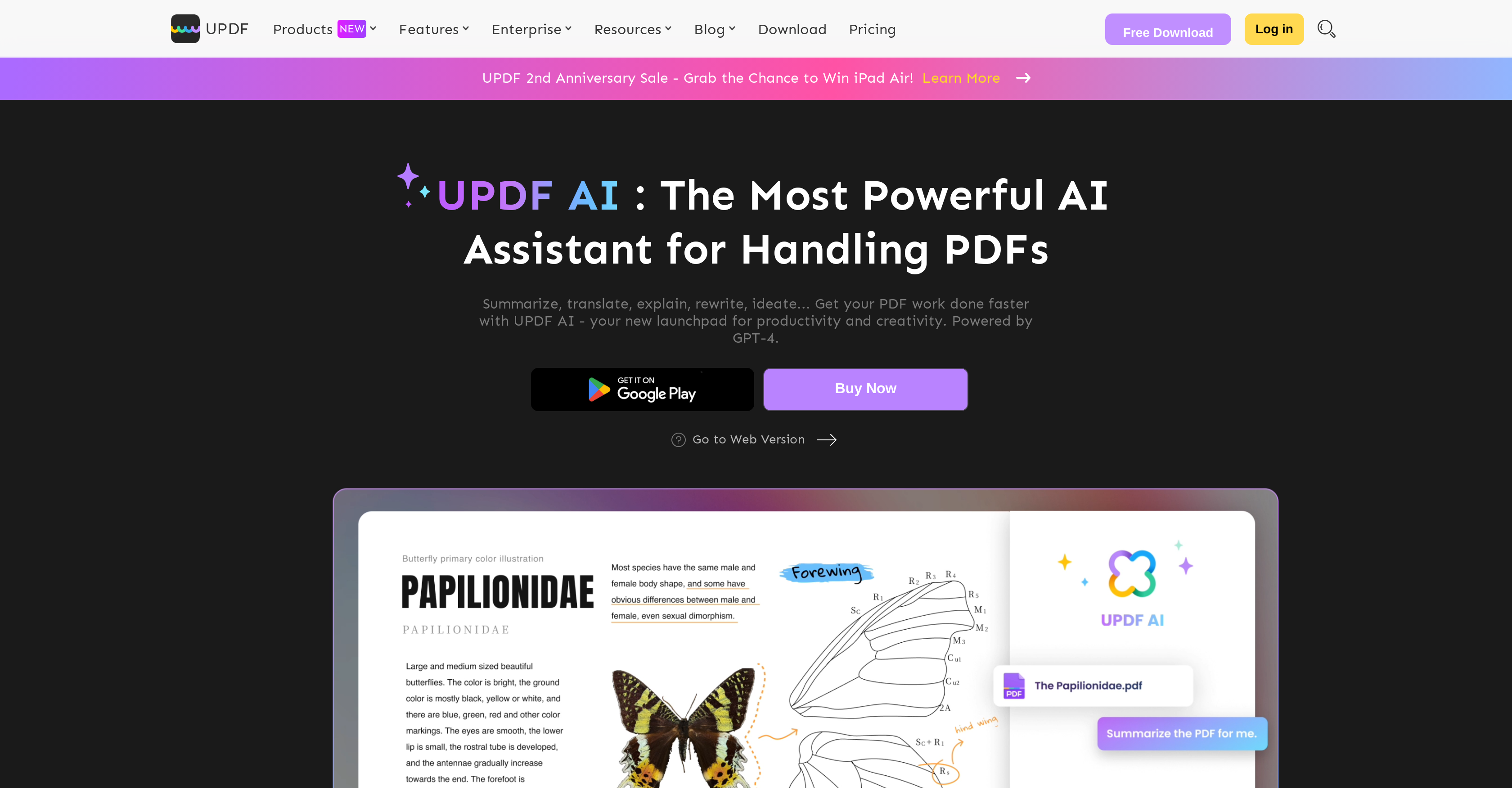
- Get through long reports and research papers in seconds: the AI PDF summarizer condenses lengthy documents into concise summaries in under 30 seconds.
- Read dense data charts without manual analysis: chart simplification turns complex figures inside your PDF into plain, easy-to-follow summaries.
- Share multilingual documents that keep their original look: in-document PDF translation preserves layout, formatting, and consistent terminology across languages.
- Understand legal, medical, and technical terminology on the spot: instant definitions and detailed explanations clarify unreadable words, passages, and puzzling subjects in place.
- Find exact answers without scrolling through every page: chat with your PDF to ask questions about its content and receive immediate responses.
- Deliver error-free documents ready for clients or publication: built-in grammar checking, spelling correction, and content rewriting polish existing text inside the PDF.
- Move from blank page to finished draft in one place: idea brainstorming and article composition run directly within the PDF workspace, removing the need for a separate writing app.
- Finish PDF edits and AI analysis without switching tools: the app version pairs traditional PDF editing tools with AI summarization, translation, and rewriting.
- Start working on a PDF instantly from any computer: the browser-based version delivers all AI PDF features with no download or installation.
- Keep the same PDF workflow at your desk and on the go: identical features across Windows, macOS, Android, and iOS, built for teams in banking, legal, insurance, healthcare, manufacturing, and education.
Pros & Cons
From the listing; not yet checked by our editors.
Pros
- Automates PDF handling tasks
- Summarizes lengthy PDFs
- Simplifies complex data charts
- Translates PDF content across languages
- Maintains formatting during translation
- Explains complex information
- Enhances comprehension of technical terms
- Automatically checks grammar
- Eliminates spelling errors
- Generates content ideas
- Composes new articles within PDF
- Web and app versions available
- App version includes PDF editing tools
- Supports several industry applications
- Operational on multiple platforms
- Rapid reading of long papers
- Translates on PDFs directly
- Fast translation of large PDFs
- Improves existing content quality
- Frees up time for creativity
- Offers traditional PDF editing
- Compact format for industry briefing
- Multilingual support
- Cross-platform sync of functionalities
- Offers free and paid plans
- Supports heavy PDFs for translation
Cons
- Paid plans for full access
- Limited queries in free version
- Web version lacks editing tools
- Limited PDF size per upload
- Limited PDF pages per upload
- Limited PDF uploads per month
- No on-premises version
- Requires Internet connection
- Card needed for free trial
- One account per all platforms
Alternatives to UPDF AI Assistant
Tools that share the most tags with UPDF AI Assistant.
- AODocs
Automate complex document processes end-to-end with generative AI, eliminating manual tasks and human error
Not listed
Not listed
Not yet checked
- Send AI
Eliminate manual data entry entirely with custom AI models that automatically extract specific entities from your documents
Not listed
Not listed
Not yet checked
- TidyDocs
Find any invoice or receipt in seconds with intelligent search that works as you type, powered by AI that extracts vendor, date, and amount from any document
Freemium · from $19/month
$19/month
Not yet checked
- The Drive AI
Find any document instantly without manual searching through AI-powered content-based file search
Freemium · from $19.99/month
$19.99/month
Not yet checked
- Safe Appeals
Transform scattered files into a coherent project in minutes by dropping PDFs, research papers, and notes into a unified workspace where everything is automatically organized and indexed.
Paid · from $30
$30
Not yet checked
- Bit.ai
Transform scattered documents into a centralized knowledge base that your entire team can access instantly through powerful search capabilities
Freemium · from $8/month
$8/month
Not yet checked
Reviews
Rate this tool
Loading reviews...
Frequently asked questions
What is the UPDF AI Assistant?
UPDF AI Assistant is a PDF document automation tool that integrates AI functionality. It provides various services such as summarizing, translating, explaining, and rewriting content within PDFs. It drastically condenses lengthy PDFs into precise summaries and simplifies complex data charts. It translates content across assorted languages within the PDF while maintaining language consistency and formatting accuracy. Furthermore, UPDF AI Assistant enhances understanding of technical information, educational resources, and complicated phrases by providing precise definitions, comprehensive data, and immediate responses to PDF-related queries. It also supports content creation through brainstorming, grammar checking, spelling correction, content polishing, and new article composition directly within the PDF environment.
How does UPDF AI Assistant work?
UPDF AI Assistant operates by utilizing advanced AI mechanisms. When a PDF is uploaded, the AI analyses the content within it and applies the selected functionalities such as summarizing, translating, explaining, or content rewriting. Its powerful AI capabilities ensure high-quality summaries of lengthy documents, precise translations across various languages, accurate explanation of complex terms, and innovative idea generation for content creation. The application also hosts traditional PDF editing tools alongside these AI-driven features.
What benefits does UPDF AI Assistant offer for handling PDF documents?
UPDF AI Assistant aids in summarizing lengthy documents, translating them into various languages, providing explanations for complex phrases or technical terms, and assisting in content generation. It can also deliver detailed data on complex subjects in the PDF. Additionally, it improves productivity by automating correction of grammar and spelling errors, polishing content, brainstorming ideas, and composing new articles. It also offers traditional PDF editing tools.
How does UPDF AI Assistant simplify complex data charts?
UPDF AI Assistant simplifies complex data charts by summarizing and transforming cumbersome data into a concise, comprehensible format. It utilizes advanced AI algorithms to analyze and comprehend the dense data patterns in the charts, and condenses them into simplified summaries that are easier to understand.
In what languages can UPDF AI Assistant translate content in PDFs?
UPDF AI Assistant can translate content within PDFs across multiple languages. It maintains consistent language and formatting during the translation process, ensuring a smooth reading experience.
Does UPDF AI Assistant provide grammar and spelling checks?
Yes, UPDF AI Assistant provides grammar and spelling checks as part of its content generation aid. It effectively eliminates spelling errors and enhances the content by scrutinizing and refining grammar.
Which industries can benefit from UPDF AI Assistant?
UPDF AI Assistant benefits a wide variety of industries including banking, legal, manufacturing, education, healthcare, and insurance. It aids these sectors by enhancing productivity and efficiency in handling PDF documents. The specific requirements and challenges of each industry, such as legal language translation in the legal sector or technical term explanations in the healthcare sector, can be catered for by this AI assistant.
Can UPDF AI Assistant aid in brainstorming ideas?
Yes, UPDF AI Assistant facilitates brainstorming of ideas as part of its content generation aid. It assists users in formulating creative and innovative ideas while working on their PDF documents, thus imbibing creativity in context.