
Overview
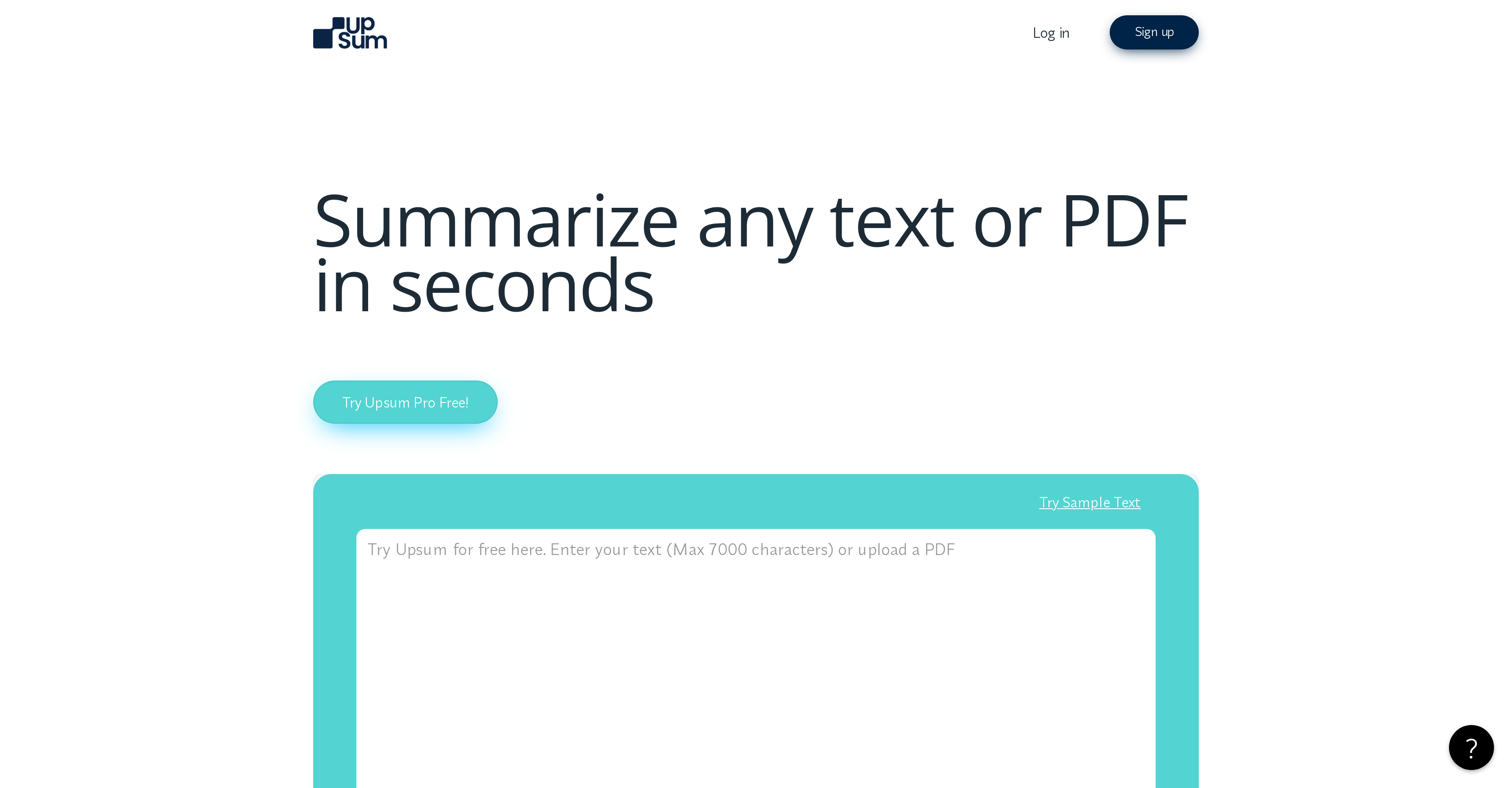
- Grasp the core of any document in seconds with AI that extracts key takeaways from research papers, books, and reports
- Customize information density to match your needs by adjusting summary length and style for any purpose
- Instantly convert PDFs into clear overviews and then ask specific questions about the content for deeper understanding
- Generate and download polished reports from your summaries in text or PDF format for easy sharing and presentation
- Keep your sensitive business and legal documents secure with a tool that prioritizes data security and GDPR compliance
- Access your summarized insights anytime by saving them within the platform for future reference
Pros & Cons
Pros
- Summarizes various text formats
- Adjustable summary length and style
- Interactive Q&A feature
- Supports multiple languages
- Prioritizes data security
- GDPR compliant
- Downloadable summaries
- Summaries saved for future reference
- Handles vast range of texts
- Summarizes complex texts quickly
- Summaries in text or PDF
- Generates reports
- Useful across various domains
- Essay and bulletpoint style summaries
- Up to 70,000 words per upload
- Unlimited text uploads
- Chat to PDF feature
- Handles long-form texts and documents
- Adjustable summary style
- Extracts key takeaways
- Flexibility in summary download format
- Interactive exploration of PDF content
- Work with different languages
- Security and GDPR compliance
- Trained model for summarizer
- Chat with PDF documents
- Quickly find specific content
- Export and share summaries
- Up to 400 pages/document
- 100 questions/document
- 100 uploads/month
Cons
- Limited uploads per month
- Limited questions per document
- Summary style not modifiable
- Export summary feature behind paywall
- Sharing summaries not free
- No free priority support
- Expensive premium plans
- Limited pages per document
- Free version significantly restricted
- Error handling unspecified
Reviews
Rate this tool
Loading reviews...
❓ Frequently Asked Questions
UpSum is designed to summarize long-form texts and documents in mere seconds.
UpSum can handle and summarize a vast range of textual formats, including research papers, books, novels, news reports, business and legal documents, and more.
Yes, users on UpSum have the option of adjusting the length and style of the summary to meet their specific needs.
UpSum offers an interactive feature for PDF documents through an intuitive Q&A session, making the exploration of content more seamless and efficient.
Yes, UpSum supports multiple languages.
UpSum prioritizes user data security and is fully compliant with GDPR.
Users of UpSum can download their summaries in either text or PDF formats.
Yes, users on UpSum can save their summaries for easy access and future reference.
UpSum is a valuable aid for professionals and individuals across various domains such as academia, consultancy, marketing, and more.
Yes, UpSum is equipped to summarize academic research papers swiftly and efficiently.
Yes, UpSum is capable of summarizing and analyzing business and legal documents.
Yes, UpSum can swiftly convert PDFs into clear and concise summaries.
Yes, UpSum offers a Q&A feature to interactively engage with the PDF documents, aiding in better understanding of the content.
With the pro version of UpSum, users can share the summaries they create.
Yes, UpSum offers a variety of plans to cater to different user needs. The plans include Free, Pro, and Expert, each offering different features and capacities.
Yes, UpSum can be used to summarize marketing reports, helping to understand the key insights and trends.
UpSum uses state-of-the-art AI technology to generate summaries. This involves identifying and selecting the most important and relevant sentences or phrases from the original text and assembling them to create the actual summary.
Yes, UpSum allows users to generate reports out of the summaries.
UpSum's capacity for text uploads varies as per the plans. The Free version allows 3 uploads per month, Pro allows 30 uploads per month, and Expert allows up to 100 monthly uploads.
The technology used by UpSum, coupled with its advanced AI model, ensure that the summaries generated are highly accurate by extracting key takeaways and main information from the original text.
Pricing
Pricing model
Freemium
Paid options from
$19.99/month
Billing frequency
Monthly