V03 AI Video Generator
Overview
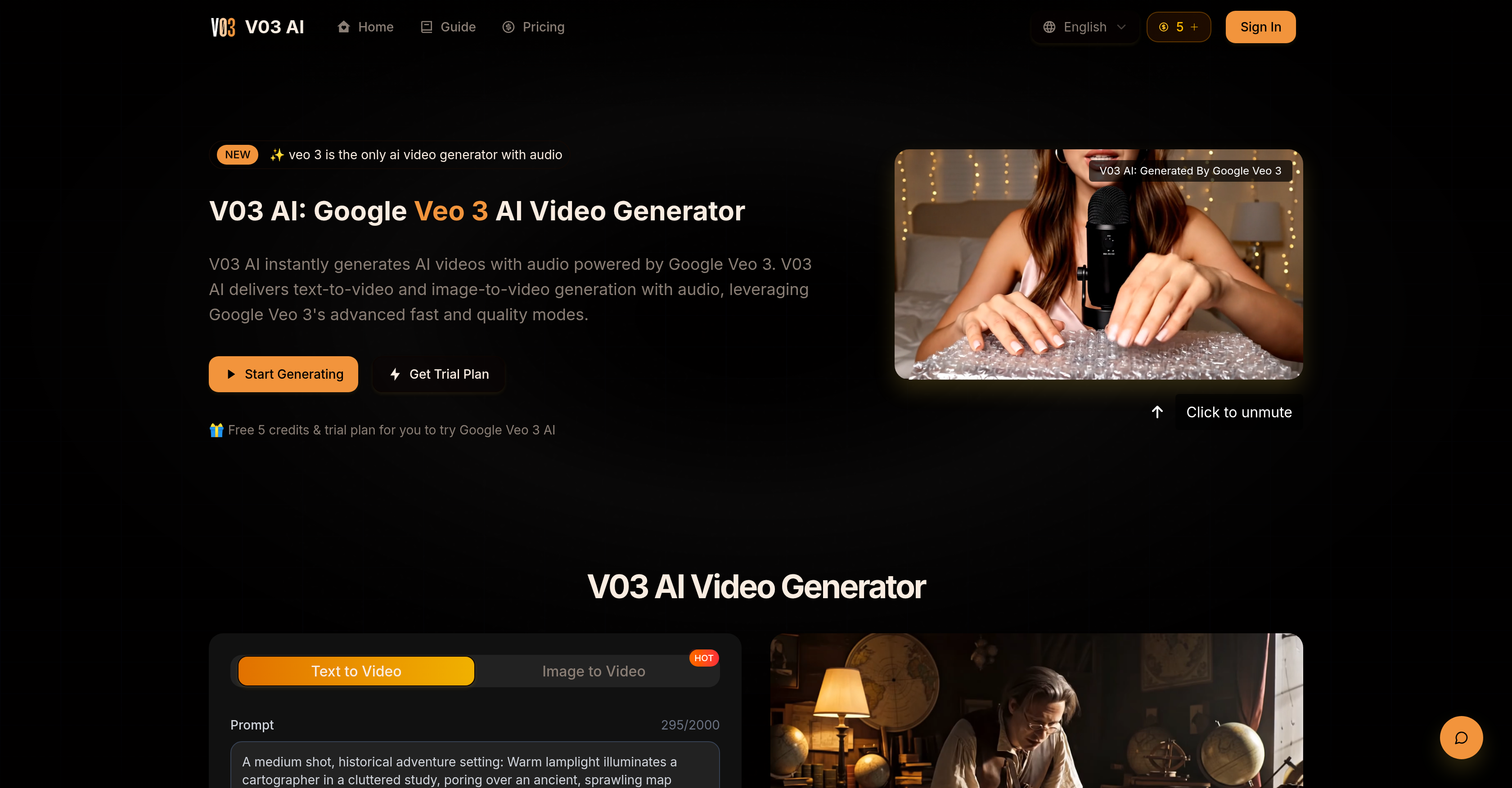
- Transform text descriptions into realistic videos instantly with text-to-video conversion
- Create videos from existing images while maintaining visual fidelity through image-to-video conversion
- Define precise object movements and camera paths for enhanced storytelling with detailed prompt control
- Generate videos with native audio and sound effects that match the visual content automatically
- Achieve realistic motion and lighting that follows real-world physics for immersive cinematic experiences
- Produce professional-quality video content for marketing and creative projects without complex editing software
Pros & Cons
Pros
- Google's Veo 3 technology
- Instant content creation
- Text-to-video conversion
- Image-to-video conversion
- Precise creative control
- Detailed user specifications
- Object movements definition
- Camera paths definition
- Integrated audio
- Sound effects
- High prompt interpretation accuracy
- Real-world physics application
- Immersive cinematic experience
- Professional video production
- Multiple creative possibilities
- Applied in content marketing
- Delivers fast results
- Realistic motion and lighting
- Seamless video production
- Caters to user requirements
- Maintains fidelity to vision
- Quick multimedia generation
- 4K video output
- Physics-based motion
- Native audio generation
- Prompt adherence
- Motion and style control
- Fast processing speed
- 1080p video quality
- Used by global users
- Cost-effective pricing
- Saves video production time
- Natural audio sync
- Image-to-video capability
- Commercial usage rights
- Creative prompt fidelity
- High-quality videos
- Ve3 supports both modes
- Priority support on paid plans
- Professional-grade output
- Fast generation for paid plans
- Fraction of traditional solutions cost
- Upgradable plans
- V03 cancels anytime
- Unused credits preservation
- Synchronized sound effects generation
- Unlimited video generation
- Both for basic and professional users
Cons
- Dependent on Google's Veo 3
- Requires internet connection
- Audio quality unmentioned
- No offline version
- Reliant on user prompts
- Not suitable for large projects
- Limited video length
Reviews
Rate this tool
Loading reviews...
Pricing
Pricing model
Paid
Paid options from
$9.99/month
Billing frequency
Monthly
Refund policy
Users can request refunds within 14 days for unused subscriptions or within 7 days for unused credit packages.