

Overview
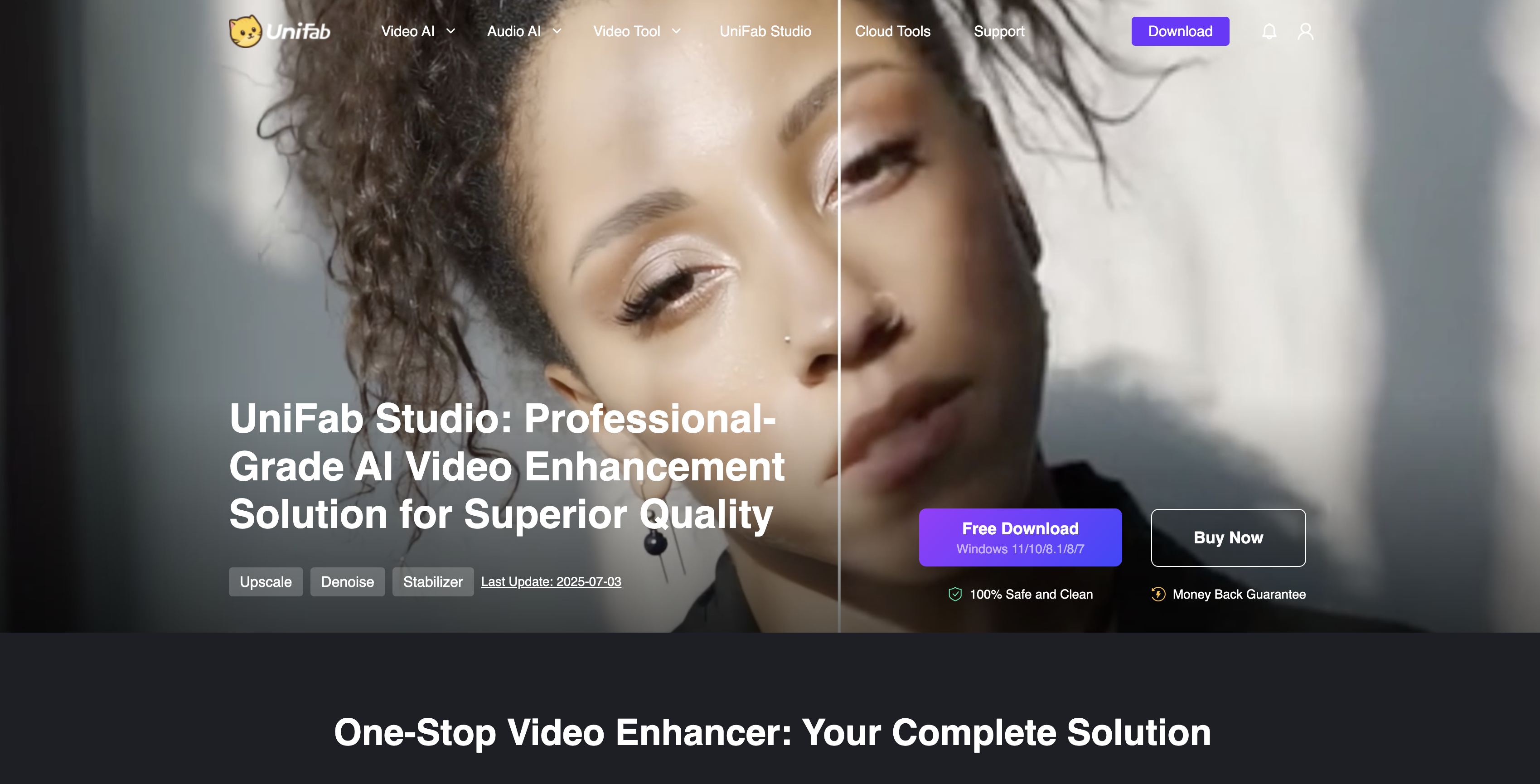
- Transform ordinary footage into extraordinary content with AI-powered upscaling, motion smoothing, and noise reduction
- Breathe new life into older or shaky videos using professional deinterlacing and stabilization tools
- Achieve studio-quality HDR or Dolby Vision from standard SDR videos with automated conversion workflows
- Process entire batches of videos simultaneously to complete large-scale projects efficiently
- Export your enhanced videos in over 60 different formats with precise quality and codec control
- Maintain crisp facial details and sharp imagery through specialized AI enhancement features
Pros & Cons
Pros
- AI-powered video upscaling to 4K/8K
- Advanced SDR to HDR & Dolby Vision conversion
- Precise facial detail enhancement
- Batch processing for large projects
- GPU acceleration for faster results
- User-friendly with professional-grade control
Cons
- Premium license pricing may be high for casual users
- Windows-focused (limited Mac support)
- Steep learning curve for advanced parameter controls
- Some features locked to higher-end hardware
Reviews
Rate this tool
Loading reviews...
❓ Frequently Asked Questions
Yes. UniFab Studio offers a free trial so you can test its full capabilities before committing.
After purchase, simply download the software, log in with your license, and access all premium features with no restrictions.
Yes. You can cancel your subscription whenever you choose, and your license will remain valid until the end of the billing cycle.
UniFab Studio provides sequential, customizable enhancement workflows with professional-level parameter controls, while UniFab All-In-One focuses on autopilot detection and simpler presets.
A Windows PC with strong GPU support (NVIDIA/AMD), 8GB+ RAM, and ample storage is recommended for optimal performance.
Yes. You can queue multiple videos and process them simultaneously, making it highly efficient for large-scale projects.
Over 60 export formats are supported, including MP4, MKV, MOV, AVI, and more, with customizable quality and codec options.
Pricing
Pricing model
Paid
Paid options from
$49.99/month
Billing frequency
Monthly
Related Videos
AI-Powered Showdown: UniFab vs. Topaz - Upscaling 720p to 4K Video Enhancement Battle
UniFab•4.9K views•Jun 14, 2024





















