

Overview
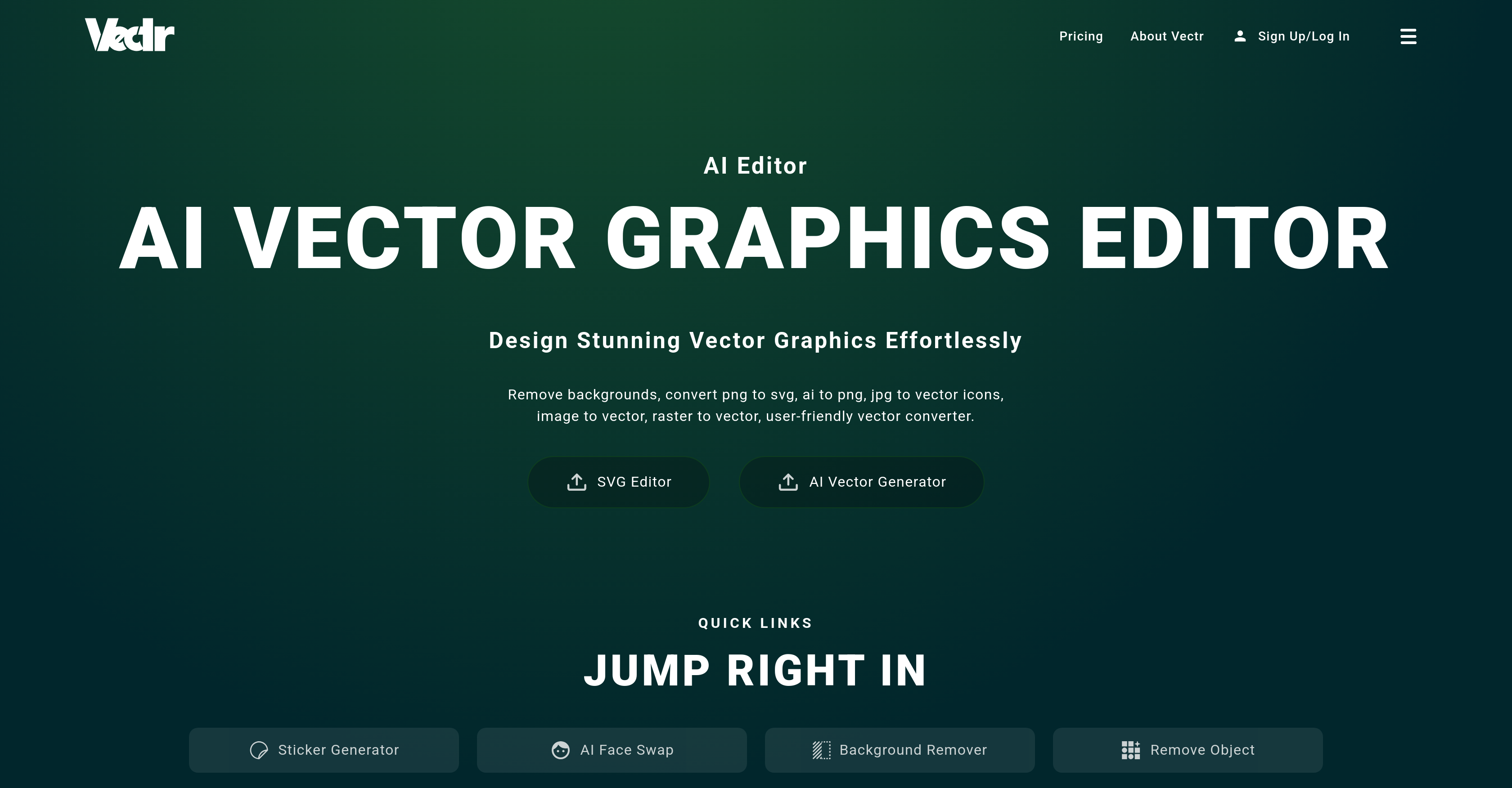
- Convert any image to scalable vector graphics without quality loss using AI-powered PNG to SVG and JPG to vector conversion
- Remove unwanted objects and backgrounds from photos automatically with AI object removal and background erasure
- Create professional logos and custom graphics from scratch using the intuitive SVG editor and text-to-image generation
- Enhance image quality automatically with AI upscaling that improves clarity, sharpness, and resolution for high-quality prints
- Swap faces seamlessly in photos with realistic results using advanced AI face swap technology
- Collaborate in real-time with team members through live design sharing and integrated chat features
- Access your designs anywhere with cross-platform sync that keeps your work updated across all devices
Pros & Cons
Pros
- Background removal
- Photo generation
- Logo creation
- SVG conversion
- Extensive image manipulation options
- Vector graphics editor
- PNG to SVG conversion
- Effortless vector conversions
- Dynamic SVG editor
- Graphics generation from scratch
- Photos to vectors transformation
- JPG to SVG conversion
- Real-time collaboration
- Live design sharing
- Integrated chat
- JPEG to SVG automation
- Text to image conversions
- Advanced outpainting function
- Premium image generation
- Auto-enhancement
- Object removal
- Pro image generator
- User-friendly interface
- Eliminates complicated tasks
- Handles different file types
- Generates high-quality prints and displays
- Efficient teamwork facilitation
- Multi-platform synchronisation
- Cross-device compatibility
- Intuitive tool design
- User-friendly for all skill levels
- Image to vector conversion
- Text to vector graphic conversion
- SVG design tools
- Quality-lossless scalability
- Real-time sharing of design workspace
- Handles JPG to vector and PNG to vector conversions
- Automates complex tasks
- Integrates image-to-image mode
- Image extension creation
- Superior image clarity and upscale
- Face swapping
- Object fill for missing image parts
- Transforms text to captivating visuals
- Creates scalable vector graphics
Cons
- No offline version
- Premium for sharing/downloading
- Limited file formats
- Requires internet connection
- Browser compatibility issues
- Steep learning curve
- Limited collaboration options
Reviews
Rate this tool
Loading reviews...
❓ Frequently Asked Questions
Vectr is an Artificial Intelligence-powered tool specifically designed for visual transformations. Its functionalities include background removal, photo generation and logo creation. It also performs SVG conversion and vector graphics editing. The tool also comprises AI generators for various tasks as well as extensive image manipulation options.
Vectr's vector graphics editor is an AI-powered tool that can convert different types of files into vector format. Its intuitive and user-friendly interface makes vector conversions, such as raster to vector, JPG to vector and PNG to vector, an effortless process. It is also capable of generating graphics from scratch, converting photos to vectors, and transforming JPG to SVG.
Vectr can convert a wide range of file types. With its AI vector graphics editor, it allows conversions from PNG to SVG, AI to PNG, raster to vector, JPG to vector, and JPEG to SVG. It also supports text to image conversions.
Vectr’s real-time collaboration feature is a significant part of the tool's design process. This feature enables real-time chat and sharing capabilities. Through a URL, you can live share your design workspace and participate in instant collaborative sessions with integrated chat features.
Vectr not only generates images from existing files but can also create images from scratch using its powerful SVG editor. It allows you to create graphics, convert photos to vectors, and transform files like JPG to SVG.
Vectr's auto-enhancement feature boosts your photos' quality by improving clarity, sharpness, and high-resolution upscale. It uses advanced AI techniques to transform any image, adding brilliant detail and making your visuals even more stunning.
Vectr's 'object removal' function fills in missing parts of an image and is ideally suited for object removal, reconstruction, and manipulation. This tool can effectively eradicate unwanted elements or restore details, ensuring straightforward and flawless editing.
The AI Face Swap mechanism in Vectr allows you to swap faces effortlessly. Powered by advanced AI techniques, it delivers seamless integration for smooth and realistic results, whether it’s for fun with friends, experimenting with celebrity faces, or creating iconic images.
Absolutely, Vectr does have a text-to-image conversion feature. Powered by AI, this feature provides a gateway to limitless creativity by swiftly turning your textual ideas into engaging visual graphics.
Yes, Vectr does have a feature that aids in logo creation. With its advanced AI-powered tools, you can effectively create stunning logos. The design process becomes much simpler and more creative, with the option for high-quality prints and displays.
Vectr is equipped with various features that assist in image generation. These include a pro image generator, premium image generation, and even an AI-powered photo generator. These tools help in creating captivating visuals for different design requirements.
The Pro Image Generator in Vectr empowers users to transform creative ideas into visually stunning masterpieces. It has advanced prompts and customization options for generating unparalleled images. It's ideal for advanced image creation and specific design tasks.
Vectr's SVG Editor is a powerful tool that boosts your creative design capabilities. Whether you're creating graphics from scratch, turning a photo to vector, or converting JPG to SVG, it offers fast and intuitive tools for seamless design transformations in just minutes.
Yes, you can convert JPG to SVG using Vectr. Vectr offers file conversion with its AI vector graphics editor which includes functionality for transforming JPG files into SVG.
Cross-platform sync in Vectr means that your work is consistently synchronized across all your devices. Whether you're using a desktop at the office or a laptop on the go, your designs are updated and retrievable in real-time.
Generative AI Tools in Vectr transform and simplify complex design tasks. With these tools, easy AI to SVG conversions, JPEG to SVG conversions, text to image generation and image to vector conversions can all be automated. This leaves designers with more time for creativity and innovation in their projects.
Yes, you can create SVG designs using Vectr. Its powerful SVG editor is dynamical, allowing for the generation of graphics from scratch, the conversion of photos to vectors, and the transformation of various file types to SVG.
AI Vector Generator in Vectr allows you to convert general images into a vector form. You can convert and save jpg files as a vector, convert png to SVG, and even convert photos into a vector silhouette.
Vectr's SVG Editor provides an array of functionalities from creating graphics from scratch to converting photos to vectors, and transforming jpg files to SVG. Beyond these, the tool can scale up your raster to vector conversions, vector image generation, and jpg to vector & png to vector conversions at an unprecedented pace ensuring high-quality outputs.
Yes, Vectr does offer tools for background removal. Using its advanced AI techniques, Vectr can remove backgrounds from product photos, selfies, web retail listings and profile pictures with just a few clicks. This saves users time and effort while significantly improving visual appeal.
Pricing
Pricing model
Freemium
Paid options from
$2.42/month
Billing frequency
Monthly
Related Videos
Artwork For Beginners Part 1: Intro to Vectr | Free Online Graphics Editor | Ikonart
Ikonart Stencil•7.9K views•Nov 7, 2022














