

Overview
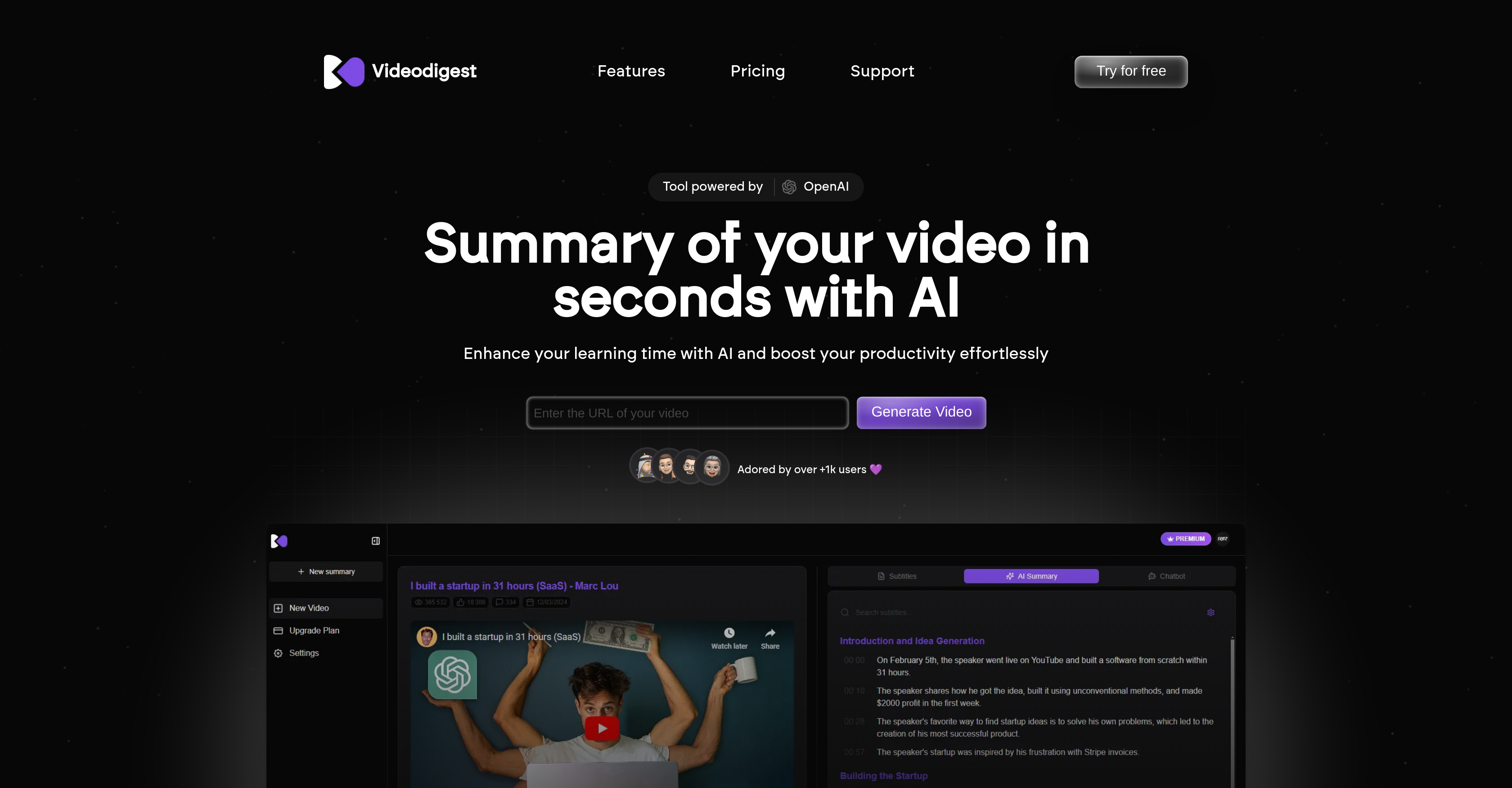
- Grasp key video points instantly without watching the full content through AI-powered video summarization
- Watch videos faster while maintaining comprehension using smart playback technology
- Access video content in your preferred language with automated translations
- Eliminate distractions and maintain focus with a completely ad-free viewing experience
- Discover and connect with content creators across platforms through the Creator Finder feature
- Get personalized video recommendations and insights based on your interactions via the AI Chat Assistant
- Follow multi-speaker discussions easily with structured summaries that identify different contributors
- Receive customized summaries tailored to specific video content and your preferences for enhanced engagement
Pros & Cons
Pros
- Instant video summaries
- Smart playback technology
- Personalized video summaries
- Creator Finder feature
- Automated translations
- Ad-free viewing
- Enhanced learning focus
- Multi-speaker content identification
- Structured summaries
- Chat recommendations
- Video content interactivity
- Distinct user and creator interaction
- Preferred language support
- Quick video insights
- Flexible subscription plan
- Efficient video upload
- Turbo reader for accelerated viewing
- Supports long-form videos
- Covers educational content and tutorials
- Supports interviews and diverse content
- Better than standard YouTube translations
- No ads or interruptions
- Unique subscription based on minutes processed
- YouTube video summarization capability
Cons
- No mobile app
- No offline access
- Limited language support
- Subscription based on minutes
- Requires internet for translations
- No multi-platform compatibility
- Unspecified video format support
- No bulk video upload support
Reviews
Rate this tool
Loading reviews...
❓ Frequently Asked Questions
VideoDigest is an AI-powered video summarization tool that condenses long videos into precise and actionable summaries. Through AI technology, it generates instant summaries of video content, allowing users to grasp main ideas without having to watch the entire video. It also offers accelerated playback, personalized summaries, creator finding, automated translations, AI chat assistance, and multi-speaker identification.
VideoDigest uses AI technology to analyze video content and extract key points. It leverages AI to understand the content and context of the video, identify areas of relevance, and then compiles this extracted information into a defined summary. This allows the user to quickly understand the key ideas and main points without watching the entire video.
VideoDigest's smart playback technology allows users to watch videos at accelerated speeds. This optimizes the users' time by allowing them to quickly go through video content while still understanding the key points.
VideoDigest provides personalized summaries by creating custom summaries based on individual video content. By analyzing video content and understanding the user preferences, VideoDigest's AI can create summaries that are tailored to each user, enhancing interaction and engagement.
The 'Creator Finder' feature in VideoDigest allows users to discover and interact with video content creators across various platforms. This feature facilitates better engagement between the users and content creators, providing interactive experiences for both parties.
Yes, VideoDigest can indeed translate videos into different languages. This is made possible through its automated translations feature, making video content accessible in a preferred language of the user.
VideoDigest's AI Chat Assistant provides video recommendations and insights based on user interactions. The Assistant evaluates the user's preferences and viewing habits, providing useful recommendations which further enhances the user's viewing experience.
Yes, VideoDigest does offer an ad-free viewing experience. By eliminating ads and interruptions, it provides a completely distraction-free environment, allowing users to focus better and enhance their learning outcomes.
Yes, VideoDigest can identify different speakers within the same video. This feature of multi-speaker identification allows for a more structured summary, particularly beneficial for videos with multiple contributors.
VideoDigest excels at summarizing long-form videos such as educational content, tutorials, interviews, where extracting the core ideas can save time and enhance understanding.
Yes, VideoDigest allows for content digest. It leverages AI to examine and synthesize key points from the video, offering a succinct summary of the video content for easier and faster comprehension.
VideoDigest enhances learning by extracting and presenting the main points from a video in a quick, concise summary. This allows users to grasp and digest main ideas without spending time watching the full video, leading to efficient learning and improved focus.
VideoDigest's personalized video summary feature works by analyzing individual video content and creating custom summaries. This is facilitated by the AI's understanding of the video context and the user's preferences, ensuring tailored summaries for each user.
Yes, users can indeed discover and interact with video content creators via VideoDigest. It is facilitated by their 'Creator Finder' feature, which provides an interactive platform for viewers to connect with creators across different platforms.
There is no specific information available on the website mentioning VideoDigest's support for platforms. However, one can infer that VideoDigest might be compatible with popular content sharing platforms based on the mention of content creators and YouTube videos.
VideoDigest's instant summary feature works by utilizing AI to quickly analyze video content, extracting key points, and offering an immediate, concise summary of the content. This efficient tool allows users to grasp essential information without having to go through the entire video.
Yes, users can definitely change the language of video content on VideoDigest. Enabled by their automated translation feature, VideoDigest allows users to switch languages, thus making content more accessible to wider audiences worldwide.
Yes, VideoDigest does offer better focus and learning outcomes. By providing a distraction-free environment devoid of ads and interruptions, and with its capacity to condense long videos into short, precise summaries, VideoDigest allows users to quickly understand the core ideas improving focus and boosting effective learning.
VideoDigest is suitable for both individuals and professionals. By transforming long videos into concise summaries, it allows anyone who wants to save time and extract key insights from videos efficiently, whether they're individual learners, professionals, or teams.
VideoDigest handles multi-speaker content by identifying different speakers within videos. With this feature, it can provide a more structured and organized summary, grouping points made by the individual speakers separately. This is particularly beneficial when summarizing videos with multiple contributors or panel discussions.
Pricing
Pricing model
Freemium
Paid options from
$39/month
Billing frequency
Monthly


