Videotok
Overview
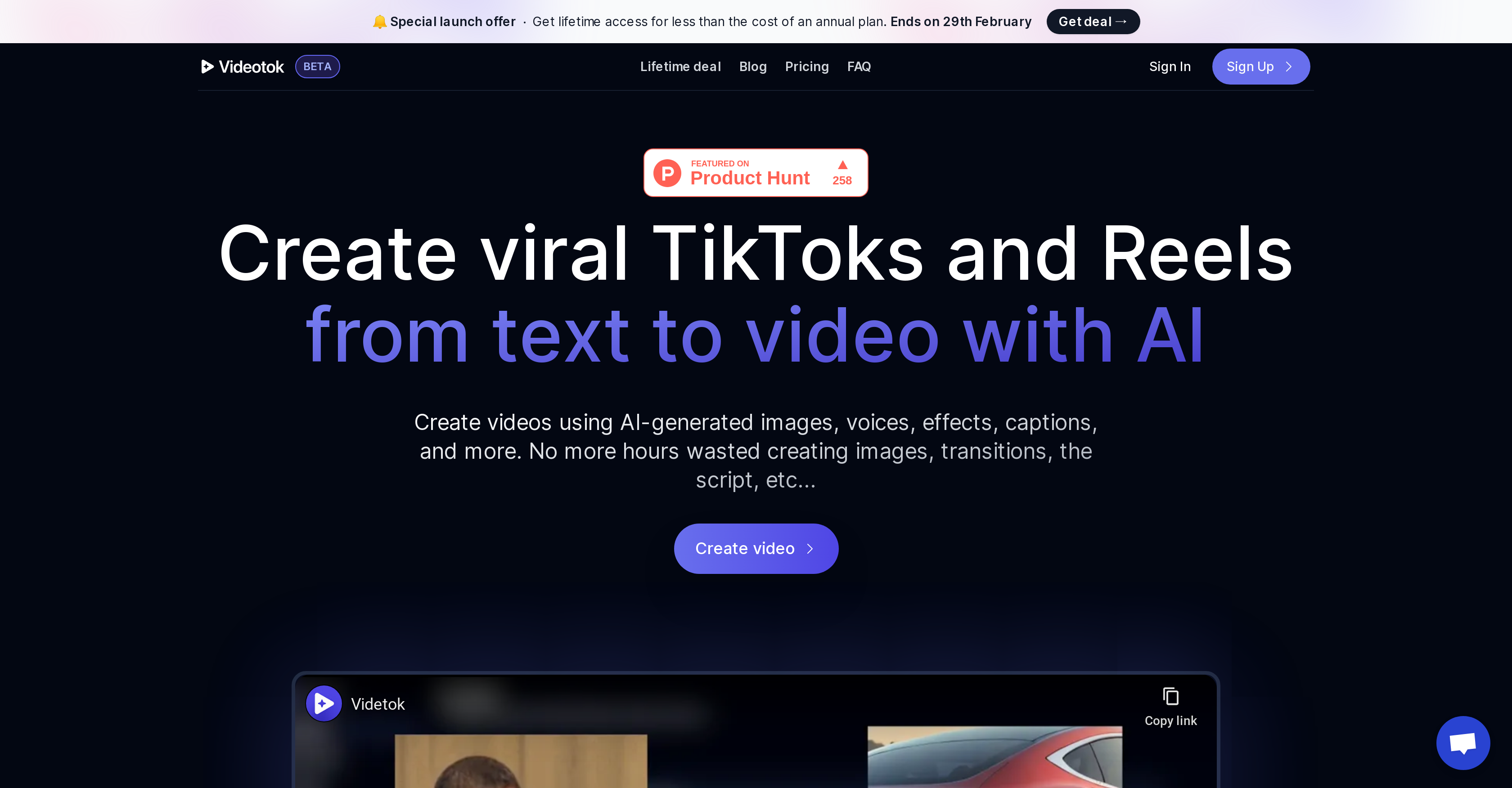
- Go from text to finished video in minutes without filming or editing using AI script generation
- Produce videos with professional pacing and engagement through automatic zooms and transitions
- Generate complete audio tracks instantly with AI voiceovers, background music and sound effects
- Create accessible, platform-optimized content with automatically generated and styled captions
- Customize every aspect with your preferred voice styles, visual themes and content placement
- Maintain consistent quality across explainer videos, social clips and educational content
Pros & Cons
Pros
- Text to video transformation
- Automatic captions
- Auto-zoom feature
- Customized video styles
- Video customization options
- Reduces manual intervention
- Time saving
- Versatile content creation
- Auto background music
- Added sound effects
- Ideal for viral videos
- Content suitable for TikTok, Reels, Shorts
- Affordable lifetime access
- Easy sign up process
- Fancy auto-generated templates
- Ideal for explainer videos
- Ideal for social media clips
- Automatic transitions
- Automatic captions
- Tool recommends audio sounds
- Affiliate program available
- SEO content production
- Free script generator tool
- Free image prompt generator
Cons
- Limited video style output
- No manual generation option
- Absence of multi-language support
- No collaborative functionality
- Lacks advanced customization options
- Limited script generation styles
- Fixed video format output
- Doesn't support 3D video
- No offline availability
- Cannot import external content
Reviews
Rate this tool
Loading reviews...
❓ Frequently Asked Questions
Videotok functions through AI script generation. The user provides a text input and Videotok transforms it into a complete video product. The tool analyzes the text and translates it into scripts for viral videos. It also utilizes AI to generate voices, images, videos, GIFs, captions, and effects.
Videotok's main features include AI-script generation, AI-voice generation, AI-image, video and GIF generation, auto captions, auto zooms, background music and sound effects as well as options for video customization.
Videotok uses its AI script generation feature to create videos from text input. It analyzes the text, crafts it into a script for a viral video, and finally generates the images, voices, effects, and captions needed for the video.
Yes, users can choose their preferred voice and style while using Videotok. It's one of the customization features of the tool.
With Videotok, users can create explainer videos, social media clips, educational content, TikTok videos, Reels, and shorts-style videos.
Yes, Videotok automatically adds captions and effects to the videos. This is facilitated via its auto captions feature and AI-driven effects creation.
Yes, Videotok is capable of automatically generating videos, images, and GIFs using AI. It creates high quality and useful images that fit into the storyline of the video.
The quality of AI-generated voices on Videotok is high. The AI can create different styles of voices, allowing users to select their preference for each video.
Yes, Videotok includes auto zooms in the videos. It's part of the automatic features offered to enhance the viewers' experience.
Yes, one of the primary objectives of Videotok is to save users' time. It automatically generates videos, images, GIFs, captions, and effects, significantly reducing the time and effort required in manual content creation.
Videotok's AI script generation capacity is based on its ability to analyze text inputs and translate them into scripts for viral videos. It has analyzed thousands of videos and knows how to create successful viral scripts.
Users can further customize their videos on Videotok by selecting their preferred voices, styles, and content. Various aspects of the video, like the placement and style of auto captions, can also be customized.
The pricing of Videotok is not explicitly mentioned on their website. However, they mention a special launch offer with lifetime access for less than the cost of an annual plan, available until 29th February.
Yes, Videotok can be used to create shorts-style videos. Its AI-driven features are well suited for this type of content creation.
Videotok's AI generates scripts from text input by analyzing and understanding the context of the text provided. It then generates a script suitable for a viral video, making narration and scene-planning much easier.
The auto captions in Videotok work by analyzing the script generated from the text input. They're automatically created and added to the video, enhancing its accessibility.
Videotok can add automatic voices, images, videos, GIFs, captions, effects, zooms, transitions, background music, and sound effects to the content.
Yes, Videotok is capable of generating background music and sound effects alongside other content. This feature also operates automatically, reducing the user's workload.
The quality of videos made with Videotok can be expected to be high. The tool focuses on delivering great quality by using AI to generate clean and customized video content that suits the storyline and encompasses various desirable elements such as images, videos, GIFs, addresses, effects, auto captions, auto zooms, etc.
The main advantages of creating videos with Videotok include the automation of video creation from text input, saving of time, reducing manual intervention, ability to customize the content according to the user's demands, high-quality video creation, and a variety of features to enhance the video's appeal.
Pricing
Pricing model
Paid
Paid options from
$19.95/month
Billing frequency
Monthly
Related Videos
Hard work pays off 🕷️ Video: Videotok.app
Videotok•772 views•Jun 10, 2025