Overview
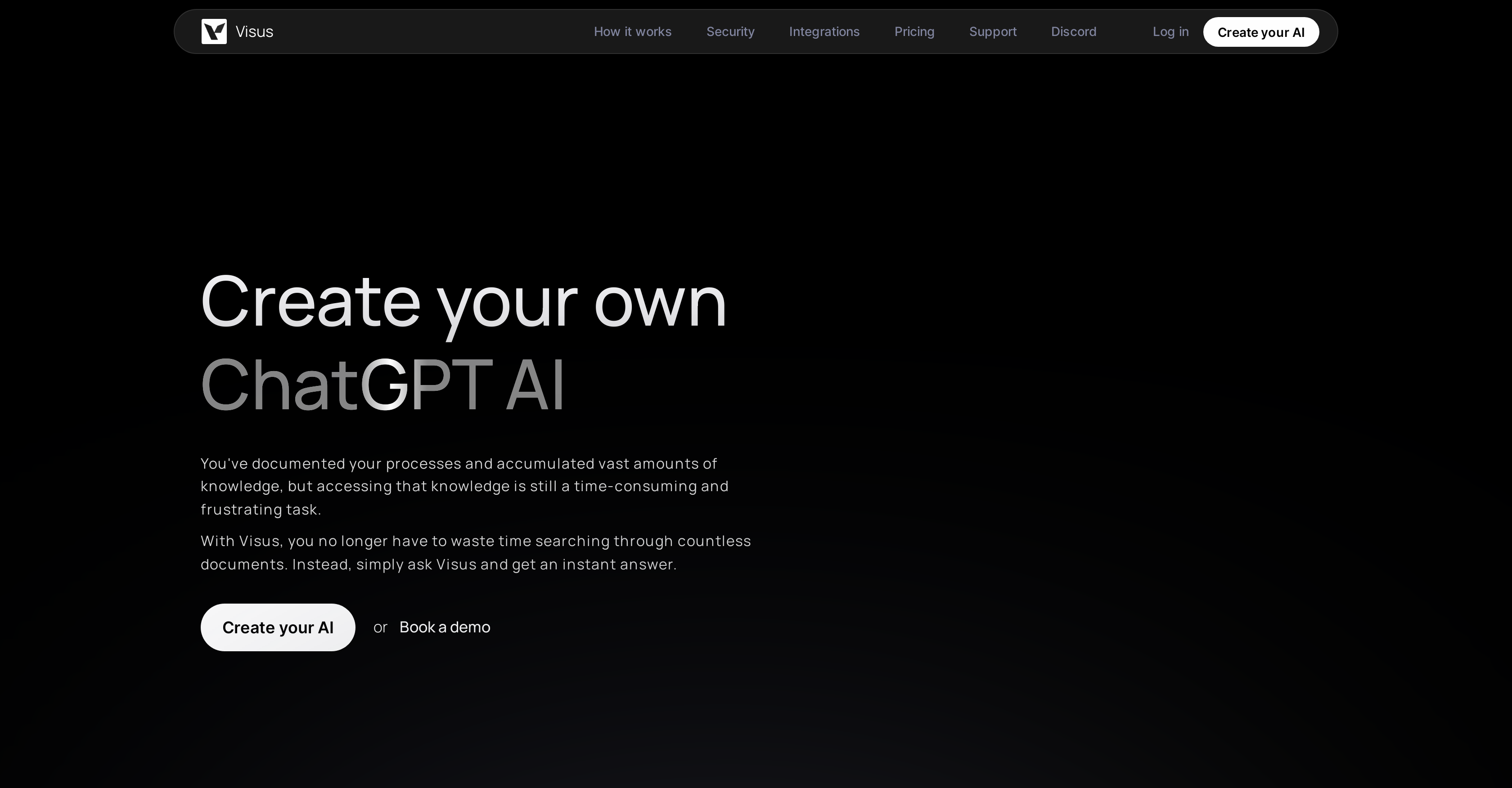
- Get instant answers from your documents using natural language queries instead of manual searching through your trained knowledge base
- Generate website content and marketing copy that reflects your unique brand voice by training the AI exclusively on your documents
- Maintain complete data security with enterprise-grade AES 256 encryption and immediate permission enforcement across all user access
- Access your AI anywhere through seamless integrations with Google Drive, Slack, Teams, and a dedicated Chrome extension
- Customize response accuracy and sensitivity to match your specific use case through an intuitive parameter adjustment interface
- Scale customer support operations with AI that provides consistent, accurate responses based solely on your approved documentation
Pros & Cons
Pros
- Trained on user-specific documents
- Understands natural language
- Quick, accurate responses
- Fully customizable
- Secure data encryption
- Simple three-step setup
- Integration with popular apps
- Used by top-tier companies
- Suitable for individuals and teams
- Encryption in transit
- AES 256 storage encryption
- Comprehensive permission enforcement
- Updates reflect permission changes
- Supports cross-platform use
- Chrome extension for universal access
- Text generation capabilities
- User-friendly interface
- Easy parameter adjustments
- Document processing efficiency
- Immediate question answering
- Unlocks insights from data
- Works with Google Drive, Confluence, Notion
- Works with Slack, Microsoft Teams, Discord
- Aids in customer support
- Promotes efficient data analysis
- High configurability for personal needs
- Processes inquiries effectively
- Efficient language comprehension
- Active work towards SOC 2 compliance
Cons
- Not SOC 2 compliant yet
- Unclear update parameters
- No offline functionality
- Not open source
- Accuracy unknown
- Dependent on good documentation
- No native mobile application
- Limited integration options
Reviews
Rate this tool
Loading reviews...
❓ Frequently Asked Questions
Visus is an advanced AI tool specifically designed to enable users to create their own ChatGPT AI. Trained exclusively on the user's documents and knowledge base, Visus enables quick and easy access to the relevant information. It comprehends natural language to provide quick, accurate responses to any query the user may have concerning their documents. With an emphasis on security, privacy, and compliance, Visus offers a full range of customizability and seamless integration with popular applications like Google Drive, Confluence, Slack, Notion, and others.
Creating your custom ChatGPT AI with Visus involves a three-step process. The first step is to upload your documents for Visus to learn from. The second step is to configure parameters to match your specific needs, thus ensuring that the AI operates as desired. Finally, you type in your queries to obtain accurate, relevant results that are based on your unique dataset.
Visus can be trained on any form of document that the user has access to. This is what makes it so adaptable and suitable for a vast range of tasks, as it can access and learn from any unique collection of documents to provide accurate responses.
Visus provides a user-friendly interface that allows you to easily adjust parameters such as sensitivity and accuracy. This is to ensure that the AI operates to your specific requirements, providing personalized results that are useful for you.
Visus responds with quick and accurate answers to any questions you may have concerning your documents. These answers are based entirely on the training material that you provide, making them personalized and highly relevant to your specific needs.
In Visus, data is secured with the highest priority. It uses industry-standard AES 256 encryption to ensure your data remains confidential. Transmitted data is encrypted with TLS 1.2+ and servers with user data apply full, industry-standard AES 256 disk encryption. Permissions are rigidly enforced, providing answers only using information users are allowed access to.
Visus uses AES 256 encryption, an industry-standard security measure. This ensures that user data remains secure during transmission, with all information being wholly unreadable to unauthorized individuals due to AES 256's strong encryption standards.
Visus integrates smoothly with multiple popular applications, such as Google Drive, Confluence, Notion, Slack, Microsoft Teams, and Discord. This allows users to make full use of its capabilities across different platforms, making it a convenient tool for managing and understanding their data.
Yes, apart from answering user queries, Visus has the ability to generate text for websites. This can be particularly useful for marketing purposes, where text generation based on a unique dataset can provide a more tailored and engaging customer experience.
In Visus, permissions are strictly enforced. If there are any changes to permissions, Visus reflects those changes immediately. This ensures that users can only access information they have the authorization to view, hence ensuring the privacy and security of data.
Yes, apart from its integration capabilities with various platforms, Visus also provides a Chrome Extension for its users. This ensures you have access to your AI from any location, provided you have an internet connection.
Visus enables quick access to stored documents by analyzing and organizing them for easy access. Once the AI is trained, users can make queries in natural language and Visus searches through the trained documents to provide quick and accurate answers.
Yes, Visus is an extremely useful tool for initiating customer interactions. With its AI capabilities, the tool can handle customer inquiries by going through its learned database and supplying accurate responses to the queries, thereby supporting improved and efficient customer support operations.
Visus understands your unique language by learning from the documents you upload. The AI comprehends this information and utilizes it to provide accurate and personalized answers that are specifically tailored to your requirements.
Yes, Visus is designed to suit both individual and business team use. Its features, particularly potential integrations with platforms like Slack and Microsoft Teams, make it an effective tool for entire business teams to use and add value to their organization.
Indeed, Visus is trusted by top-tier product companies. They recognize its potential to provide valuable insights from their data quickly and effortlessly, thereby significantly enhancing their operational efficiency.
By training Visus on your documents, you can expect precise and relevant results. The AI learns from these documents and provides responses that are accurate and personalized to your needs, thereby making navigating through your documents a seamless process.
Yes, Visus does provide a Chrome Extension. With this extension, you can access your AI from any location, ensuring that you always have your AI tool at your fingertips.
To get started with Visus, simply visit their website and select the 'Get started for free' or 'Book a demo' option. You can then follow the setup process to create your customized AI.
Visus, with its AI capabilities, offers valuable insight into your data. It analyzes and organizes your documents for easy access to the information contained within. Consequently, uncovering valuable insights that were otherwise hard to locate, allowing you to make the most out of your stored data.
Pricing
Pricing model
Freemium
Paid options from
Free tier available
Billing frequency
Monthly
Related Videos
Upload your documents to ChatGPT - Visus.ai
Visus•1.8K views•Mar 28, 2023