
Vossa: AI expense tracker
Overview
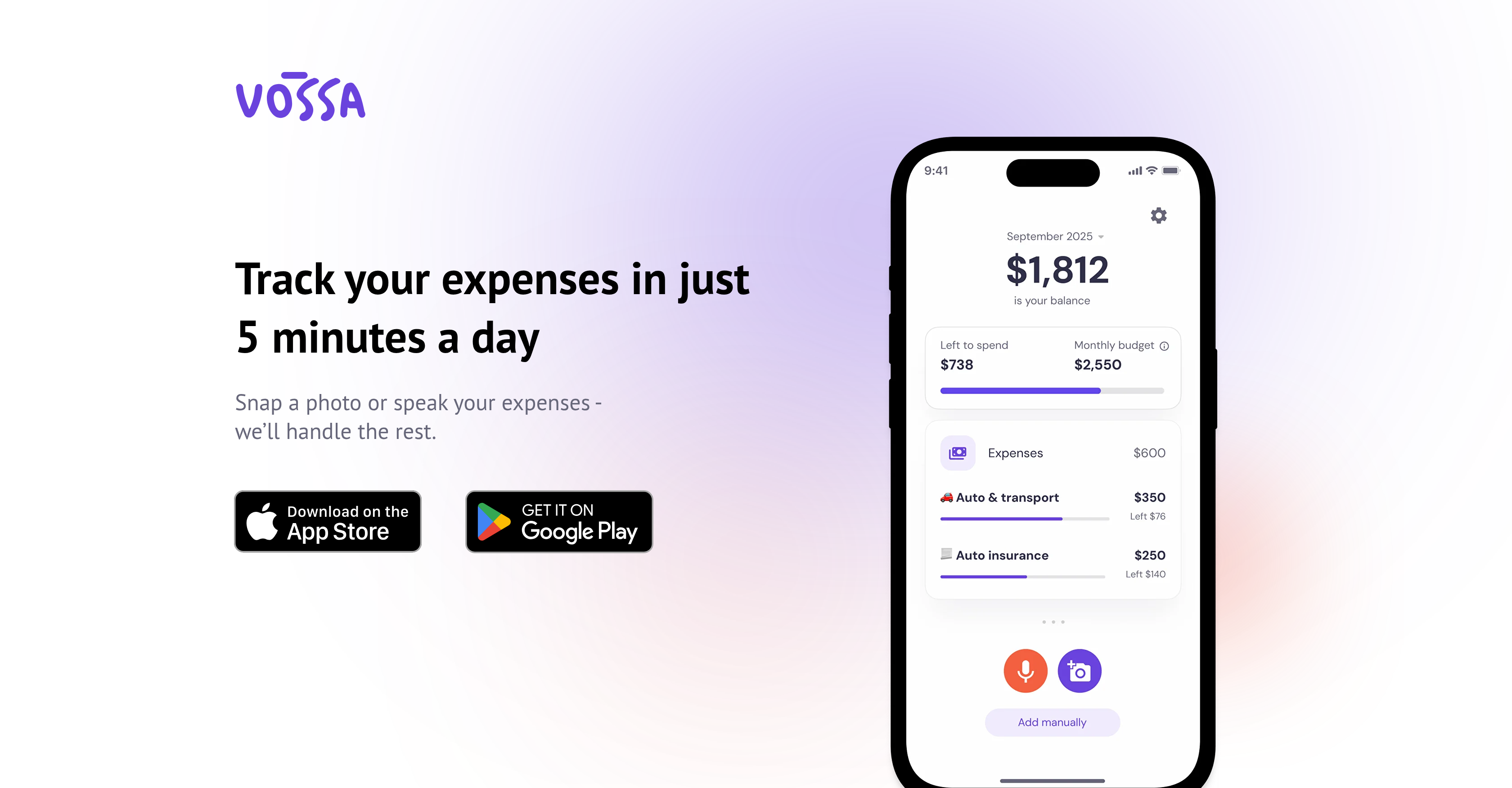
- Eliminate manual data entry entirely by snapping receipts or using voice commands to instantly log expenses
- Automatically organize all spending into accurate categories without manual sorting using intelligent AI categorization
- Start tracking finances immediately without connecting bank accounts or lengthy setup processes
- Maintain complete financial privacy while managing money since no sensitive banking information is required
- Split shared expenses and manage both personal budgets and business costs in one unified platform
- Set and monitor savings goals with real-time budget alerts that prevent overspending before it happens
Pros & Cons
Pros
- Expense tracking in minutes
- Multiple expense entry methods
- Smart auto-categorization
- Transaction editing capability
- Insightful spending statistics
- Custom categories in Premium
- Seamless integration with lifestyle
- Not requiring card information
- Transparent user agreement
- Free service available
- Spending limits monitoring
- Receipt scanning feature
- Comfortable voice commands
- High user privacy focus
- No unnecessary syncing
- Devoid of bloated features
- Applicable for shared expenses
- Simplified financial management
- No over-complicated navigation
- Quick expense adding
- Unlimited transactions in Premium
- User-friendly interface
- Manual entry option
- Efficient budgeting tool
- Premium service for upgrade
Cons
- Limited transactions in free version
- Premium features locked
- No syncing capabilities
- Limited in-built categories
- No bank connections
Reviews
Rate this tool
Loading reviews...
Pricing
Pricing model
Freemium
Paid options from
$2.99/month
Billing frequency
Monthly