WebSpellChecker
Overview
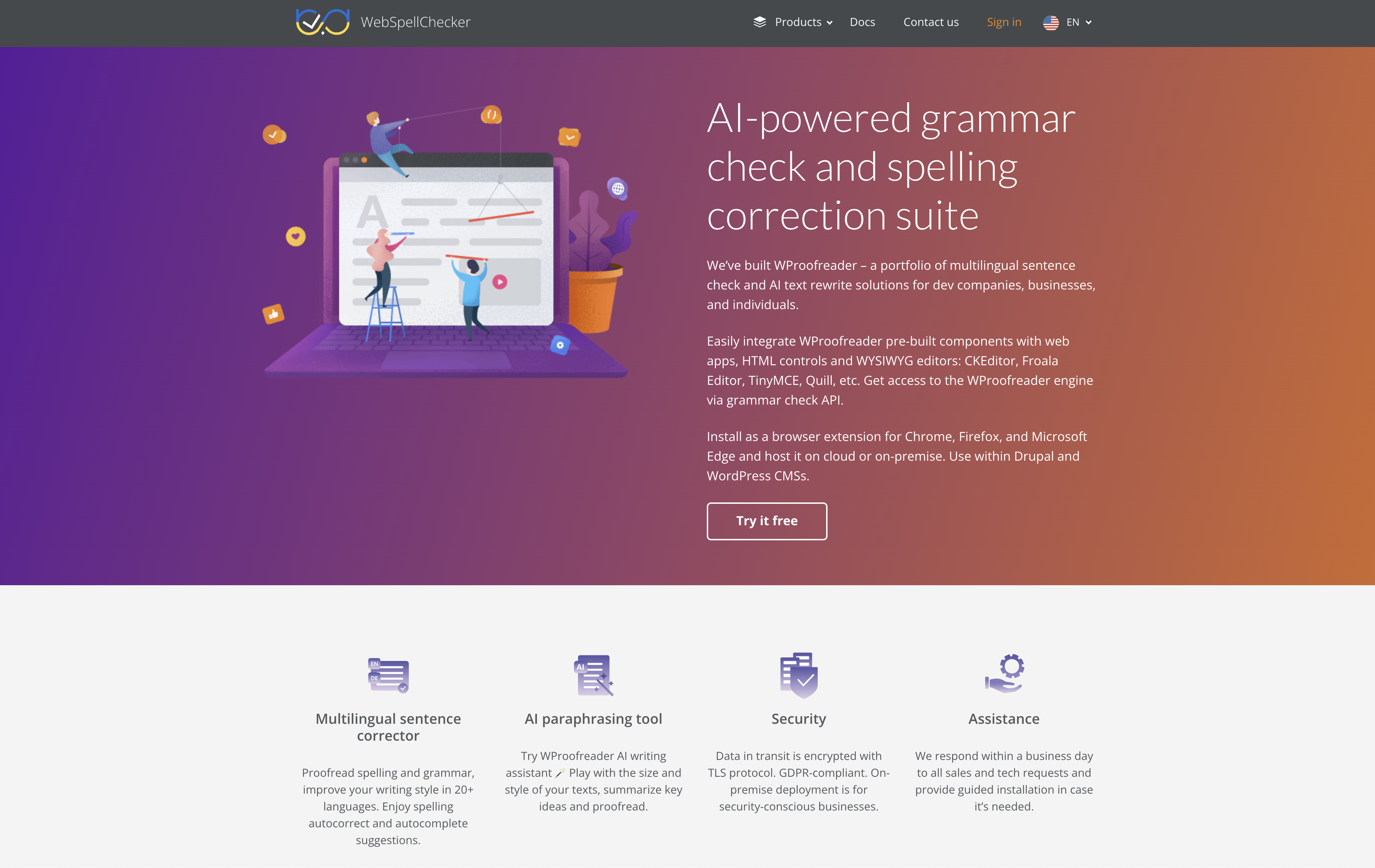
- Eliminate spelling and grammar mistakes across 20+ languages with real-time proofreading that works while you type
- Integrate seamlessly with your existing workflow through plugins for WordPress, CKEditor, TinyMCE, and other WYSIWYG editors
- Maintain complete data security with GDPR compliance, TLS encryption, and optional on-premise deployment for sensitive information
- Speed up content creation with autocorrect and autocomplete suggestions that reduce keystrokes and typing errors
- Enhance writing style beyond basic corrections with AI-powered sentence structure improvements and paraphrasing tools
- Proofread anywhere online with browser extensions for Chrome, Firefox, and Edge that work across emails and documents
Pros & Cons
Pros
- Multilingual support
- Integration with HTML controls
- Compatibility with WYSIWYG editors
- Real-time proofreading
- Separate modules for usage scenarios
- SDK for development teams
- Browser extension available
- Plugin for WordPress
- Encrypts data in transit
- GDPR compliant
- On-premise deployment option
- Improves writing style
- Autocorrect and autocomplete suggestions
- Supports over 20 languages
- Assistance within a business day
- Multiple deployment options
- Flexible licensing and pricing
- Can be tailored for specific requirements
- Offers ultimate control on data
- Compatible with various web browsers
- Automatic product upgrades
- Hosted on AWS for cloud deployment
- Out of the box CKEditor 4 plugin
- WordPress text corrector plugin
- Proofreading solutions for web apps
Cons
- Limited to web apps
- Restricted to 20 languages
- Requires separate modules
- Limited to specific HTML editors
- On-premise deployment complexity
- Limited integrations
- No mobile application
- Few paraphrasing features
- Unclear upgrade path
- No offline functionality
Reviews
Rate this tool
Loading reviews...
❓ Frequently Asked Questions
WebSpellChecker is an AI-powered tool that provides multilingual grammar checking and spelling correction. Its main function is to improve the text writing and editing capabilities of websites and web applications by offering real-time proofreading. WebSpellChecker supports requests in over 20 languages and can be integrated with various HTML controls and multiple WYSIWYG editors. It has a dedicated product line, WProofreader, that offers tailored solutions for different usage scenarios.
WebSpellChecker enhances writing capabilities through its real-time proofreading feature. It checks for spelling and grammar errors as you type and offers immediate corrections. It also provides additional features such as multilingual sentence correction, writing style enhancement, and autocorrect and autocomplete suggestions, allowing users to refine their writing and deliver clear, error-free text.
WebSpellChecker supports over 20 languages, providing multilingual grammar and spelling correction services. However, the exact list of supported languages is not specified on their website.
WebSpellChecker can readily be integrated with various HTML controls such as div, iframe, textarea, and input elements. It also works seamlessly with WYSIWYG editors like CKEditor, Froala Editor, TinyMCE, Quill, among others, which significantly enhances their functionality.
The WProofreader product line offers two main components. The WProofreader SDK is a combination of pre-built plugins for HTML editors and a standalone API, primarily aimed at development teams. The other component is the WProofreader browser extension, which is designed for individuals and teams for proofreading emails, documents, or messages online.
The WProofreader browser extension operates as a secure writing assistant for individuals and teams using web browsers. It enables users to proofread emails, documents, and other online messages, refining their writing style and ensuring accurate and error-free content.
WebSpellChecker is compatible with WordPress websites through the WProofreader plugin. This plugin provides an additional check before publishing any content on both classic and new WordPress versions, ensuring that the content is error-free.
WebSpellChecker implements several security measures to protect data. These include encryption of data in transit using the TLS protocol, GDPR compliance which ensures that user data is handled in accordance with EU regulations, and an option for on-premise deployment for businesses requiring increased security measures.
Yes, WebSpellChecker offers on-premise deployment. This option allows companies to integrate and host the sentence checker within their infrastructure and company servers. This mode of deployment is particularly suited for security-conscious businesses as control over all data is retained in-house, thereby eliminating the risk of data leakage.
The autocorrect and autocomplete suggestions feature of WebSpellChecker is designed to expedite the process of text input, reduce keystrokes, and correct errors in real time. It helps users to type more accurately and quickly by providing instant, automated correction and completion suggestions. The exact functionalities of the autocorrect and autocomplete might vary based on the language and context.
WebSpellChecker's multilingual sentence correction works by identifying and underlining potential errors in input sentence structures across more than 20 languages. It offers real-time corrections, helping to ensure the accuracy of the user's text and enhance their writing style in different languages.
The WProofreader SDK is a set of pre-built plugins for HTML editors and a standalone API. Its primary goal is to assist development teams in enriching their web apps and custom systems with sentence checking and paraphrasing functionality.
WebSpellChecker can be integrated with a wide range of WYSIWYG editors, including CKEditor, Froala Editor, TinyMCE, Quill, and several others. Through this integration, these editors can benefit from the real-time proofreading capabilities of WebSpellChecker.
In addition to basic grammar and spelling correction, WebSpellChecker offers assistance with improving writing style. This involves providing recommendations on sentence structure and word choice to enhance the coherency and clarity of the text. The system also employs autocorrect and autocomplete suggestions to expedite typing and reduce errors.
The AI paraphrasing tool of WebSpellChecker helps refine the size and style of text and summarize key ideas while proofreading. It enables users to adjust their written content to meet specific requirements or stylistic preferences, and ensure the delivery of clear and concise message.
The WProofreader browser extension can be installed in Google Chrome, Mozilla Firefox, and Microsoft Edge browsers. It serves as a secure writing assistant, allowing individuals and teams to proofread emails, documents, and messages directly in their browsers.
While specific details about Drupal integration are not directly provided on their website, the general compatibility of WebSpellChecker with web applications suggests it can work with Drupal and other CMS platforms.
WebSpellChecker offers two deployment options: on-premise and cloud. On-premise deployment is ideal for security-conscious businesses since data is processed and stored on company servers. The cloud option is hosted on AWS with data centers in the US East region, suitable for startups and small businesses with flexible scalability needs.
WebSpellChecker offers responsive customer assistance. They promise to respond to all sales and technical requests within a business day. They also provide guided installation if required.
Pricing
Pricing model
Paid
Paid options from
$384/year
Billing frequency
Yearly
Refund policy
No Refunds