
Overview
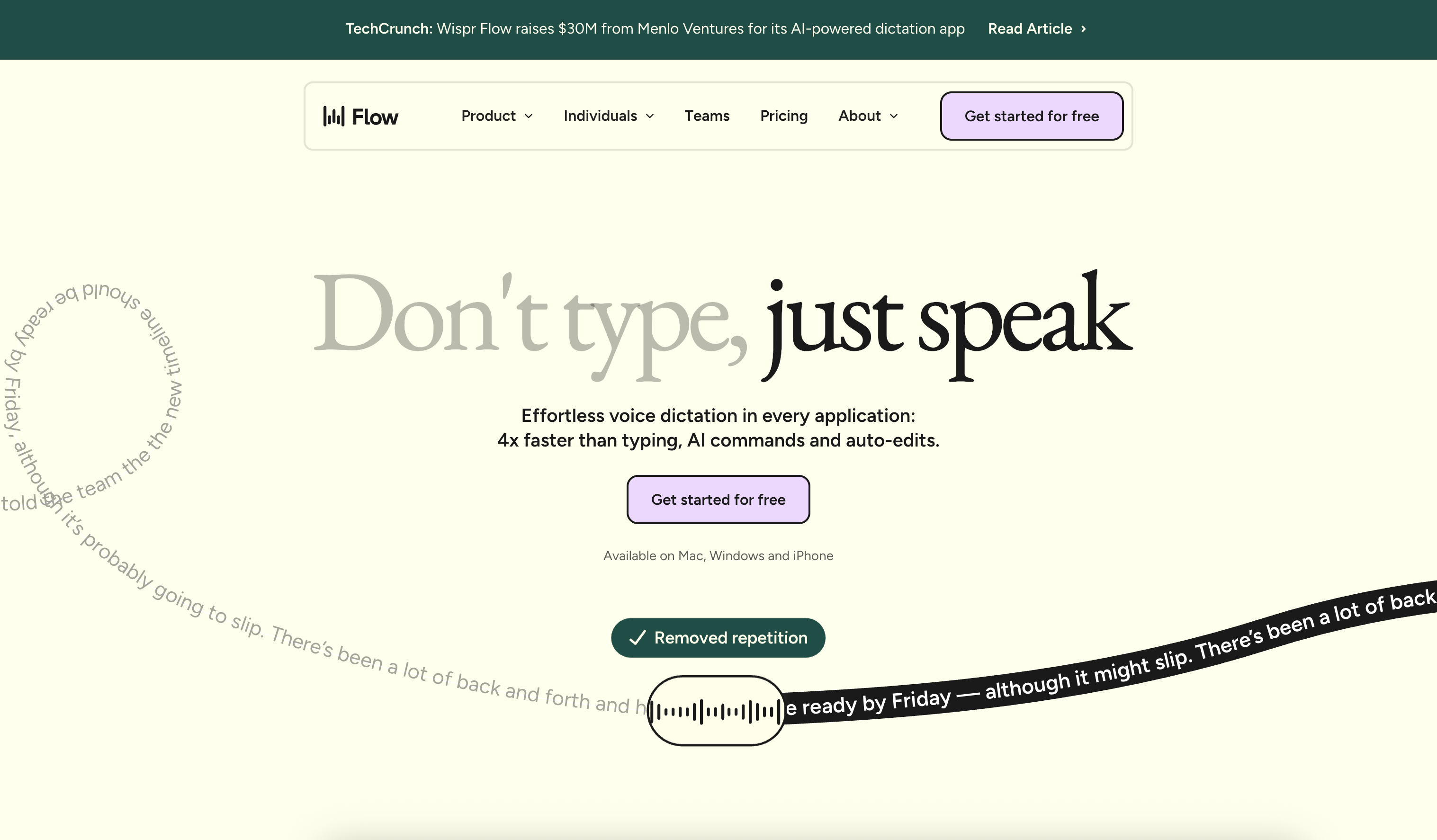
- Write faster than typing with real-time voice-to-text conversion that works across every computer application
- Maintain writing flow with sentence completion assistance that helps articulate thoughts when you're stuck
- Capture uncommon names and technical terms accurately through context-aware understanding of your content
- Eliminate grammar and spelling errors automatically with real-time auto-edit capabilities while you speak
- Control documents hands-free using voice commands for editing and formatting without switching tools
- Adapt to your unique communication style with personalized learning that varies by application
- Write in over 100 languages with accurate translation of spoken words into written text
- Reduce workflow interruptions with intuitive editing that lets you make quick corrections while speaking
Pros & Cons
Pros
- Translates spoken word efficiently
- Auto-edit capabilities
- Supports 100+ languages
- Adapts to user's speech style
- Intuitive user experience
- Quick edits in real-time
- Assists in formulating sentences
- Context-aware
- Accurately captures uncommon names
- Seamlessly works in any application
- Enhances productivity
- Reduces work interruptions
- Accelerates writing speed
- Advantageous for professionals
- Polygonal speaking
- Text editing function
- Content creation helper
- Accurate transcription services
- Time saving tool
- Commands control for documents
- Specific app-based adaptation
- Whispering mode
- Private cloud encryption
- .EDU discount
- Team-wide shared context
- SSO / SAML support
- Administrative controls
- VIP Support in 12 hours
- Handles stuttering well
- Speech-to-text functionality
- Command Mode for editing
- Learns your writing style
- Prioritised feature requests
- Early access to new features
- Mobile app included (coming soon)
Cons
- Limited free version
- Pricey for premium features
- Dependent on clear pronunciations
- May struggle with accents
- Learns style, potential privacy concern
- Requires internet connection
- No offline functionality
- May have transcription inaccuracies
- Mobile app not available yet
- Possibly unsuitable for multilingual users
Reviews
Rate this tool
Loading reviews...
❓ Frequently Asked Questions
Wispr Flow is a voice dictation tool that translates spoken words into written text across different applications. It's designed for quick and clear writing, making it a productive tool for professionals and writers who require efficient and accurate written communication.
Main features of Wispr Flow include auto-edit capabilities, the ability to adapt to a user's speech style according to the application used, formulation of full sentences assistance, context-awareness for capturing uncommon names, provision of AI command access, and compatibility with every computer application.
Wispr Flow supports over 100 languages, offering a broad spectrum of language options to the user.
Wispr Flow adapt's to a user's speech style by recognizing and learning how a user communicates in different applications, it then applies this understanding to provide personalized voice-to-text dictation in the respective apps.
Wispr Flow uses its sophisticated Artificial Intelligence to anticipate what the user may be trying to say, providing sentence completion assistance when a user is stuck in thought. This feature helps in formulating full sentences, thus promoting smooth and continuous writing.
'Context-aware' in terms of Wispr Flow means that the AI tool has the ability to understand the context in which the user is speaking, thus enabling it to accurately capture things like navigating attention towards uncommon names.
Wispr Flow's context-awareness allows it to understand and correctly capture unusual or uncommon names based on the context in which they are used.
Wispr Flow's AI commands enable users to take control of their documents, allowing them to make changes or edits by just speaking to the tool.
Given Wispr Flow's design, there is no limit to the number of applications it can work across. It is structured to operate seamlessly across every application on a computer.
Wispr Flow enhances productivity by offering quick and clear writing. By translating speech into written text, it enables users to write faster and more accurately in any application, thereby speeding up work processes and increasing work efficiency.
Wispr Flow reduces interruptions during work by offering an intuitive user interface that allows users to make quick edits while they are talking. This mitigates the need for repeated stop-start interruptions that are common with traditional typing.
Wispr Flow works seamlessly across every application on a computer. The exact list of compatible applications is not specified, but its design allows it to effectively operate within any application that supports text input.
Based on the provided features in Wispr Flow Pro package, a mobile app is included. However, its availability is marked as 'coming soon', implying that mobile support will be added in the future.
You can get started with Wispr Flow by downloading the application and choosing a suitable package. A free version, Wispr Flow Basic, is available with limited features.
Wispr Flow Basic offers 2,000 words per week and support for over 100 languages at no cost. Wispr Flow Pro, at $12 per month, offers unlimited words per week, editing in Command Mode, personalized learning of your writing style, prioritized feature requests, early access to new features, and includes the upcoming mobile app. Flow Enterprise, priced at $24 per user per month, adds team-wide shared context, SSO/SAML support, administrative controls, and VIP support.
Early access to new features in Wispr Flow is available for users who have subscribed to the Wispr Flow Pro package.
Yes, Wispr Flow offers a discount for students. Students can sign up with their .EDU account to benefit from this special rate.
Wispr Flow runs on a private cloud where user data is encrypted both during transit and at rest. This ensures the privacy and security of user data.
The auto-edit feature in Wispr Flow corrects grammar and spelling mistakes in real-time while a user is speaking. This improvement streamlines the writing process and enhances the accuracy of the text.
Wispr Flow stands out from other voice dictation tools by offering unique features such as the tool's ability to adapt to a user's speech style based on the application, assisting users in formulating full sentences, accurately capturing uncommon names due to its context-awareness, and offering AI command access, thus enabling users to control their documents just by speaking.
Pricing
Pricing model
Freemium
Paid options from
$12/month
Billing frequency
Monthly
Related Videos
Wispr Flow for iPhone
Wispr Flow AI•776.6K views•Jun 3, 2025