Wondershare Filmora
Overview
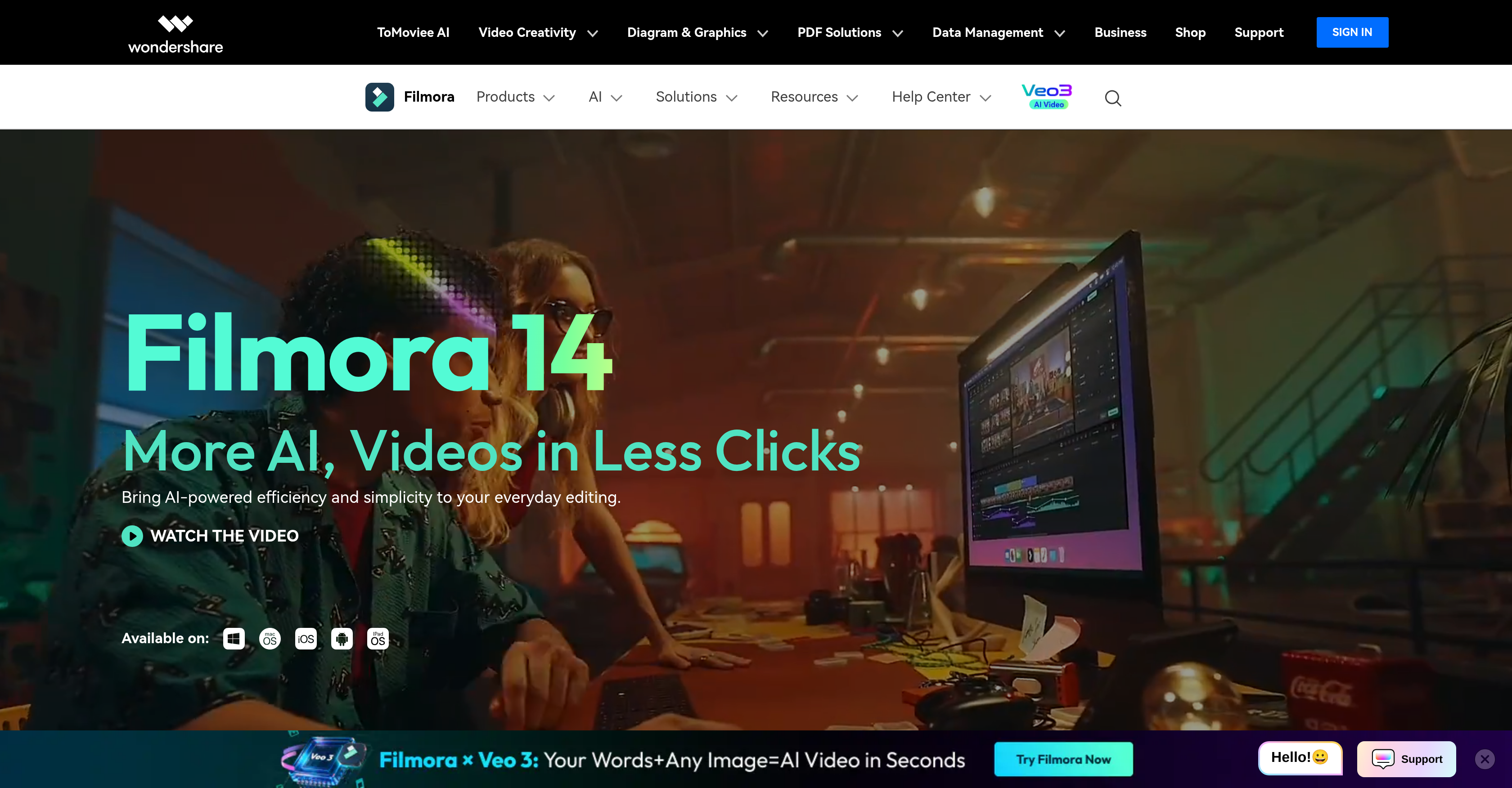
- Transform lengthy videos into engaging short clips instantly with Smart Short Clips feature
- Dramatically improve video quality and clarity in blurred footage using AI Video Enhancer
- Precisely extract portrait subjects from any video background with AI Portrait Cutout tool
- Edit footage from multiple cameras simultaneously for richer storytelling experiences
- Access comprehensive tutorials and learning resources for video marketing and special effects
- Create professional PDF documents and manage digital content within your editing workflow
- Receive AI-powered creative suggestions to enhance your video content strategy
- Build effective tutorial videos with screen capture, voice-overs, and annotation tools
Pros & Cons
Pros
- Smart Short Clips feature
- Supports multiple camera editing
- PDF creation and editing tool
- Tutorial video maker
- Extensive learning resources
- Video marketing trend guides
- Special effects creation tutorial
- High-speed media conversion
- Efficient tutorial video maker
- Collaborative mind mapping tool
- Professional Gantt chart tool
- Cloud-based document management
- Lost file recovery tool
- Repair broken videos tool
- Mobile device management feature
- Keyframing feature
- Text path feature
- Batch edit texts
- Auto Caption feature
- Advanced Compression
- Social Video Planner
- Collaborative mind mapping
- Video Stabilization
- Audio Silence Detection
- Auto Beat Sync
- Audio Ducking
- Content Generation
- 2.3M+ Creative Assets
- Video Filters
- Text Animation
- Wide range of assets
Cons
- No Linux compatibility
- Limited multi-camera editing
- PDF editing unrelated
- Limited cross-platform functionality
- Lacks professional editing features
- No cloud-based collaboration
Reviews
Rate this tool
Loading reviews...
❓ Frequently Asked Questions
Wondershare Filmora is an AI-powered video editing software aimed at catering to users with varying skill levels. Its primary focus lies in simplifying the video creation process. The software offers a range of features that facilitate video editing, enhancement, and conversion. Its AI algorithm assists in making the video editing process quicker and more intelligent along with providing suggestions for generating creative content.
The AI in Wondershare Filmora enhances the video editing process by making it faster, smarter, and simpler. The AI algorithm facilitates a more efficient editing process by suggesting creative content generation. Some AI-powered features include AI Video Enhancer for superior video quality, AI Portrait Cutout for precise extraction from videos, and Smart Short Clips for transforming lengthy videos into concise clips.
Smart Short Clips is a feature in Wondershare Filmora that allows users to transform full-length videos into compact, short clips. It is specifically designed to facilitate the creation of engaging content for platforms that favour shorter video content, thus making it easy for users to effectively condense and highlight vital parts of their videos.
AI Video Enhancer in Wondershare Filmora is a tool designed to elevate the quality and clarity of videos. It utilizes AI algorithms to recognize and enhance lesser quality aspects of the video, helping to restore detail and texture, particularly in blurred or low-resolution footage. This results in a significant improvement in overall video quality.
The AI Portrait Cutout feature in Wondershare Filmora enables users to extract portraits precisely from the videos. By utilizing advanced AI technologies, this tool can accurately identify and isolate portraits in the footage. It assists in the creation of clear and professional looking videos with intricate details and high definition portrait images.
Yes, Wondershare Filmora supports multiple camera editing. This functionality allows the software to ingest videos shot from multiple cameras and compile them into a singular video stream that provides a richer storytelling experience. It aids in creating dynamic and interactive videos that give viewer a comprehensive perspective of the covered scenario.
Wondershare Filmora offers a range of unique features. These include Smart Short Clips for transforming longer videos into concise clips, AI Video Enhancer for superior video quality and clarity, and AI Portrait Cutout for precise extraction of portraits from videos. The software also provides PDF creation and editing tools, a range of data management products, and resources for understanding and exploiting video marketing trends, among others.
Yes, Wondershare Filmora does facilitate PDF creation and editing. It offers a unique feature that allows for the creation and modification of PDF files. This feature can help in crafting professional PDF documents, which could be integrated into the video editing workflow or used separately for other tasks.
Yes, Wondershare Filmora provides various tutorials for video creation. These comprehensive tutorials cover a wide range of topics, including specific video editing technical terms, suggestions for creation ideas and tips, and guidance on special effects creation. These resources aid users in improving their skills and understanding of the software, thereby facilitating an efficient and effective video creation process.
Wondershare Filmora assists with video marketing by providing useful industry resources and a feature-rich platform for creating engaging video content. The software provides learning resources about video marketing trends that can help users stay up-to-date with the current best practices in the industry. The powerful editing tools and the AI's intelligent suggestions for creative content further assist in crafting videos that resonate with the marketing objectives.
Wondershare Filmora offers a variety of data management products. These tools allow users to effectively manage digital content, support file recovery, mobile device management, phone-to-phone transfer, and repair broken videos or photos, providing a comprehensive solution for various data management needs.
Wondershare Filmora provides various resources for understanding technical terms in video editing. These resources are designed to help users familiarize themselves with common technical jargon in the industry and enhance their technical knowledge for better editing output. These resources and guidance help in developing an understanding of the software's capabilities and in fully exploiting its feature set for professional video editing.
Yes, Wondershare Filmora can provide suggestions for creative content generation. Its AI algorithm aids in the process of video editing by not only making it faster and smarter but also by providing prospective pointers and suggestions for creative content creation. This can help users to better formulate and execute their video making strategies and improve the overall quality of their content.
Yes, Wondershare Filmora provides learning resources for special effects creation. The platform offers comprehensive tutorials and guides that aid in comprehending the techniques and procedures for creating various special effects. By leveraging these educational resources, users can enhance their video editing skills and craft content that stands out with professional, high-quality special effects.
Yes, Wondershare Filmora has features for video enhancement. It includes AI Video Enhancer which improves the video quality and clarity dramatically. The enhancer uses artificial intelligence to increase the detail and texture in blurred or low-resolution footage, thereby enhancing its overall appearance and appeal to the viewer.
Wondershare Filmora facilitates short clip creation through its Smart Short Clips feature. It allows transformation of lengthy videos into compact, digestible clips. Users can highlight the essential parts of their full-length videos, enabling them to produce more engaging content that is suitable for platforms predominantly favouring short-form content.
Wondershare Filmora aids in faster and smarter editing through its AI-powered algorithm. The AI-driven features facilitate efficient video editing, letting users tailor their content according to the requirements. This ensures a more streamlined and intuitive editing process, thus enabling users to create professional-quality videos effortlessly.
The role of AI in Wondershare Filmora's video editing process is pivotal. The AI algorithm enhances the video editing process by making it faster and smarter. It uses intelligent programming to offer features like AI-powered Video Enhancer for superior video quality, Smart Short Clips for converting lengthy videos into concise clips, and AI Portrait Cutout for precise portrait extractions from videos. This enhances the user's video editing experience and provides a platform to create quality content effortlessly.
Yes, Wondershare Filmora can be used for creating tutorial videos. The efficient tutorial video maker feature allows users to create effective and engaging instructional videos. It can capture screen activity and incorporate various enhancements and effects. This feature also provides functionalities to add voice-overs, annotations, and other elements to make tutorial videos more comprehensive and interactive.
Pricing
Pricing model
Paid
Paid options from
$5.83/month
Billing frequency
Monthly
Refund policy
Users can request refunds within 30 days for duplicate orders, wrong unused purchases, missing confirmation emails or unresolved technical issues. No refunds for expired licenses, used credits, renewals, third-party sales or change of mind.
Related Videos
Wondershare Filmora - Complete Filmora Video Editor Tutorial!
Justin Brown - Primal Video•278.0K views•Oct 19, 2023