
Overview
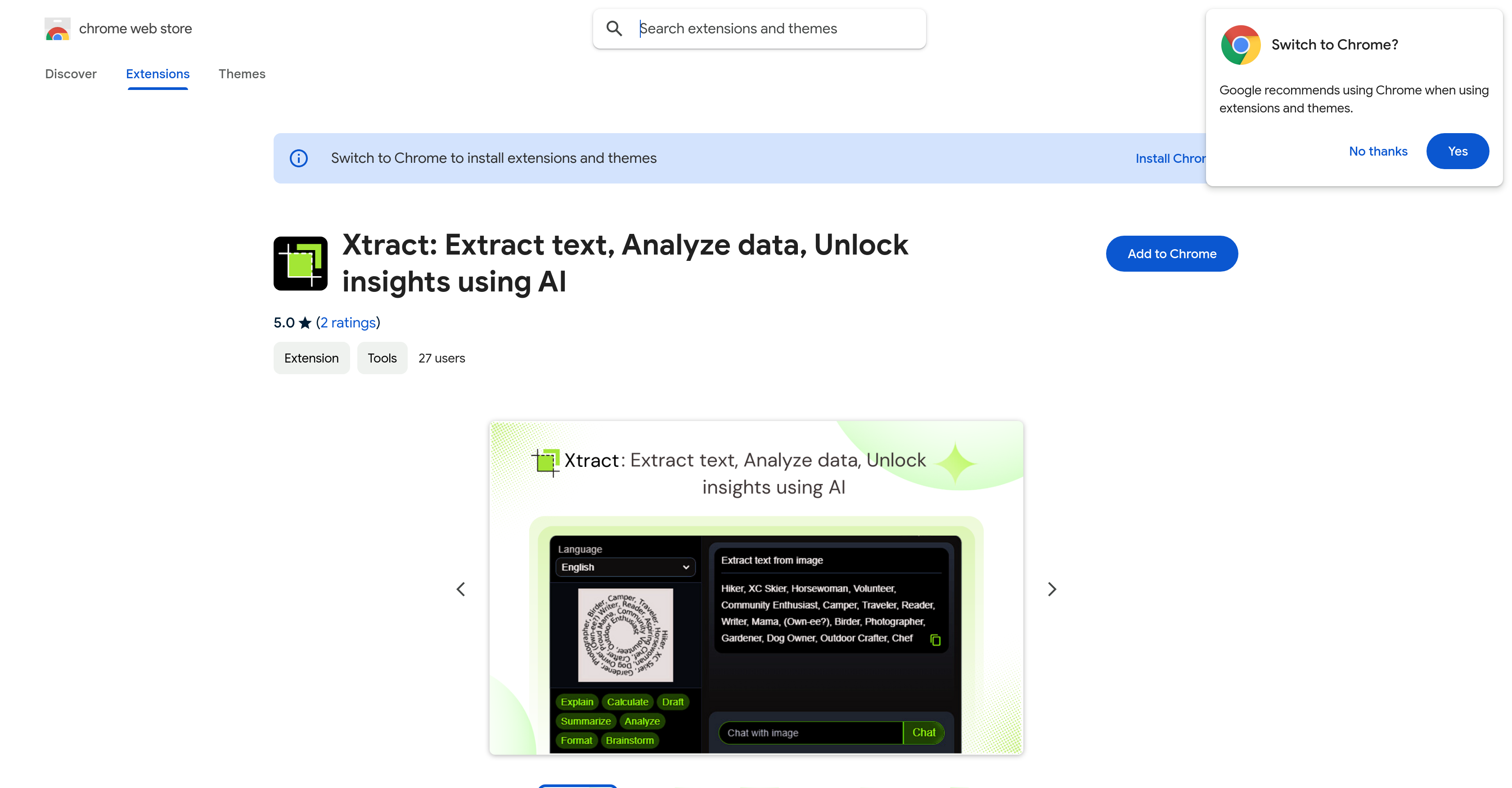
- Instantly capture and analyze any on-screen content with one-click screen snipping
- Extract text with perfect accuracy from images, videos, and complex web layouts
- Convert raw data and text into clear, visualized insights and graphs automatically
- Process and understand content in multiple languages without switching tools
- Get immediate context and explanations for visual content through AI-powered recognition
- Maintain complete privacy with all processing happening locally in your browser
- Accelerate research workflows with intelligent chat about any extracted content
Pros & Cons
Pros
- Chrome extension
- High precision extraction
- Quick Snip Tool
- Multi-language support
- Data visualization
- Visual Recognition
- Quick tool activation with keyboard shortcut
- Appropriate for various user types
- Emphasis on user privacy
- Local data processing
- Compatible with modern websites
- Lightning fast response time
- Exceptional extraction accuracy
- Secure API key handling
- Minimal browser impact
- Instant results
- Multiple analysis options
- Text analysis
- Web Page Analysis
- Image Content Analysis
- Video Content Analysis
- Data Conversion
- Screen Capture
- Web content transformation
Cons
- Only for Chrome
- Requires Gemini API key
- Alt + S conflict
- Single language support
- No mobile support
- No data extraction options
- No visual content import
- No multi-page processing
- Relies on local processing
- Hard to integrate with workflows
Reviews
Rate this tool
Loading reviews...
Pricing
Pricing model
No Pricing