

YouTube Dubbing
Overview
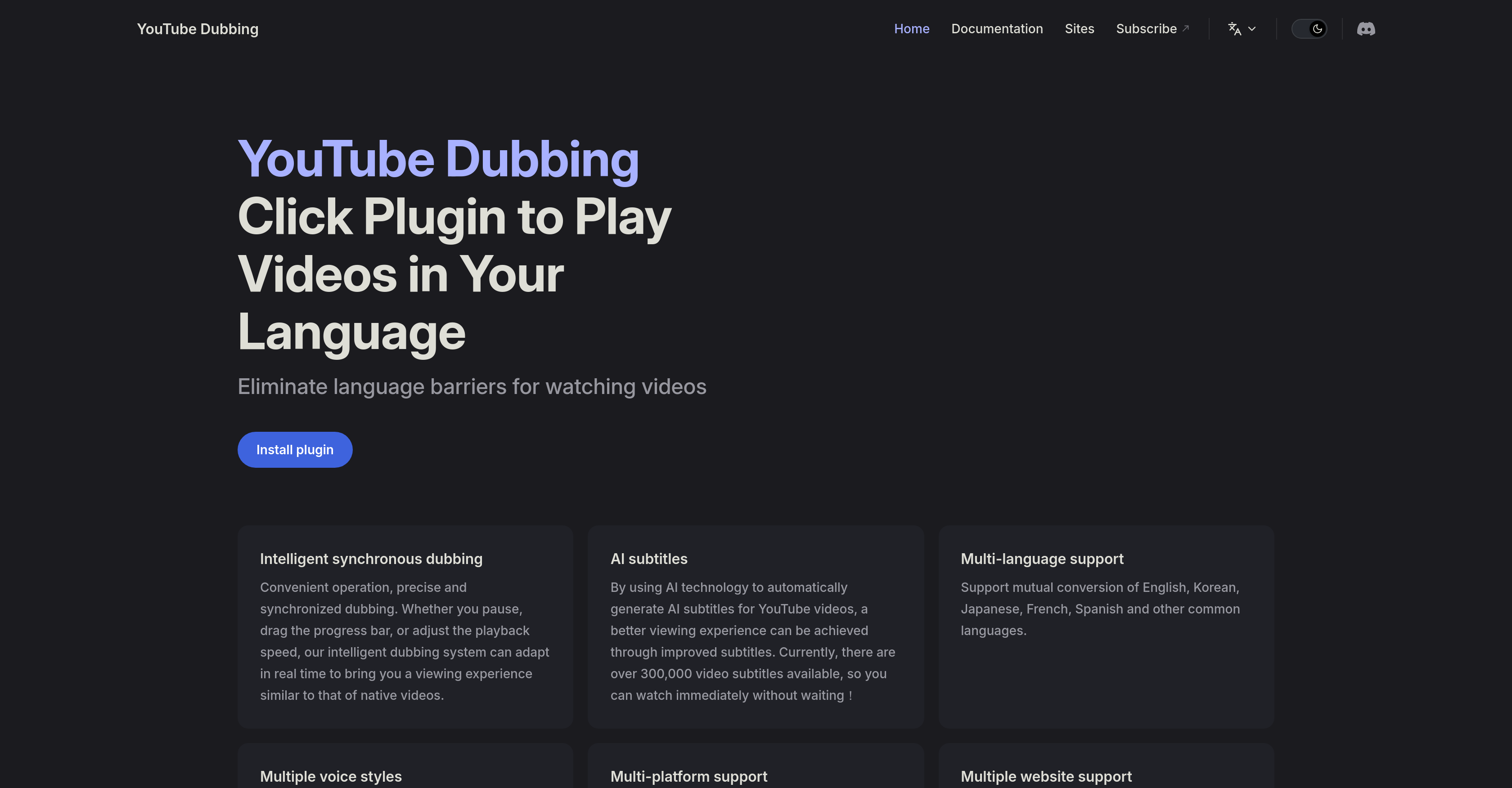
- Watch any foreign video in your native language instantly with one-click AI translation and playback
- Choose from multiple natural-sounding voices and assign different speakers for authentic dubbed content
- Maintain perfect audio-video synchronization even when pausing or adjusting playback speed
- Access over 300,000 pre-translated videos immediately with no waiting period for subtitle generation
- Enjoy seamless integration across YouTube, Udemy, Bilibili and other major video platforms
- Preserve original background audio while replacing dialogue for immersive viewing experiences
- Switch between male and female voice options with country-specific voice customization available
Pros & Cons
Pros
- Browser plugin
- Seamless YouTube integration
- Synchronous dubbing
- Real-time adjustment
- Supports multiple languages
- Male and female voices
- Exclusive international voices
- Platform compatibility
- Automatic subtitle generation
- Cross-platform support
- Supports video platforms
- Precise dubbing
- Interactive viewing experience
- Overlay subtitles
- Playback speed adjustment
- Continues updates
- Intelligent adaptation
- No language barriers
- Content localization
- Overlays Subtitles Automatically
- Gender specific voices
- Country specific voices
Cons
- Limited to browser plugin
- Sync issues may occur
- Limited language support
- Dependency on internet speed
- May struggle with slang
- Inaccurate translation possible
- Gender-specific voice limitations
- Potential delay in subtitling
- Limited exclusive voices
Reviews
Rate this tool
Loading reviews...
❓ Frequently Asked Questions
YouTube Dubbing is an AI-powered tool that tackles language barriers in video content, making it more accessible to viewers worldwide. This is accomplished by automatically generating and overlaying subtitles on YouTube videos. A remarkable feature of YouTube Dubbing is its capability for intelligent synchronous dubbing, which provides precise and synchronized dubbing.
YouTube Dubbing works by using advanced AI technology to automatically generate and overlay subtitles for YouTube videos. It operates via a plugin that can be installed on your browser and can seamlessly integrate with YouTube. It supports real-time adjustment to various actions such as pausing, dragging the progress bar, or adjusting the playback speed.
Intelligent synchronous dubbing is a feature of YouTube Dubbing. This feature allows for precise and synchronized dubbing. It adapts in real time to different actions such as pausing, dragging the progress bar, or adjusting the playback speed, to provide a similar viewing experience to that of native videos.
YouTube Dubbing supports multiple platforms. These include PC, Android, iOS, and various browsers. This support isn't limited to YouTube alone; the tool continually adds more mainstream video platforms to its repertoire.
Yes, YouTube Dubbing provides support for multiple browsers, although the exact list of supported browsers is not mentioned on their website.
YouTube Dubbing supports multiple languages. These include, but are not limited to, English, Korean, Japanese, French, and Spanish. Furthermore, it supports conversion between these languages.
Yes, YouTube Dubbing does change the voice in the video. It provides support for both male and female voices and offers exclusive voice options for different countries.
Yes, YouTube Dubbing can be used on mobile devices. It provides support for both Android and iOS systems.
YouTube Dubbing integrates with YouTube through a plugin that can be installed for your browser. This integration is seamless, meaning you can use it directly on the YouTube website without requiring a separate app or program.
Yes, YouTube Dubbing works in real time. It can adapt to different actions such as pausing, dragging the progress bar, or adjusting the playback speed in real time.
While it's primarily designed for YouTube, YouTube Dubbing is continually expanding its support for more mainstream video platforms. The exact platforms it supports are not specified on their website.
Yes, YouTube Dubbing does provide different voices for different countries. This feature is part of its commitment towards offering a localized and immersive viewing experience.
No, there is no waiting period for YouTube Dubbing to generate subtitles. It uses AI technology to automatically generate subtitles for YouTube videos. It currently has over 300,000 video subtitles available for immediate viewing.
Yes, YouTube Dubbing provides support for both male and female voices.
Yes, English to Spanish translation is available in YouTube Dubbing. It supports mutual conversion of English, Korean, Japanese, French, Spanish and other common languages.
The viewing experience with YouTube Dubbing is designed to be similar to that of native videos thanks to the AI-powered intelligent synchronous dubbing that adapts in real time to the viewer's actions, such as pausing or adjusting playback speed.
You can install YouTube Dubbing by utilizing a plugin, which can be installed on your browser. The exact installation process is not detailed on their website. The plugin can be found on the Chrome Web Store.
Yes, YouTube Dubbing does work when you pause or drag the progress bar in the video. It can adapt in real time to various actions for a seamless viewing experience.
Yes, you can adjust the playback speed with YouTube Dubbing. The intelligent synchronous dubbing feature adapts in real time to this adjustment.
Pricing
Pricing model
Freemium
Paid options from
$10/month
Billing frequency
Monthly


