
AI Photo Editor by The Influencer AI
Overview
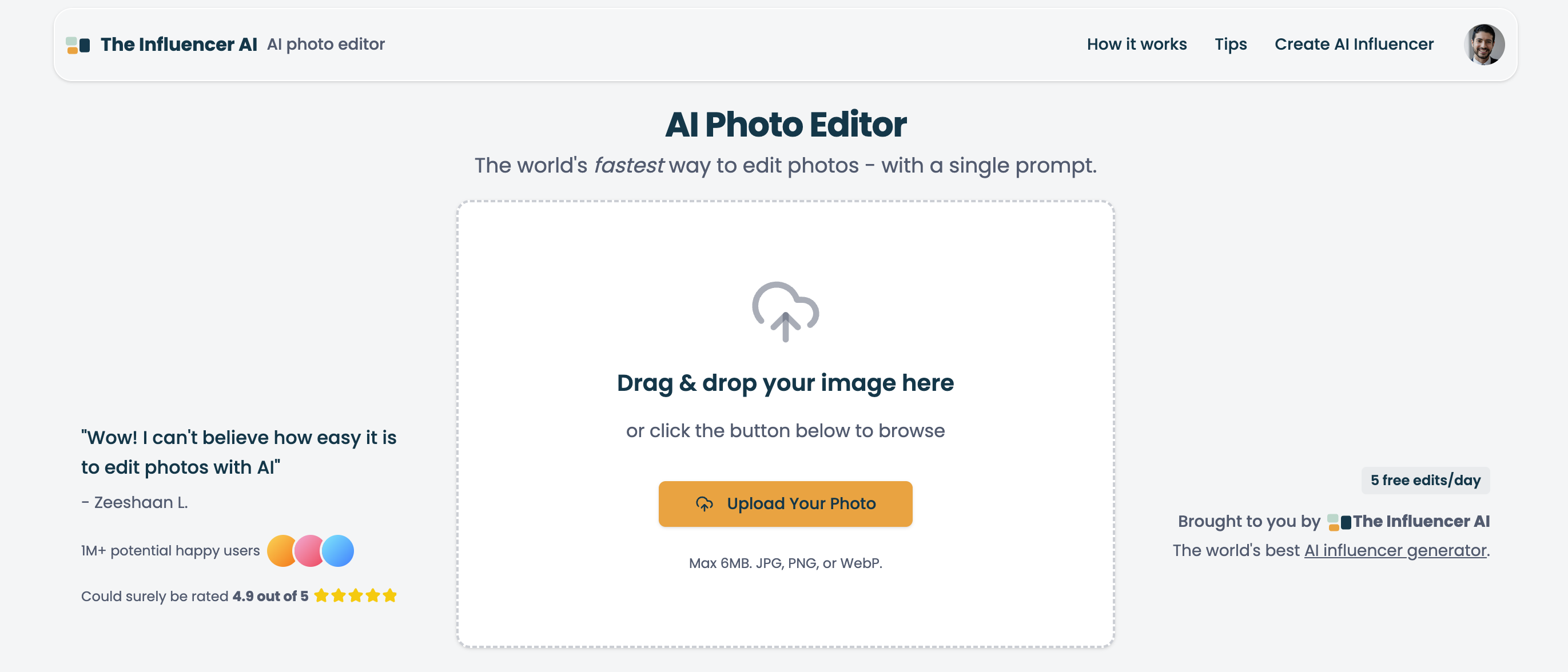
- Replace entire design teams and expensive software by describing edits in plain text with AI-powered photo editing
- Chain multiple edits together for complex transformations while maintaining the original essence of your photo
- Execute specific color changes and feature enhancements by mentioning exact details in your text prompts
- Transform image aesthetics completely with step-by-step instructions for cinematic looks and style conversions
- Protect your privacy with daily automatic deletion of all uploaded images and edits
Pros & Cons
Pros
- Text prompt specifications
- Emphasizes specific instructions
- Editing recommendations provided
- Multiple image format support
- Data privacy ensured
- Daily data deletion
- Rapid edits with prompts
- Background alteration feature
- Adding effects capability
- Comprehensive image modifications
- Color change options
- Aesthetic style conversion
- 5 free edits/day
- Easy three-step process
- Private and secure
- Supports advanced transformations
- Precision in prompts
- Guidance for basic edits
- Preserving character identity
- Support for complex edits
- Clear subject references
- Control over composition
- Precise action words
- Text Editing in Images
- Consistent character editing
- Lighting and Atmosphere Edits
- Object addition/removal control
- Color and tone adjustments
- Seasonal and environmental changes
- Portrait enhancement capabilities
- Advanced composition techniques
- Professional product photo creation
- Common issue troubleshooting help
- Supports artistic transformations
Cons
- Max image size 6MB
- Limited file format support
- Dependent on exact language
- Complex edits require steps
- Must manually maintain identity
- No feature for batch edits
- Absence of visual interface
- May require multiple attempts
- Limits on free edits
Reviews
Rate this tool
Loading reviews...
❓ Frequently Asked Questions
The Influencer AI Photo Editor is a sophisticated tool designed for swift, AI-powered photo editing. It enables users to modify images using textual prompts that detail the desired alterations. The realm of applicability spans from basic background alterations to extensive image modifications, with an emphasis on specificity for optimal outcomes.
The Influencer AI Photo Editor operates on the principle of taking user input in the form of textual prompts, which specify desired image modification. These could range from enhancing certain features to changing the image's background or even its whole aesthetic style. The AI then applies these transformations to the uploaded image while maintaining the original essence of the image.
The Influencer AI Photo Editor supports images in JPG, PNG, or WebP format.
The Influencer AI Photo Editor accepts images up to a maximum size limit of 6MB.
In the Influencer AI Photo Editor, text prompts serve as a method of communication between the user and the AI system. The user spells out their desired image modifications in these prompts, and the AI interprets them and applies the requested changes to the image.
Yes, the Influencer AI Photo Editor can change the color of specific parts in an image. This can be achieved by giving specific instructions in a text prompt.
The Influencer AI Photo Editor can apply a variety of effects. This includes, but is not limited to, background alterations, color changes, and transformations that modify the entire aesthetic style of an image.
The Influencer AI Photo Editor provides robust privacy measures by guaranteeing user data privacy. All user data, including uploaded images, are deleted daily.
The Influencer AI Photo Editor emphasizes specific instructions to help the AI clearly interpret the user’s desired changes. By being specific, users can improve the accuracy of the results obtained from the editing process.
Yes, the Influencer AI Photo Editor offers advice and recommendations to increase the quality of the editing results. Some of these tips include starting with simple modifications before moving to complex ones, keeping the unique characteristics when editing images of people, and using a staged approach to perform extensive image alterations.
Yes, the Influencer AI Photo Editor can alter the background of your images based on your textual instructions.
The Influencer AI Photo Editor is capable of changing an image's aesthetic style. This transformation is achieved by the AI interpreting and implementing specific edits detailed in the text prompts.
The Influencer AI Photo Editor is capable of executing comprehensive image modifications. This can range from basic edits such as altering the image background or adding effects to more complex transformations based on step-by-step textual instructions.
Yes, even small and simple edits can be made using the Influencer AI Photo Editor. Users can instruct the AI to make such modifications using detailed text prompts.
Yes, the Influencer AI Photo Editor can enhance specific features in your image. You can instruct the AI on which features to enhance through your textual prompts.
Yes, you can mention specific colors while giving instructions to the Influencer AI Photo Editor. The AI can interpret these instructions and apply the respective color changes to the image.
Yes, the Influencer AI Photo Editor provides recommendations on preserving unique characteristics when editing images of people. The AI tool can retain original features when making edits and transformations based on specific user instructions.
The Influencer AI Photo Editor employs a step-by-step method for complex or comprehensive image transformations. Instead of performing all changes in one go, the AI makes sequential modifications to the image, granting users more control over the process and results.
Influencer AI upholds strict data privacy measures. All user data is deleted on a daily basis, ensuring that user information and uploaded images are not stored beyond the current day of use.
Yes, the Influencer AI Photo Editor has the capacity to interpret and execute complex textual instructions. The AI can answer a wide array of editing commands, enabling users to achieve their desired image transformations, from basic alterations to more intricate modifications.
Pricing
Pricing model
Free Trial
Paid options from
$9
Billing frequency
One-time
Related Videos
AI Photo Editor #aiphotoediting
The Influencer AI•105 views•Jun 5, 2025