App Screenshot Kit
Overview
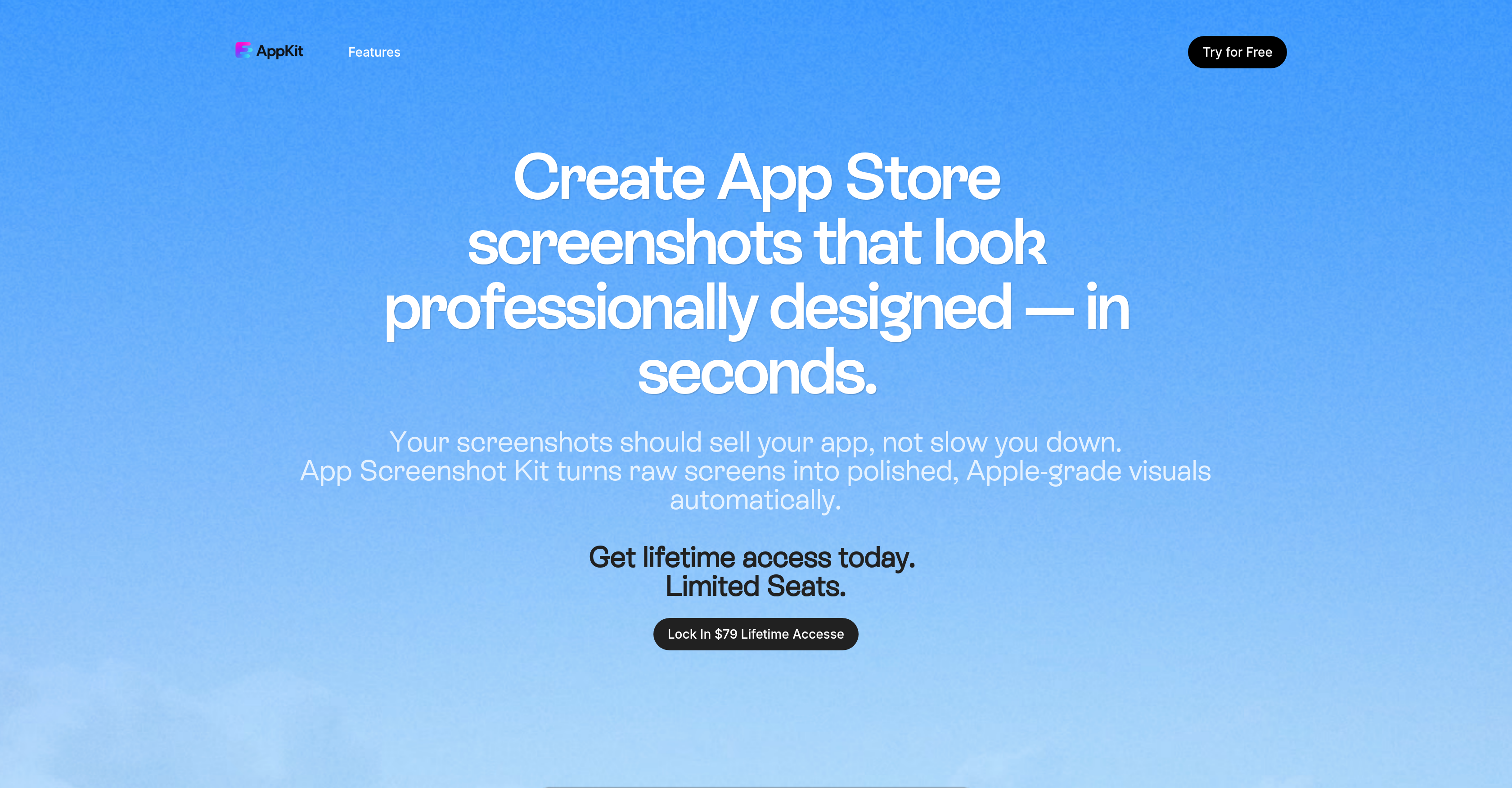
- Eliminate manual mockup manipulation with automated conversion of raw screens into device-specific App Store screenshots
- Generate conversion-driven headlines automatically by simply describing your app features once
- Create photorealistic 3D mockups that meet Apple's exact standards without design skills
- Update screenshots across multiple device sizes without rebuilding layouts or frame structures
- Share designs instantly with teams and maintain consistency across app releases
- Download pixel-perfect PNG files ready for App Store Connect with reject-proof sizing
Pros & Cons
Pros
- Lifetime access
- Apple Store Optimization
- Rejection Proof App Store Screenshots
- Valid for All iPhone & iPad Sizes
- Pixel-Perfect, App Store–Ready Exports
- Automatic Safe-Area Alignment
- Drag-and-Drop Simplicity
- Conversion-Driven Headlines & Copy
- Instant download
- Professional-Grade Design Without a Designer
- Fast, Repeatable Workflow (Huge Time Savings)
- Unlimited Exports for Life
- Works for Solo Devs & Teams
- Widget & Lock Screen Showcasing
- Consistent Across Every Release
- No plugins required
- High-Quality 3D Device Frames Included
- Supports team development
- Reduces Workflow Errors & Friction
- Unlimited exports
- Commercial Use License Included
- Better Alternative to Canva or Figma for ASO
- Designed by an Experienced iOS Developer
- Clean & Consistent Screenshot Sets
- Ideal for Frequent Updates
- Automatic 3D mockups
- Editable colors and layouts
- Brand-Consistent Themes for Each Client
- White-Label Exports for Client Delivery
- Scales for High Volume Work
- Easy Handoff to Non-Design Teams
Cons
- Browser-based only
- Limited to PNG format
- Only for App Store
- Only for IOS Apps
- No multi-language support
Reviews
Rate this tool
Loading reviews...
❓ Frequently Asked Questions
App Screenshot Kit is a web-based tool that simplifies the process of creating App Store screenshots. It is capable of automatically converting raw screens into polished, professional-grade visuals. It also helps streamline the screenshot creation process thereby making it more efficient.
The App Screenshot Kit employs advanced AI mechanisms to transform raw screens into polished visuals. It can create photorealistic 3D mockups, generate feature-focused headlines and can even showcase widgets and lock-screen features. It removes the need for users to manually adjust mockup files or slice exports.
The App Screenshot Kit is beneficial for a variety of users, particularly developers looking to streamline their screenshot creation workflows. It is also ideal for solo developers, app development teams or agencies, software development professionals, and even those with little to no technical skills, given its easy-to-use functionality.
The App Screenshot Kit ensures that all the created 3D mockups conform to Apple's standards. It is capable of generating perfect device-specific screenshots and notifies the user if the uploaded item does not meet Apple's requirements, thus helping the user maintain Apple's exact pixel requirements and preventing rejections.
The App Screenshot Kit supports various device sizes and is capable of generating clean, consistent screenshots for each size. This eliminates the need for users to manually adjust mockup files for different device sizes.
With the App Screenshot Kit, users can create photorealistic 3D device frames or mockups. These mockups adhere to Apple's standards, ensuring high-quality and professional-looking visuals.
Yes, the App Screenshot Kit employs AI to generate clear, conversion-driven headlines for each frame based on the app features described by the user.
The App Screenshot Kit allows users to showcase widgets and lock-screen features without the need for custom templates or layouts. It simplifies the process of applying app features onto the predefined templates offered by the platform.
Getting started with the App Screenshot Kit is straightforward. As it is a browser-based tool, it requires no setup or plugins. Users simply need to describe their app features, and the tool does the rest, including the creation of visuals and headlines.
Yes, the App Screenshot Kit supports collaboration by allowing users to share designs with teams or clients instantly, and it assists in maintaining consistency across various releases.
The App Screenshot Kit allows for instant download of completed designs in PNG format, making them ready for use in App Store Connect.
To generate screenshots using App Screenshot Kit, users need to upload their raw screens, describe their app in terms of features and other attributes, and the tool will create a full screenshot set in seconds.
The App Screenshot Kit assists in ensuring design consistency by allowing users to reuse templates or layouts, and even update screenshots without re-building their frame structures. It also maintains design consistency across different device sizes.
The App Screenshot Kit automates several functions in the screenshot creation process. These include creation of 3D mockups, generating conversion-driven headlines, showcasing widgets and lock-screen features, and producing perfect device-specific screenshot exports.
Yes, the App Screenshot Kit has the capability to simplify workflows in the screenshot creation process. It automates several tasks that typically slow down production and ensures a smoother, more efficient workflow.
Yes, the App Screenshot Kit has a feature that allows users to showcase widgets and lock-screen features without the need to build custom templates or layouts.
The App Screenshot Kit offers various advantages for both solo and team developers. It simplifies the screenshot creation process, ensures design consistency across releases, supports collaboration, and allows instant download of completed designs. By automating major components of the screenshot creation process, it enables developers to focus on other crucial aspects of their work.
Yes, App Screenshot Kit is designed to optimize screenshots for the App Store. It automates conversion of raw screens into polished visuals, generates clear headlines for each frame, and creates photorealistic 3D mockups that meet Apple's standards.
The feature-focused headlines generated by the App Screenshot Kit highlight the key features of the app for potential downloaders to clearly understand its functions. By making these features clear and attractive, the conversion-driven headlines can lead to increased downloads.
Yes, the App Screenshot Kit allows users to instantaneously download their completed designs as PNG files, making them ready for use in App Store Connect.
App Screenshot Kit is an automated tool designed to convert raw screens into polished, professional designs for App Store screenshots. It's highly efficient, automating the process of screenshot creation, generating clean, device-specific screenshots without the need to manipulate mockup files or slicing exports. It also has a capability for making photorealistic 3D mockups and features an AI that produces clear, conversion-focused headlines for each frame.
App Screenshot Kit has an automated design feature that translates raw app screens into refined visuals, thus eliminating the need for advanced technical skills. It removes the requirement to handle mockup files or slice exports by producing clean, device-specific screenshots. Furthermore, with its collaborative capacity, it keeps design consistency across different releases, preventing the need to re-do the entire workflow for every release.
Users can create photorealistic 3D mockups by simply dropping any raw screen into App Screenshot Kit. It automatically converts the raw screen into a high-quality 3D frame that matches Apple's parameters and standards. The output is a mockup that adheres to professional-grade design standards.
App Screenshot Kit uses a feature called Feature-Focused Headlines, powered by AI to generate clear and conversion-driven titles for each frame. The user needs to describe their app only once and the AI will generate headlines for all the frames that can help to drive more app downloads.
Completed designs from App Screenshot Kit can be downloaded instantly. The tool allows a direct download of the finished designs as PNG files for direct use in App Store Connect. This feature doesn’t require any additional processes or software.
Yes, App Screenshot Kit does support team collaboration. It provides features for sharing designs instantly and updating them without the need to redo the whole process. This capability helps maintain consistency across different releases and streamlines the design process for teams.
App Screenshot Kit requires no plugins or setup. The tool operates directly from the browser, which eliminates the need for any software installation. The user simply needs to navigate to their web page and start using the tool.
App Screenshot Kit is beneficial for developers, small studios, design agencies, and teams that release frequent updates. It assists in creating professional screenshots in seconds without the requirement for advanced technical skills. Both experienced and novice developers can significantly benefit from this tool by increasing design efficiency and reducing time-consuming processes.
App Screenshot Kit supports pixel-perfect exports for every device size. These exports are ready-to-use App Store Connect, preventing the need of any additional formatting or adjustments. In addition, users can customize the colors, layouts, and backgrounds of these exports.
App Screenshot Kit offers unique features for UI/UX design, including the ability to create photorealistic 3D mockups, Feature-Focused Headlines that generate clear, conversion-driven headlines for each frame, and showcase widgets and lock-screen features without necessitating custom templates or layouts. It provides automatic, professional-grade design outputs, eliminating the need for advanced design skills.
App Screenshot Kit contributes to app marketing by generating clear, conversion-driven headlines for each frame, improving the app's appeal on the App Store. Furthermore, it provides photorealistic 3D mockups and pixel-perfect designs that can attract potential users and increase the likelihood of app downloads.
App Screenshot Kit is designed for use by both solo developers and teams. With its easy navigation and automation features, it simplifies the screenshot creation process for individual developers. Its team collaboration feature also allows teams to share designs and update them without having to redo the entire workflow, fostering a more efficient and streamlined operation.
App Screenshot Kit ensures each export meets Apple’s exact requirements and notifies the user if anything off-spec is uploaded. This guarantee reduces the likelihood of screenshot rejection due to pixel mismatch or formatting errors and consequently slows down the release process.
The creator of App Screenshot Kit carries 10+ years of experience in developing indie apps. This contributes to the refinement and curation of features specifically tailored towards the needs and pain points faced by app developers.
Yes, App Screenshot Kit offers lifetime access. With a one-time payment of $79, users can gain unlimited access to the tool's features and updates for a lifetime.
App Screenshot Kit aids in boosting app download rates by producing clean and polished App Store screenshots that aptly present the app's features. In addition, its AI generates clear, conversion-driven headlines using the app descriptions provided by the user. These carefully crafted headlines and professional visuals can drive user interest and potentially increase app downloads.
App Screenshot Kit offers a feature to update screenshots without re-building layouts, hence eliminating the need for time-consuming layout reconstruction for every update. This allows for quicker iteration and ease of maintaining consistency across different releases.
App Screenshot Kit ensures reject-proof sizing and automatic safe-area alignment for every export. It guarantees that each export meets Apple’s exact pixel requirements and alignment standards. If a user uploads something off-spec, it sends a notification, ensuring that screenshots conform to the required parameters for App Store submission.
App Screenshot Kit provides device-perfect exports, professional templates and faster resizing, which sets it apart from similar tools like Figma or Canva. These conventional tools aren't specifically developed for App Store listings, while App Screenshot Kit is designed to meet the specific requirements of the App Store, providing more tailored and efficient solutions.
Yes, App Screenshot Kit can be used for client work. The tool offers a commercial-use license to all its early users, making it suitable for use in creating App Store screenshots for clients, while maintaining high-quality and professionalism.
Pricing
Pricing model
Paid
Paid options from
$9.99/month
Billing frequency
Monthly