AppIcons
Launch your app faster with professional icons created instantly using AI, eliminating the need for design skills or expensive designers
Overview
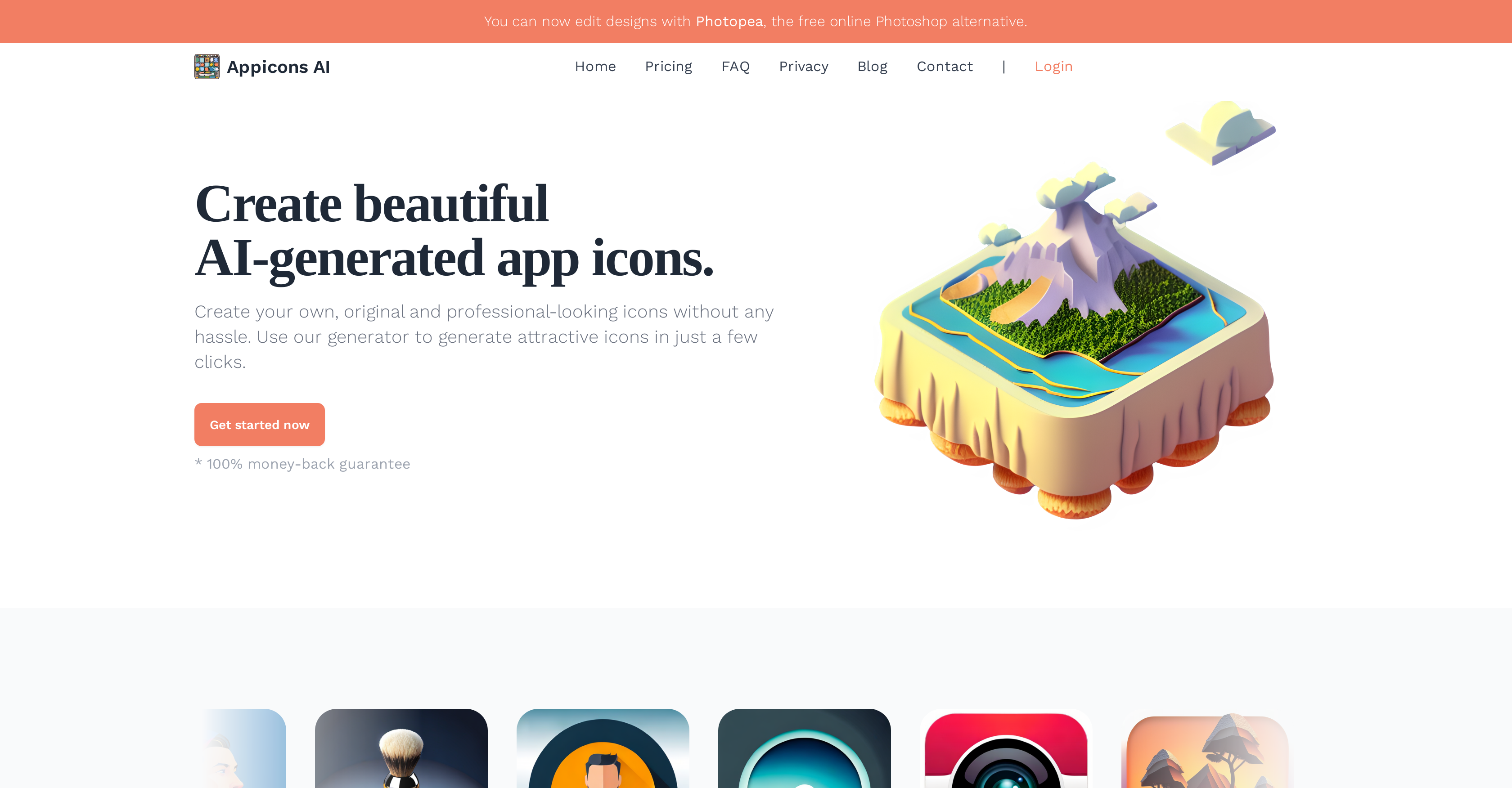
- Launch your app faster with professional icons created instantly using AI, eliminating the need for design skills or expensive designers
- Generate multiple unique icon variations from simple prompts with AI-powered prompt enhancement that refines your ideas automatically
- Edit and customize every detail using the integrated Photopea editor, giving you Photoshop-level control without additional software costs
- Export production-ready icons in 2048x2048 resolution PNG format, ensuring crisp display across all iOS and Android devices
- Scale your development with commercial licensing included, allowing unlimited use across client projects and app stores
- Test designs risk-free with a free plan for 5 icons and full money-back guarantee, validating your visual concept before committing
Pros & Cons
Pros
- Generates professional icons
- Offers multiple designs
- Includes cropping and previewing
- Upscales to 2048x2048
- Suitable for beginners
- Different pricing plans
- Commercial usage allowed
- SVG format available
- Met both iOS and Android
- Edit via Photopea
- FAST process
- PNG export
- 100% money-back guarantee
- Enhanced prompts for designs
- Risk-free experience
- Wide range of users
- Variety in icon designs
- No recurring charges
- Supports individual developers
- Beneficial for businesses
- Streamlined creation process
- Facilitates creative freedom
- Generates unique icons
- Aids in icon generation
- 100 credits with standard
- 1800 designs with plus
- 3000 designs with premium
- Requires no design skills
Cons
- Limited to six designs
- Doesn't upscale beyond 2048x2048
- No SVG upscale
- Limited options with free plan
- No API mentioned
- Restricted to app icons
- Depends on Photopea for editing
- Export limited to PNG format
- Limited pricing plans
- One-time payment only
Reviews
Rate this tool
Loading reviews...
Frequently asked questions
Appicons AI primarily functions as an AI-based icon generator. Its main purpose is to help users create attractive and professional-looking app icons easily and quickly.
The 3-step process of Appicons AI consists of generating up to six different designs, cropping and previewing them, and finally upscaling them to a resolution of 2048x2048. This user-friendly process is designed to help users create beautiful icons conveniently.
Appicons AI provides multiple pricing plans to suit various user requirements and budgets. These include a free plan for up to 5 icon designs and a popular plan for 100 icon designs. Other packages like the Standard Package cost $10 and offer 600 unique designs, the Plus Package which costs $25 and offers 1800 unique designs, and the Premium Package priced at $45 with 3000 unique designs. Each paid plan comes with added benefits such as commercial use, cropping, previewing, and upscaling capabilities.
The maximum resolution supported by Appicons AI is 2048x2048. This means users can obtain high-resolution, professional-grade icons that can be effectively utilized across diverse app platforms.
Yes, the icons generated by Appicons AI can be used for commercial purposes irrespective of the package chosen.
The icons generated using Appicons AI are available in SVG format, and they can be exported in 1024x1024 PNG format for flexibility and wide use.
Appicons AI is indeed suitable for beginners. Its user-friendly interface and intuitive design process make it a powerful tool for users across all levels of proficiency, from beginners to experienced professionals.
Yes, the designs created by Appicons AI are compatible with both iOS and Android apps. This makes it a versatile choice for app developers working across various mobile platforms.
Pricing
Pricing model
Paid
Paid options from
$10
Billing frequency
One-time