IconBrain
Overview
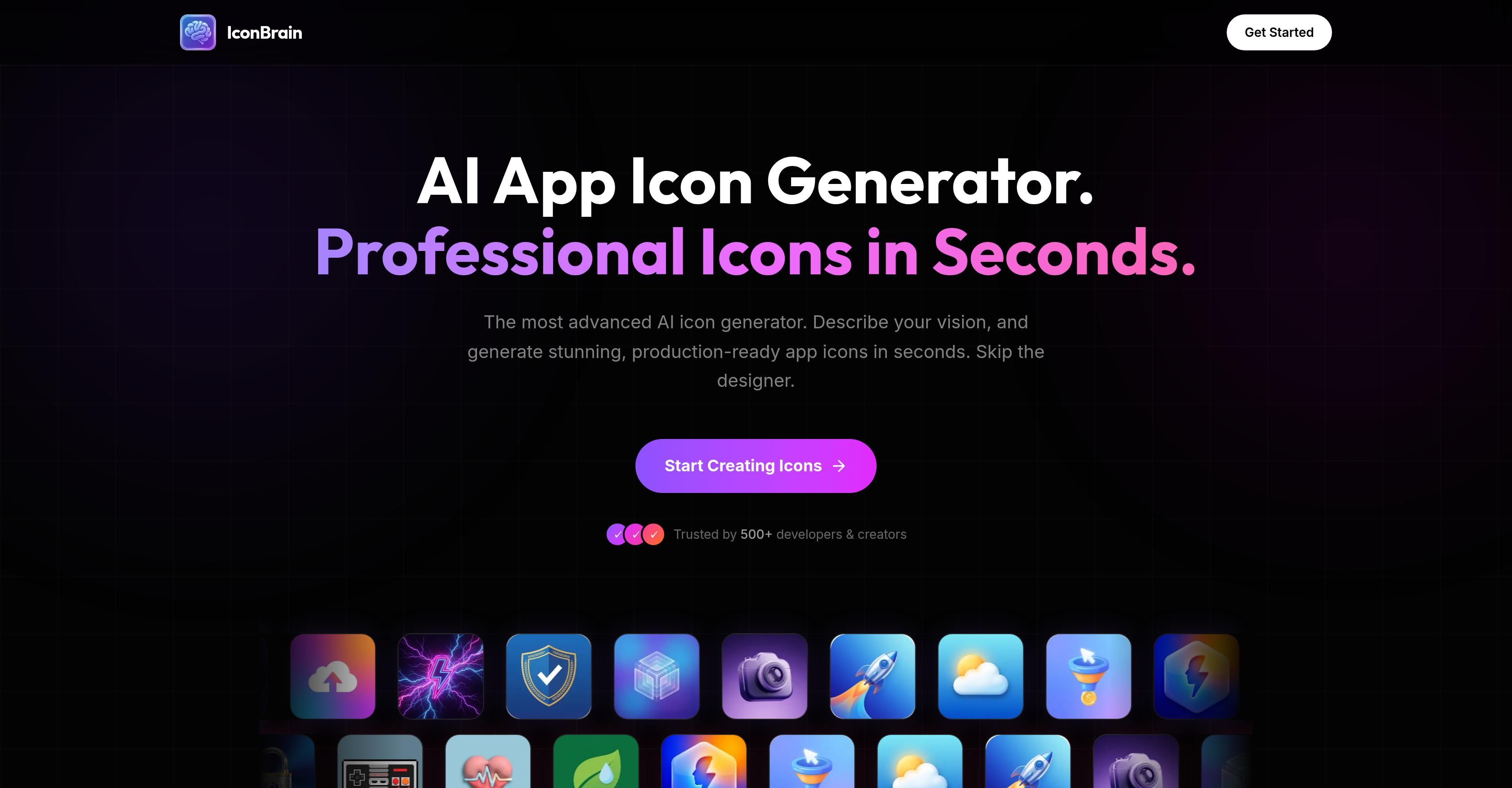
- Launch with a professional icon in seconds by describing your vision, bypassing the need for design skills or hiring a designer.
- Maintain perfect brand consistency by uploading your logo or importing elements from your website for the AI to reference.
- Instantly adapt your icon for any platform with high-resolution exports formatted for iOS, Android, PWA, and favicon packs.
- Achieve a polished, production-ready look with one-click background removal and AI-powered editing to refine colors and styles.
- Control costs with a transparent, pay-per-icon pricing model—no subscriptions, hidden fees, or expiring credits.
Pros & Cons
Pros
- Professional-grade icon creation
- Quick icon creation
- Multiple design styles (Minimal, 3D, Glass)
- Color adjustment
- Style adjustment
- High-resolution output
- iOS, Android, web applications support
- Brand consistency via logo import
- Favicon export functionality
- One-click background removal
- Transparent, pay-per-icon pricing
- No subscriptions or hidden fees
- Convenience for developers and creators
- No design skills needed
- Contributes to automated design
- Contributes to website development
- Contributes to app development
- Style adjustment
- UIKit support
- Instant icon generation
- Incorporates user vision
- Logo generation
- Design refinement abilities
- PWA export functionality
- 15+ Styles available
- Brand context import
- Adjustable corners
- 1024px high-res icons
- Credits never expire
Cons
- Pay-per-icon pricing model
- Limited design styles
- No subscription option
- Lack collaborative features
- No free trial
- No grid system
- No vector exports
- Missing advanced editing tools
- Not fully customizable
- Doesn't support bulk generation
Reviews
Rate this tool
Loading reviews...
❓ Frequently Asked Questions
IconBrain is an AI-based icon generator designed specifically for apps and brands. It offers the ability to generate professional, production-ready app icons efficiently.
IconBrain works in three simple steps. Users describe their vision for the icon, choose a design style, and IconBrain generates the icon. This generated icon can then be downloaded in high resolution.
IconBrain offers various design styles including Minimal, 3D, Glass, Gradient, Neon, and Pixel Art among others.
Yes, IconBrain allows users to customize their generated icons. Users can adjust colors, styles, and other parameters according to their needs.
The icons generated by IconBrain are high resolution, up to 1024px, ready for all app stores.
Yes, IconBrain can be used to design icons for iOS and Android applications. The generated icons are ready for use in various mediums including iOS, Android, and web applications.
Yes, IconBrain supports brand consistency. Users can import elements from their website or upload their brand logo for the AI to refer to while generating the icon.
Yes, for brand consistency, users can import elements from their website or upload a logo in IconBrain.
No, users do not need any specific design skills to use IconBrain. It is a practical tool for both developers and creators, helping them bypass the need for specialized design resources.
IconBrain generates icons in seconds. Users simply describe their vision or concept and IconBrain promptly generates a unique, visually-appealing icon.
Yes, users can edit their generated icons afterwards on IconBrain. They can refine icons further by adjusting colors, styles, and other parameters.
IconBrain supports high resolution downloads suitable for all app stores, web applications, and favicons. The specific file formats are not mentioned on their website.
Yes, IconBrain offers an AI Icon Editing feature that enables users to refine their generated icons further. Users can adjust colors, styles, and other parameters of icons.
Yes, IconBrain is suitable for both developers and creators. This tool doesn't require any specific design skills, making it a practical option for anyone who requires professional icons.
The specific AI technology that IconBrain uses to generate icons is not mentioned on their website. However, based on the context, we can infer that it uses AI and Machine Learning algorithms capable of interpreting user inputs regarding their vision or concept and generating unique, visually-appealing icons.
Yes, users can upload a logo for reference in IconBrain. This helps in maintaining brand consistency while generating icons.
IconBrain caters to modern aesthetic needs. It offers various design styles including Minimal, 3D, Glassmorphism, Gradient, Neon, Pixel Art, and more which are crafted for modern aesthetics.
Yes, the icons generated by IconBrain are production-ready. Users receive a high resolution icon suitable for all app stores and web applications.
Yes, IconBrain allows export for app store and web applications. The generated icons can be used for iOS, Android, PWA, and favicon packs.
Yes, IconBrain offers a one-click feature to remove backgrounds from any icon, making icons transparent if needed.
IconBrain is capable of generating icons instantly, as soon as users describe their vision for the icon.
AI Icon Editing in IconBrain is a feature that allows users to refine their icon's colors, styles, and other parameters using AI-based editing capabilities.
Yes, IconBrain has AI-powered features that enable users to modify the colors and styles of the generated icons based on their specific preferences.
Users can download the icons from IconBrain in high resolution, suitable for all app stores, in various formats depending on the platform, namely iOS, Android, PWA, and favicon packs.
Yes, for maintaining brand consistency, users can import aspects from their website or upload a logo directly into IconBrain.
IconBrain is designed to be used by both developers and creators, eliminating the need for specialized design resources. No specific design skills are required to use this tool.
While the specific feature of logo generation isn't mentioned, users can import their existing logo for reference when creating icons on IconBrain.
Yes, IconBrain does support Minimal, 3D, and Glassmorphism among other modern design styles.
Indeed, IconBrain can instantly generate icons that are optimized for various mediums including iOS, Android, and web applications.
Yes, IconBrain does support one-click background removal, resulting in transparent backgrounds for any icon.
Yes, IconBrain supports immediate generation of icons as soon as users describe their vision or concept for the icon.
IconBrain operates on a simple, transparent pricing model that's pay-per-icon. There are no subscriptions.
IconBrain has a transparent pricing policy with no subscriptions or hidden fees. The cost is per icon and the credits purchased by users never expire.
Yes, for consistent brand representation, users can import parts of their website or upload a logo into IconBrain.
Yes, IconBrain's tools allow users to adjust icon styles according to their specific needs, preferences, and brand identity.
Users describe their vision to IconBrain by providing information about their app, brand, or project, and additional context like their website or logo for optimum results.
Creating an icon with IconBrain involves three simple steps: 1. Describing your vision, where users tell IconBrain about their app, brand, or project, and add context like their website or logo for the best outcome. 2. Choosing a style, where users select from available styles, each crafted for modern aesthetics like Minimal, 3D, or Glassmorphism. 3. Generating & downloading the icon, where users get their icon promptly. They can remove backgrounds, adjust corners, and download the icon in high resolution.
Pricing
Pricing model
Paid
Paid options from
$4.99/unit
Billing frequency
Pay-as-you-go