
Article.Audio
Overview
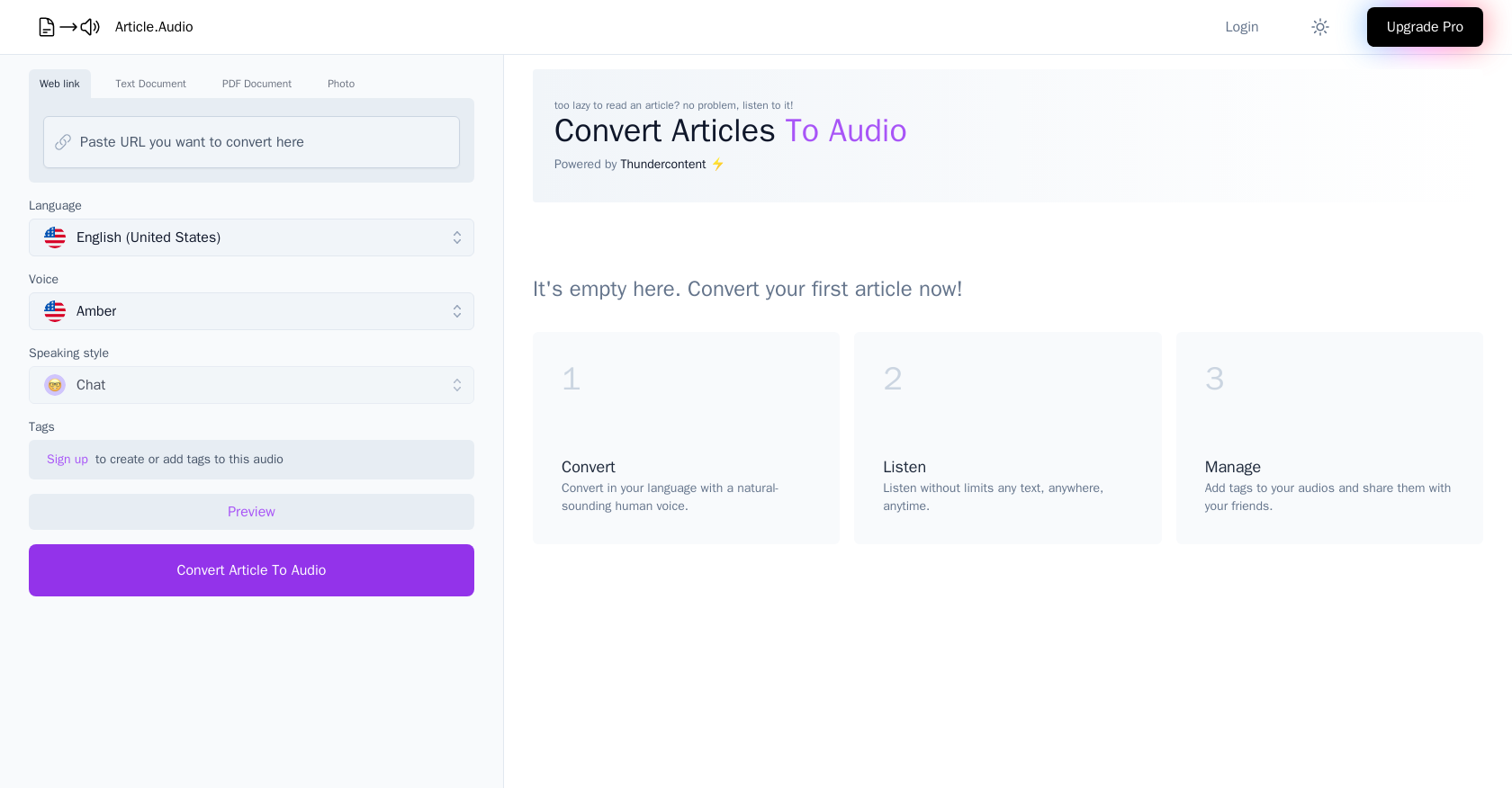
- Listen to articles while multitasking by converting web links and documents into audio instantly
- Absorb content in your native language with natural-sounding voices across 140+ global languages
- Consume research papers and PDFs hands-free by transforming text documents into spoken audio
- Access content anywhere by converting photos of text into listenable audio files
Pros & Cons
Pros
- Converts text to audio
- Over 140 languages
- Natural-sounding human voices
- Pro version unlocks all features
- Web link conversion
- Text document conversion
- PDF document conversion
- Photo conversion
- Wide language selection
- Variety of distinct voices
- Ability to preview
- Convert articles to audio
- Listen without limits
- Manage and add tags
- Ability to share audios
- Offline listening
- Affordable Pro version
- Voice selection for specific accents/dialects
- Different speaking styles
- Usage for accessibility
- Text readability improvement
- High-quality audio
- Thundercontent powered
- Simple user interface
- Instant conversion
Cons
- No offline usage
- Limited voice types
- No transcription service
- No voice training feature
- No multi-voice support
- No speed control
- No mobile application
- No voice customization
- Requires internet connection
- Dependent on server speed
Reviews
Rate this tool
Loading reviews...
Pricing
Pricing model
Freemium
Paid options from
$20/month
Billing frequency
Monthly


