Audioread.com
Overview
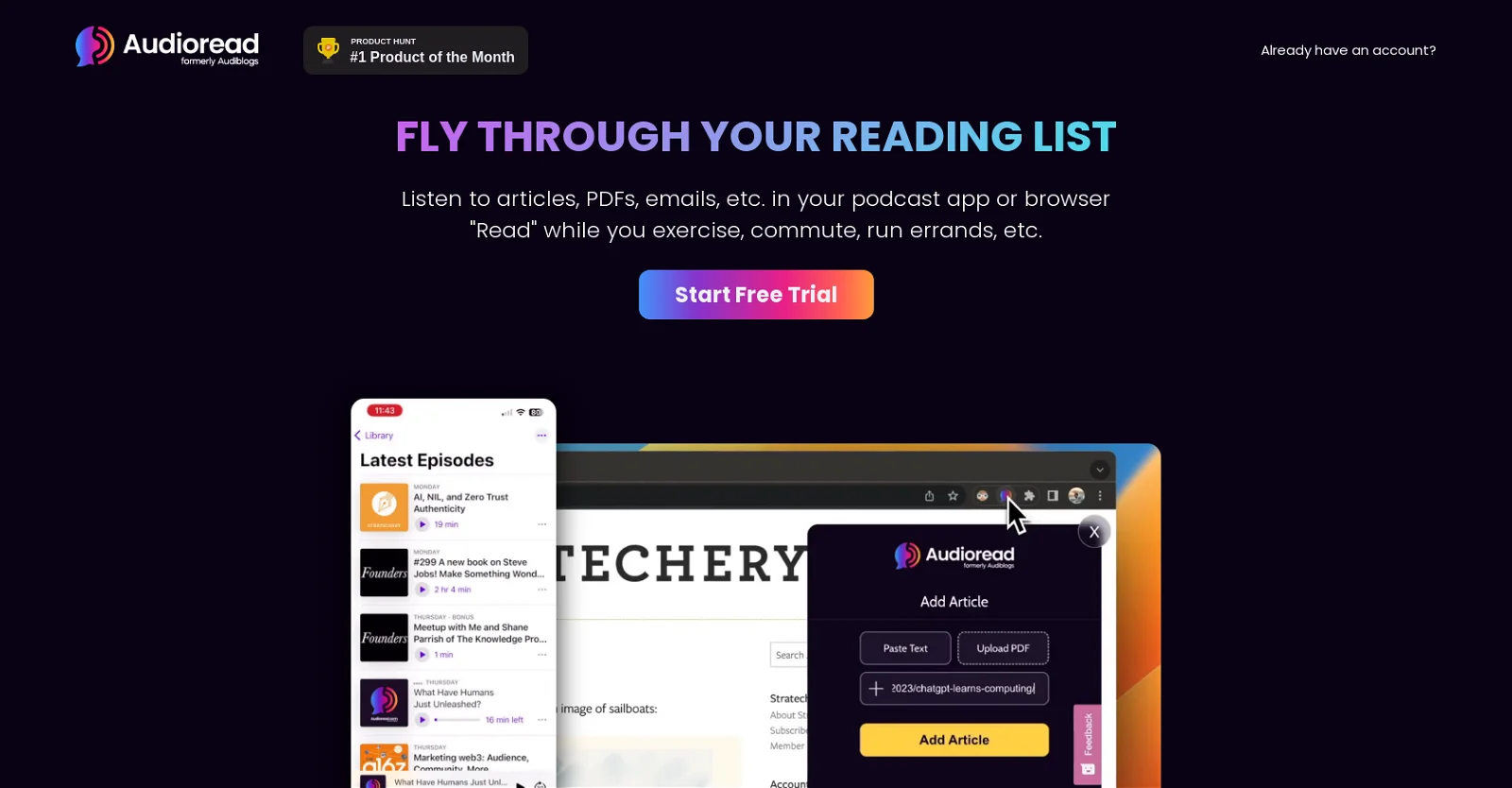
- Absorb articles and documents while commuting or exercising by converting any text into natural-sounding audio with ultra-realistic AI voices
- Process lengthy PDFs and research papers hands-free by dragging and dropping files for instant audio conversion
- Clear your email inbox without staring at a screen by forwarding messages to be read aloud in your preferred language
- Build a continuous learning habit during daily chores by creating a personal podcast feed that syncs across all your devices
- Tackle massive documents without interruption by converting up to 100,000 words at once with unlimited daily conversions
- Access international content with confidence through support for 18 languages and seamless text-to-speech conversion
- Capture important information from any webpage instantly by highlighting text for immediate audio playback in your browser
Pros & Cons
Pros
- Ultra-realistic voice conversion
- Works in browser
- Supports emails
- Supports PDF files
- Text drag and drop
- Copy/Paste text option
- Text highlighting capability
- Personal podcast creation
- Compatibility with popular podcast apps
- Listen in browser option
- Free trial offer
- Unlimited word conversions
- Supports 18 languages
- 100,000 words per conversion
- Positive user reviews
- Featured in renowned portals
- Enhance productivity
- Multitasking: listen while busy
- Subscription only $15/month
- 500,000 words per day
- Web app available
- Browser Extension
- iOS Shortcut available
- Android app
- Supports forwarding emails
- Supports dragging & dropping PDFs
Cons
- Requires JavaScript
- Not free after trial
- Limited to 18 languages
- 100,000 words per conversion
- Not open source
- Limited podcast app compatibility
- No offline functionality
- Requires subscription for unlimited use
- Certain features require manual input (e.g., copy/paste)
Reviews
Rate this tool
Loading reviews...
❓ Frequently Asked Questions
Audioread is an AI-based tool that converts text into ultra-realistic audio, allowing users to listen to web articles, PDFs, emails, and other content types. Its functionality includes support for multiple languages, different playback options, integration with a variety of podcast apps or directly in the browser, and the conversion of text from various channels, including emails and PDFs.
Audioread uses an AI mechanism to seamlessly convert text into ultra-realistic voices. Users can convert text by forwarding emails, dragging and dropping PDFs, copy-pasting the text, or highlighting it.
Yes, Audioread can be used directly in the internet browser allowing you to listen to the converted audio without the need for a podcast app.
Audioread offers a variety of ways to convert text into audio including a web app, a browser extension, as well as an iOS Shortcut, and an Android app.
Audioread supports up to 18 different languages, allowing users from various linguistic backgrounds to use this tool.
With Audioread, users can listen to a wide range of content types, such as articles, PDFs, and emails. The AI technology converts these text forms into audio to be listened to in a podcast app or browser.
Audioread is compatible with leading podcast apps such as Apple Podcasts, Google Podcasts, Overcast, Pocket Casts, Podcast Addict, Castbox, Castro, The Podcast App, Downcast, Podbean, Breaker, Podcast Republic, Player FM, Radio Republic, Airr, and more.
With a paid subscription to Audioread, you can convert up to 500,000 words per day.
Yes, with Audioread, users can create and subscribe to their own personal podcast.
The monthly subscription cost for Audioread is $15, which offers unlimited word conversions per day and up to 100,000 words per conversion in up to 18 languages.
Yes, Audioread does offer a free trial for users to experience its features before committing to a monthly subscription.
Yes, one of Audioread's features is the ability to convert forwarded emails into audible content.
To forward emails to Audioread for conversion into audio, users can use the email forwarding option provided on the platform.
Yes, Audioread can convert PDFs into speech. Users can drag and drop PDFs into the AI tool for this purpose.
Yes, alongside its compatibility with various podcast apps, Audioread also supports audio playback directly in the browser.
Audioread has been praised by YouTube users such as Thomas Frank and has been recommended in articles such as 'The Age of AI Has Begun' on gatesnotes.com.
Audioread's AI voices are described as 'ultra-realistic', offering a high-quality listening experience for users.
The site does not provide specific information regarding the adjustment of Audioread's text-to-speech conversion speed.
Yes, Audioread allows users to convert text into audio by highlighting the text.
Yes, JavaScript needs to be enabled to use Audioread successfully.
Pricing
Pricing model
Paid
Paid options from
$19.99/month
Billing frequency
Monthly
Related Videos
Audioread - How It Works
Audioread•33 views•Jan 24, 2025