
Overview
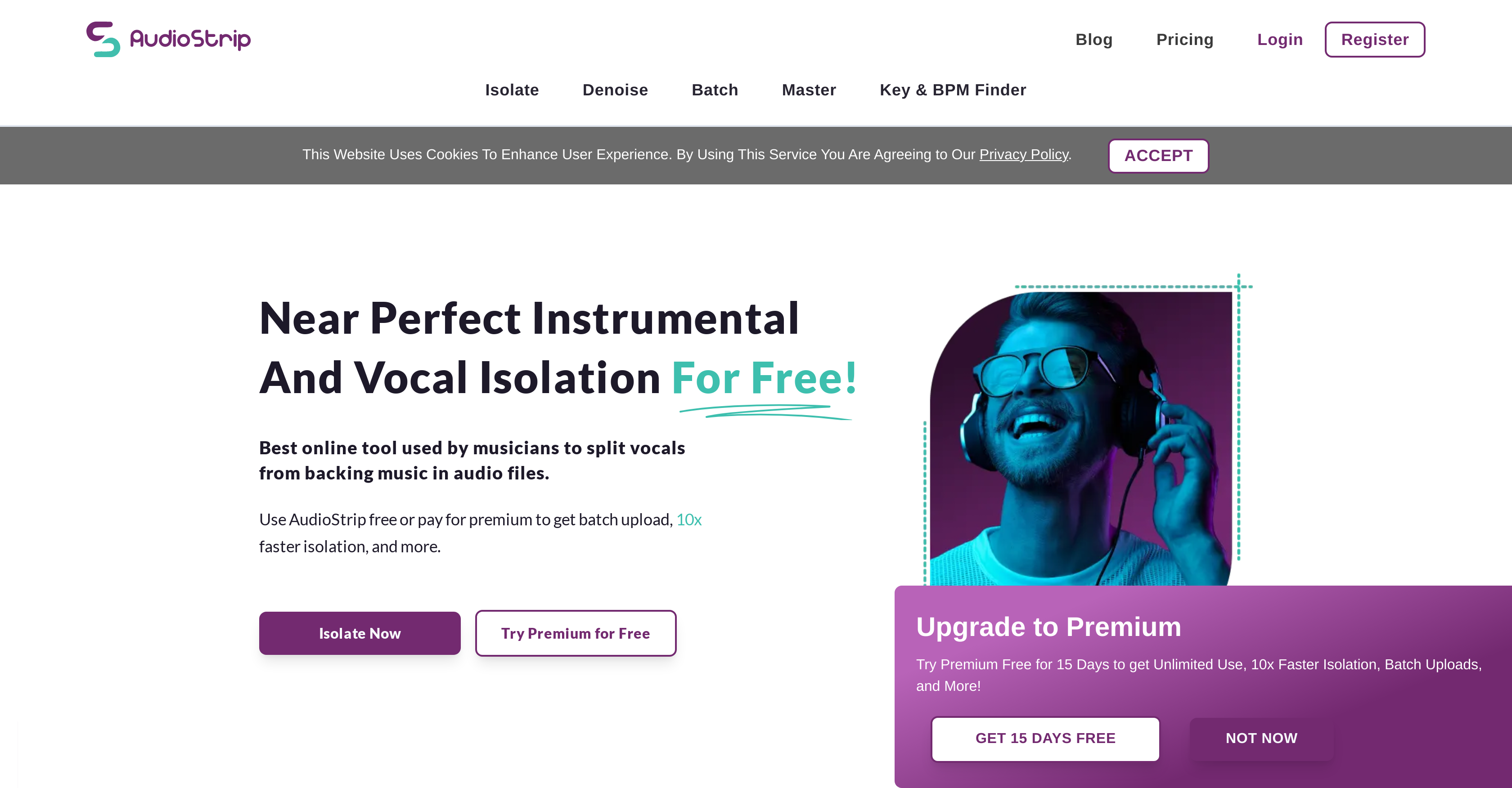
- Create instant karaoke tracks by removing vocals from any song with AI-powered separation
- Extract studio-quality acapellas for remixes and sampling using advanced stem isolation
- Process multiple songs simultaneously with batch isolation to save production time
- Remove specific instruments like bass and drums for customized instrumental tracks
- Access professional vocal isolation directly in your browser without downloading software
- Pause and resume processing for flexible workflow control during file conversion
- Get clear error explanations when files don't process correctly for troubleshooting
- Transcribe and master songs within the same platform for complete audio production
Pros & Cons
Pros
- Highest quality algorithms
- Free usage
- Simple and intuitive UI
- Batch isolation feature
- Transcription option
- Mastering feature
- Recommended by industry professionals
- Free premium subscription access
- Various output formats support
- User-friendly website
- Error messages for better understanding
- Precision in isolation tasks
- Doesn't require downloads or installation
- Available on all browsers
- Music remixing features
- Supports karaoke uses
- Easy to upload songs
- Create vocal-free instrumental tracks
- Remove bass and drums features
- Processing pause function
Cons
- Lacks offline functionality
- Limited file output formats
- No direct integration with DAWs
- No noise reduction feature
- No mobile app available
- No collaboration features
- Requires JavaScript enabled
- Poor handling of complex songs
- Pro features require subscription
- Unclear error messages
Reviews
Rate this tool
Loading reviews...
❓ Frequently Asked Questions
AudioStrip is an online tool that uses AI and deep learning techniques to isolate or remove vocals from any song. It is specifically designed for music producers, artists, and others in the music industry who need to isolate vocals. AudioStrip offers both individual and batch isolation, and provides features such as transcribing and mastering songs.
AudioStrip works by leveraging sophisticated digital signal processing algorithms. These algorithms can dissect complex auditory information into distinct elements, thereby enabling the tool to separate the vocal component from a song. The result is a track either without vocals or with isolated vocals, depending on the user's requirement.
Yes, AudioStrip is free to use. However, it also offers a premium subscription with additional features. The premium subscription can be activated for free by filling up a simple form provided on their website.
To use AudioStrip for removing vocals from a song, you simply need to upload the song on their website. The software efficiently processes the audio and provides a track without the vocals.
'Batch isolation' by AudioStrip refers to the ability to isolate vocals from multiple songs at once. This convenient feature helps save time by processing multiple tracks simultaneously.
The premium subscription of AudioStrip offers several additional features. Apart from higher performance, it also provides the option to remove bass and drums from the song. The subscription is compatible with multiple output formats as well.
To activate the premium subscription for free on AudioStrip, you need to complete a simple form provided on their website. This activation grants users access to enhanced features.
Yes, AudioStrip provides a pause function while processing files. This feature allows users to momentarily stop the process if required.
Error messages on AudioStrip typically indicate that the files might not have isolated as expected. These messages help users understand any potential issues with the isolation process.
Yes, AudioStrip can be used for instrumental track creation. By removing the vocals from a song, AudioStrip allows users to obtain the instrumental part of the song exclusively.
The target users of AudioStrip include music producers, artists, and other individuals in the music industry. It's also ideal for music enthusiasts, karaoke lovers, and DJs.
JavaScript is required to use AudioStrip because the tool is web-based and utilises JavaScript for its functionalities. You need to enable JavaScript in your browser to use it.
Yes, AudioStrip works on any commonly-used browser, as long as JavaScript is enabled. Additional software download or installation is not required.
AudioStrip has been recommended by professionals in the music industry because it allows them to express their creativity in ways that were not previously possible. By isolating vocals, artists can use high-quality acapellas as placeholders while waiting for official stems, thereby facilitating their creative process.
Yes, AudioStrip can be used for remixing songs. By isolating the vocals or the instrumental parts of a song, users can manipulate these elements as per their requirements, thereby making it possible to create unique remixes.
AudioStrip is highly precise in isolating the vocal component from a song. It uses advanced digital signal processing algorithms, which can dissect complex auditory data into distinct elements with high precision.
While AudioStrip is available for free, some limitations might apply. Additionally, there may be premium features which are subject to change.
Yes, AudioStrip can be used to extract isolated vocal tracks. This feature is quite helpful for artists and music producers who need to use vocals separately for various purposes.
AudioStrip continuously adds new features over time. Its current features include vocal isolation, batch processing, transcription, song mastering, and error messages that explain why files may not have isolated as expected. The premium subscription offers additional benefits such as higher performance, removal of bass and drums, and compatibility with multiple output formats.
No, AudioStrip does not require any software to be downloaded or installed. It is a web-based tool that operates via browsers with JavaScript enabled.
Pricing
Pricing model
Freemium
Paid options from
$7.59/month
Billing frequency
Monthly
Related Videos
Audiostrip FREE Online Instrumental, Vocal Isolator for musicians & podcasters: AI-based tool review
Ai review•469 views•Mar 24, 2023