AutoBrowser
Overview
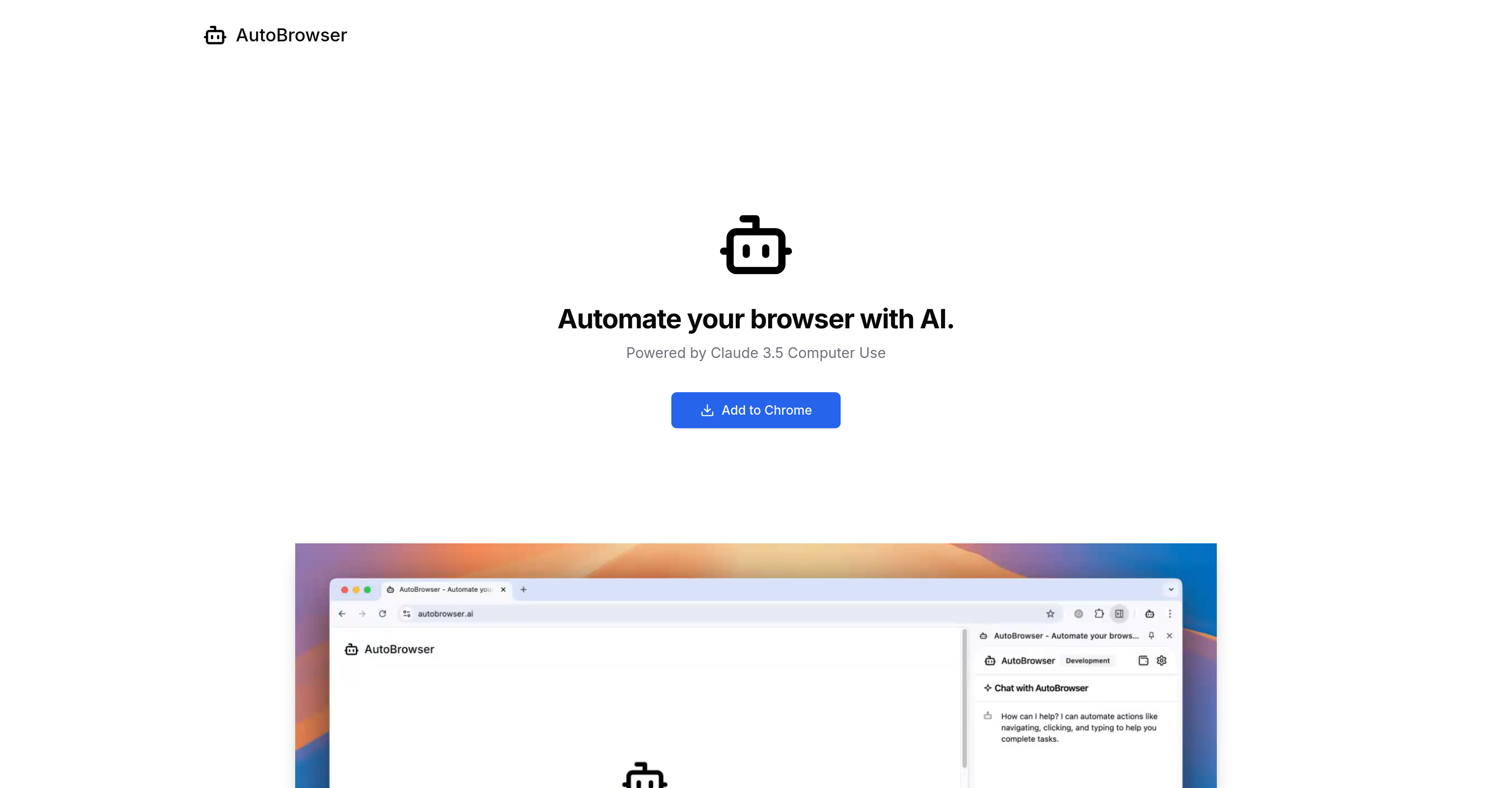
- Automate repetitive browsing tasks without manual input using AI-powered clicking and typing
- Control costs by bringing your own Anthropic API key instead of purchasing credits
- Experience hands-off web navigation for simple commands like opening videos or browsing websites
- Experiment with early-stage AI browser automation technology for non-critical tasks
- Avoid commitment with free tool access while only paying for actual AI usage
Pros & Cons
Pros
- Chrome extension
- Automates browser activities
- Runs Claude 3.5 API
- Hands-off browsing
- Supports Anthropic API key
- Alternative to Browserflow and Browserbot
- Early-stage, experimental technology
Cons
- Inaccurate automation
- Errors frequently
- Early stage technology
- Not cost-effective
- Cannot perform complex tasks
- Requires supervision
- Doesn't support other browsers
- No refunds
Reviews
Rate this tool
Loading reviews...
❓ Frequently Asked Questions
AutoBrowser is an AI-powered Chrome extension tool that automates your browsing experience. It utilizes the Claude 3.5 computer use API. It carries out instructions given by the user, however, due to being a relatively new technology, it might not be fully reliable for important tasks, and its actions may need supervision.
AutoBrowser works by carrying out tasks on behalf of the user. Once given specific instructions, the AI, built around the Claude 3.5 API, performs activities such as clicking and typing, providing a hands-off browsing experience. However, it is recommended to supervise the AI actions in AutoBrowser since it could make errors.
AutoBrowser can perform tasks like clicking and typing on the user's behalf. This allows for a hands-off browsing experience. But it is limited in its capabilities at this early stage, meaning it may not be suited for important tasks such as answering emails or filing taxes.
Claude 3.5 computer use API is a software that allows AI applications like AutoBrowser to interact with a user's computer. This interaction includes tasks such as typing and clicking, which enables the automation of the browsing experience.
Common errors in AutoBrowser involve the application incorrectly interpreting instructions, leading to mistaken actions such as accidentally ordering large quantities of items online. Being a newer technology, AutoBrowser may sometimes perform inaccurately.
It is necessary to supervise AI actions in AutoBrowser since the technology is still early in its development and can make mistakes. These mistakes could be significant, such as incorrectly interpreting instructions or performing an unintended task, leading to potential inconvenience or mishap.
AutoBrowser is not recommended for important tasks because it is relatively new technology and tends to make errors. Its inaccuracies could lead to significant consequences in important tasks like answering emails or filing taxes.
The charges for AI usage on AutoBrowser can be covered through your own Anthropic API key. Otherwise, you can purchase credits which will be utilized for your AI usage.
The cost of AI usage in AutoBrowser is covered by credits, which are billed at 1.3 times the actual cost. For a rough estimation, one action such as the task 'go to Youtube and open a video about orcas' costs around $0.05.
An Anthropic API key is a unique identifier given to users to use the Anthropic AI. On AutoBrowser, it is used to cover the cost of the AI usage. This key allows you to utilize the AI on AutoBrowser without purchasing additional credits.
Yes, you can purchase credits for AutoBrowser. These credits are used to cover the cost of the AI usage.
Credits are billed at 1.3 times the actual cost of AI usage to cover expenses incurred by the tool, including hosting costs and the .ai domain name.
Alternatives to AutoBrowser include Browserflow and Browserbot. Both are suggested by the developers for more reliable browser automation solutions.
AutoBrowser is considered not yet a cost-effective solution because while AI control over a browser is a neat demonstration, the technology isn't reliable or cost-effective enough for real-world applications. It is still in a phase of development and refinement, hence the cost of usage might not translate to the expected result.
No, AutoBrowser cannot reliably answer emails because it's still in an early development stage and may make mistakes or inaccuracies when interpreting and executing tasks.
'Hands-off' browsing experience refers to the scenario where the AI performs all browsing activities on behalf of the user, requiring minimal user interaction with the browser. In this case, AutoBrowser can perform tasks such as clicking and typing, based on the user's commands.
To add AutoBrowser to Chrome, there should be an 'Add to Chrome' option on their website. Upon clicking this, follow the prompted steps to successfully install the extension.
Yes, you can use the AutoBrowser tool for free. However, you will need to cover the cost of the AI usage, which can be done through your own Anthropic API key or by purchasing credits.
AutoBrowser is considered an early stage technology because, despite its ability to automate browsing experience, it occasionally exhibits inaccuracies and unintended behavior. Therefore, it isn’t yet suitable for handling important tasks that require reliable results.
To complete the task of 'go to YouTube and open a video about orcas', AutoBrowser charges around $0.05.
Pricing
Pricing model
No Pricing
Related Videos
Auto Browser - Creating to-do lists using AI agents
Paramveer Singh Yadav•7 views•Jan 16, 2025