
Beautiful.ai
Overview
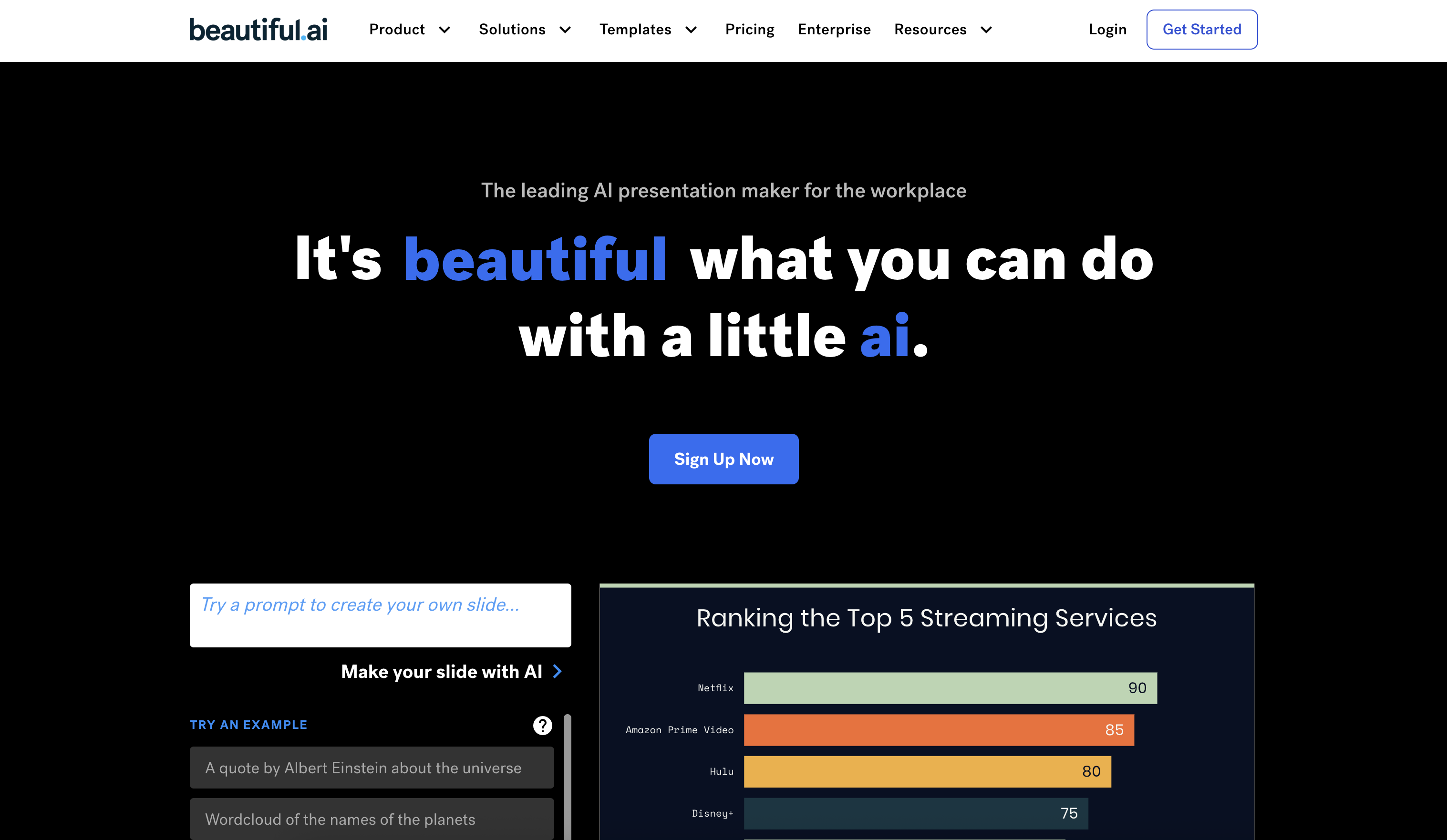
- Create professional presentations in minutes instead of hours with smart slide templates that automatically format your content
- Maintain perfect brand consistency across all company presentations using universal color palettes, fonts, and logo controls
- Enable seamless team collaboration with shared slides that update universally across all decks when changes are made
- Work from anywhere while keeping presentations synchronized across your organization with cloud-based creation and editing
- Integrate directly into your existing workflow through native connections with Slack, PowerPoint, monday.com, and Salesforce
Pros & Cons
Pros
- Smart slide templates
- Real-time formatting
- Universal updates across decks
- Supports brand consistency
- Shared slides feature
- Remote working supported
- Integrated with multiple platforms
- Varied templates for varying needs
- Foolproof design controls
- Timely content adaptation
- Streamlined presentation creation
- Suitable for different organization sizes
- Large image and icon library
- Education plans available
- Saves time on design
- Ensures visual appeal
- Automated manual resizing and formatting
- Universal color palettes
- Specific font and logo use
- Creates visually appealing slides
- Content adaptation in templates
- Workflow efficient
- Tailored for individual professionals
- Facilitates collaborative work
- Syncs with existing workflow
- Slack integration
- PowerPoint integration
- monday.com integration
- Salesforce integration
- Brand control features
Cons
- Limited design freedom
- Over-reliance on templates
- Missing advanced editing features
- Requires internet connection
- Depends heavily on integrations
- Unsuitable for offline presentations
- No downloadable version
- May misinterpret brand guidelines
- Potential sync issues
- Over-complicated for simple tasks
Reviews
Rate this tool
Loading reviews...
❓ Frequently Asked Questions
Beautiful.ai is an AI-powered presentation software that helps users create visually stunning and professional presentations quickly. It uses smart templates and design automation to save time and ensure every slide looks consistent and on-brand.
Yes, Beautiful.ai offers a Team Plan designed for collaboration. It allows teams to share slides, maintain brand consistency, push universal updates, and work seamlessly together under one account.
Beautiful.ai integrates with popular platforms like Dropbox, Webex, Slack, and PowerPoint, making it easy to manage presentations and workflows across various tools your team already uses.
Yes, Beautiful.ai offers a free plan with essential features. For access to advanced tools, team collaboration, and brand control, users can upgrade to Pro or Team plans.
The platform includes features for total brand control, allowing teams to lock in brand colors, fonts, and logos. This ensures every presentation aligns with the company’s identity while still allowing creative flexibility.
Pricing
Pricing model
Free Trial
Paid options from
$12/month
Billing frequency
Monthly
Related Videos
How to Use Beautiful.ai to Create Automatic Presentations with AI (Simple Guide)
Social Goats•36.8K views•Apr 16, 2023