
MagicSlides.app
Overview
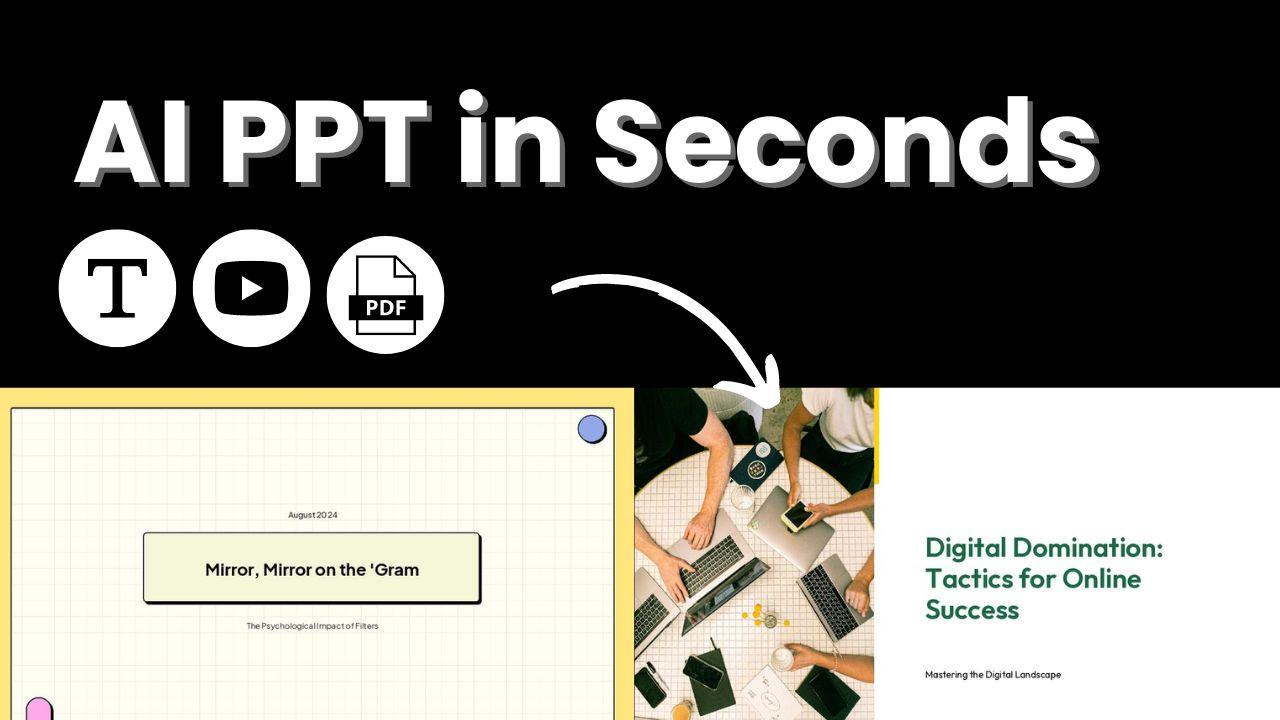
- Generate complete presentations in 2-3 seconds from any text input using AI summarization technology
- Convert PDFs, DOCX files, and website URLs directly into polished PowerPoint slides automatically
- Customize slide count and titles while adding personal text for tailored presentation content
- Access professional templates within Google Slides for instant design consistency without design skills
- Create pitch decks and training materials in over 100 languages for global team collaboration
- Work directly inside Google Slides with zero learning curve through seamless add-on integration
Pros & Cons
Pros
- Fast slide creation
- Automatic text summarization
- Customizable presentations
- No payment required
- Customizable templates
- Allows additional text
- Easy to use
- Requires no technical knowledge
- Google Slides add-on
- Professional presentations quickly
- Template selection feature
- Presentation ready in seconds
- Free to use
- Inbuilt slide count option
- All rights with IndianAppGuy Tech Pvt Ltd
Cons
- Limited to Google Slides
- No offline functionality
- Lacks advanced customization options
- Relies on text input
- No multi-language support
- Unknown data privacy measures
- Dependent on internet connection
- No API for integration
- Potentially oversimplifies information
Reviews
Rate this tool
Loading reviews...
❓ Frequently Asked Questions
MagicSlides is a Google Slide add-on powered by artificial intelligence. It serves as a Text To Presentation Tool that automatically summarizes and crafts presentation slides from any given text.
MagicSlides utilizes AI technology to swiftly summarize the text entered by users and crafts presentation slides from it. Its functionality further extends in allowing users to provide additional text to tailor their presentations.
MagicSlides provides features such as fast creation of presentation slides from any text, customization of presentations, and the use of customizable templates. The processed presentations are ready between a span of two to three seconds, making it an efficient tool.
MagicSlides uses artificial intelligence technology to analyze the provided text. The AI is programmed to discern the key points from the text and to present them in a summarized, structured manner in the form of slides.
MagicSlides can complete a presentation setup in less than two to three seconds.
MagicSlides does not require the user to possess any technical knowledge. Its interface is user-friendly and can be navigated easily by anyone.
Yes, MagicSlides is free to use.
No, MagicSlides does not require users to provide credit card details.
With MagicSlides, Users can customize their presentation by defining the title, slide count, and optionally providing additional text. Generated presentations are made in Google Slides, allowing further customization according to user preference.
Yes, MagicSlides offers customizable templates which users can employ to speed up their presentation creation.
Users may provide additional text while setting up their presentation. MagicSlides will incorporate this text into the presentation to improve personalization according to the user's preference.
Users simply need to install MagicSlides as an add-on to their Google Slides. Unfortunately, the specific installation process is not outlined on their website.
MagicSlides can be used to create any type of presentation using text as a source. The specific style or type of presentations is not stated on their website.
MagicSlides uses artificial intelligence to understand the context of your text. While the exact mechanism is not stated on their website, AI algorithms usually work by identifying keywords, phrases, and their relations, and this understanding of the text is used to create the slide content.
Yes, MagicSlides is suitable for professional use. It enables swift creation of professional presentations with customizable features, making it a beneficial tool for business or professional scenarios.
The security of data with MagicSlides is not mentioned on their website.
Yes, since MagicSlides is a Google Slide add-on, a Google account is necessary to use it.
The provision of customer support by MagicSlides is not explicitly mentioned on their website.
There isn't any mention of a limit to the number of slides that MagicSlides can create on their website. It seems the number of slides could be determined by the user while setting up the presentation.
According to their website, MagicSlides is completely free to use. There is no mention of package plans for MagicSlides.
Pricing
Pricing model
Freemium
Paid options from
$6.70/month
Billing frequency
Monthly
Refund policy
5 Day Refund Policy
Related Videos
you finally found magicslides app
Powerpoint Tutorials by MagicSlides•1.0K views•Mar 19, 2025