Overview
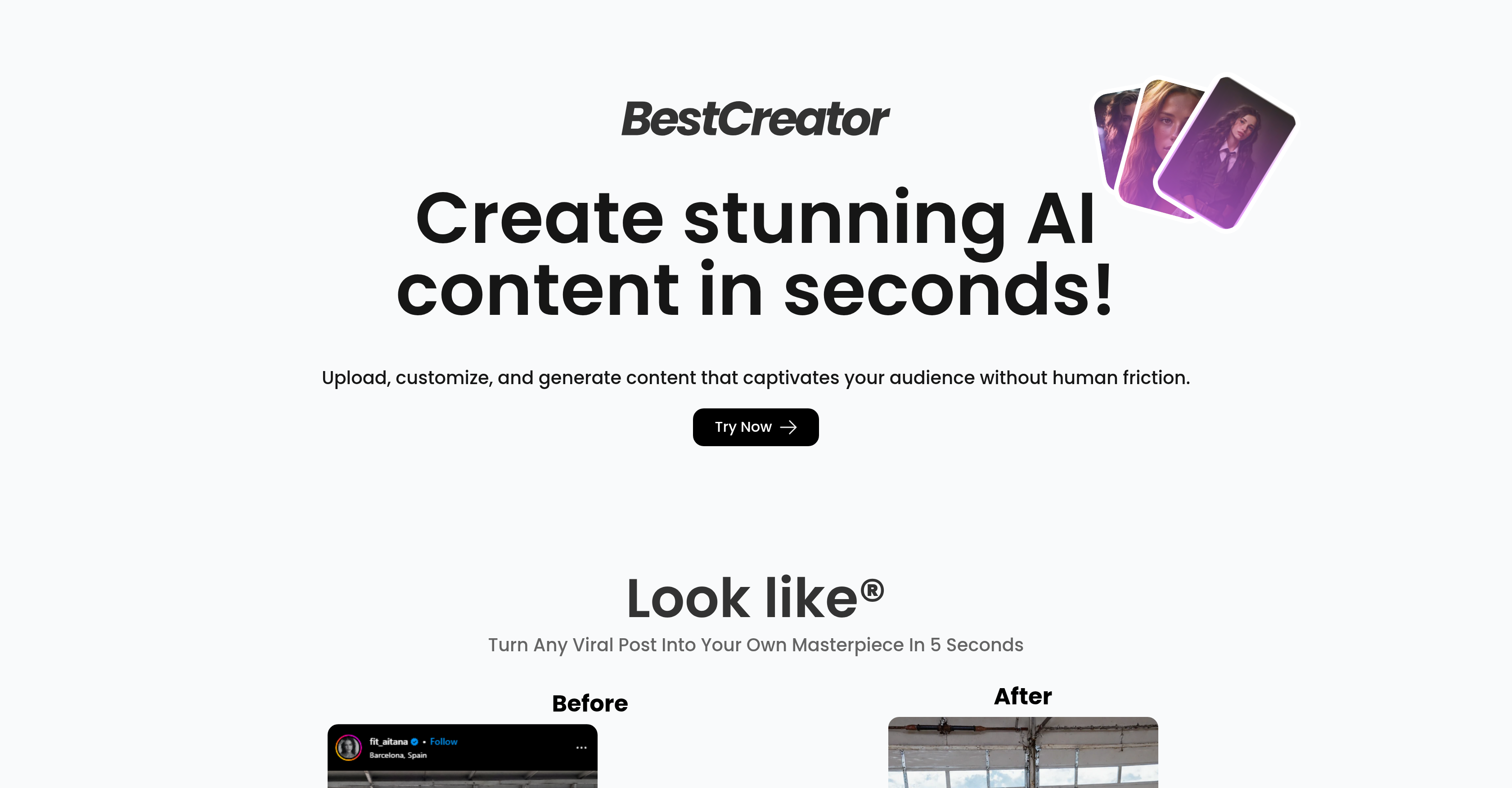
- Transform selfies into viral Instagram posts instantly with AI-powered image-to-video conversion
- Schedule social media content efficiently using the built-in Post Scheduler to maintain consistent online presence
- Convert existing tweets into engaging visual content automatically through the Tweet Converter tool
- Earn commissions by sharing creations through the affiliate program without additional creative work
- Overcome creative block entirely through automated visual transformations that require no design skills
Pros & Cons
Pros
- Text-to-logo redesign
- Multiple logo outputs
- Sketch-to-logo transformation
- Image-to-video conversion
- Clone lab feature
- Pix motion capability
- Look like function
- Affiliate program available
- User-friendly interface
- No human friction
- Effortless content creation
- Captivating visual content
- In-app editor
- Intuitive canvas
- Polished logo designs
- Unique visual generation
- Influencer content creation
- Content optimization
- Growth hacking tools
- Social media optimization
- Visual storytelling
- Design automation
- Branding tools
- Digital entrepreneurship
- Tweet converter coming soon
- Post scheduler coming soon
- Screenshot designer coming soon
- Earning opportunities
- Instagram post transformation
- Static image to Reel
- Customizable content
- Upload and customize content
- Generate content in seconds
- Logo diffusion feature
- Redesign logo using text prompts
Cons
- Limited output formats
- Depends on text prompts
- No on-premise deployment
- Closed source
- Limited customization options
- Earning potential capped
- No direct support
- Future features uncertain
- Affiliate program invite-only
Reviews
Rate this tool
Loading reviews...
Pricing
Pricing model
Free Trial
Paid options from
$6.99/month
Billing frequency
Monthly
Refund policy
No Refunds