
Overview
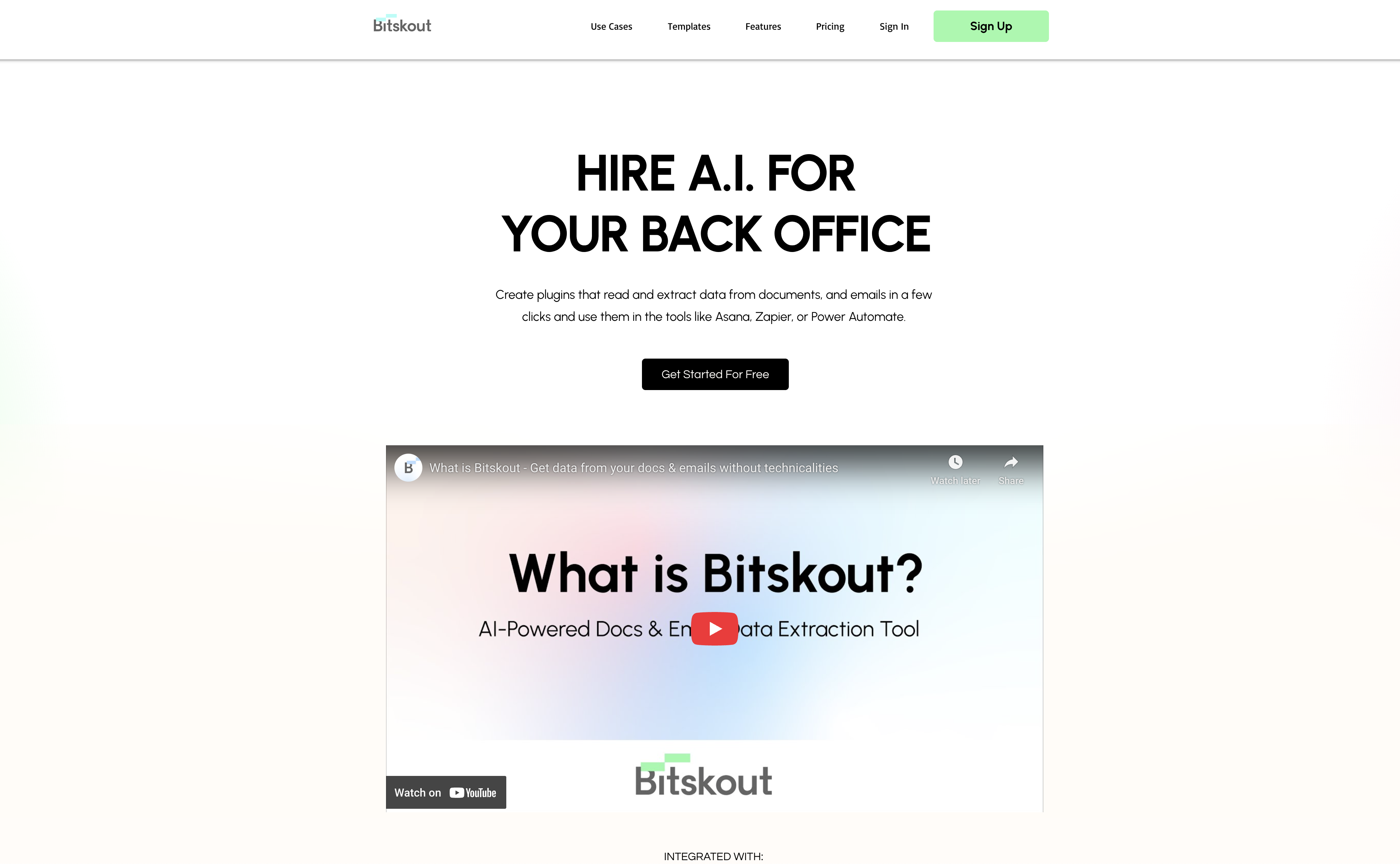
- Eliminate weeks of client follow-up by automatically creating document portals when you CC our AI agent on emails
- Transform frustrating back-and-forth into minutes by having clients submit documents through personalized checklists that validate submissions in real-time
- Extract specific financial data from invoices, bills, and business cards without manual entry using customizable AI plugins
- Automate workflows by pushing extracted data directly to Asana, Zapier, and Power Automate for seamless process integration
- Create custom data extraction rules for any document type without coding knowledge using guided template creation
- Get immediate answers about processed information through AI agents that provide instant responses to specific queries
- Process documents 24/7 with AI-powered plugins that work continuously without downtime or manual intervention
Pros & Cons
Pros
- Data extraction from emails
- Integration with Asana
- Integration with Zapier
- Integration with Power Automate
- 40+ ready-made templates
- Searchable plugins
- Instant answers feature
- Permissions customization
- User Guidance Tour
- Custom plugin creation
- Automates data entry
- 24/7 availability
- Coding-free usage
- Streamline workflows
- Increase productivity
- Save time
- Start in seconds
- Plugins for various documents
- Templates for different use cases
- Improve operational accuracy
- Free trial available
- No credit card required
- No technicalities for using plugins
- Boost user happiness
- Email data extraction
- Stress-free usage
- Customer Support
- Available for different fields
- Easy to use
- Plug into existing tools
- Extract data from invoices
- Works with business cards
- Works with bills
- Question-asking feature
- Increase process efficiency
- Supports various business operations
- Helps reduce disengagement at work
- Can be used for custom documents
- Offloads repetitive tasks
Cons
- Limited integration platforms
- No API mentioned
- Limited pre-made templates
- No multi-language support
- No offline functionality
- Coding-free usage only
- Lacks detailed user guide
- No advanced customization options
- No chatbot for immediate help
- Limited data extraction types
Reviews
Rate this tool
Loading reviews...
❓ Frequently Asked Questions
Bitskout is an AI-powered tool designed for data extraction from diverse types of documents to streamline workflows and enhance productivity as well as accuracy.
Bitskout extracts data from documents using AI technology. Users can create plugins that read and extract data from documents and emails in a few clicks.
Bitskout supports various types of documents such as emails, invoices, business cards, and bills, among others.
Yes, Bitskout offers seamless integration with popular platforms like Asana, Zapier, and Power Automate to facilitate data extraction and usage.
The purpose of Bitskout's ready-made templates is to cover a range of use cases and simplify the data extraction process. These templates can range from Purchase Orders to Invoices, CVs, and Bills of Lading.
Bitskout can extract diverse data from emails depending on the specific needs of the user. It can be financial information, contact information, transaction details, and other relevant data.
The extracted data by Bitskout can be used in your workflows via the integrated function with Asana, Zapier, or Power Automate. This enables you to automate processes and optimize operations.
Bitskout enhances productivity and accuracy by automating data extraction processes, eliminating manual data entry, and reducing errors. Its AI technology helps users utilize their time more efficiently and ensures the accuracy of extracted data.
Bitskout agents are features of the tool that provide immediate answers about processed information. Users set appropriate permissions in their plugins to get answers to specific queries.
Yes, Bitskout provides a short tour guide to assist users in creating custom plugins for various types of documents.
Bitskout reduces manual efforts in data extraction by automating the process with AI-powered plugins. These plugins work round-the-clock, eliminating the need for manual data entry tasks.
Yes, Bitskout is available around the clock. The AI-powered plugins work 24/7, performing data extraction tasks without downtime.
No, it is not necessary to have coding knowledge to use Bitskout. The tool has a user-friendly interface and requires no coding or technicalities in using the plugins.
The purpose of Bitskout's short tour is to guide users in creating custom plugins for different types of documents. This helps users understand the tool more and maximize its potential.
Yes, Bitskout can extract data from business cards. The specific data that can be extracted depends on the requirements of the users.
Yes, Bitskout can be used for extracting data from invoices. It can pull specific information like transaction details, vendor information, dates, line items, costs, and more.
Users can ask Bitskout to provide immediate responses by setting up appropriate permissions in their plugins. Using Bitskout agents, they can ask specific queries about the processed information and get instant answers.
Bitskout helps to increase time savings by automating the process of data extraction from various documents, reducing manual data entry tasks, and errors. This allows users to make efficient use of their time in other value-adding tasks.
Bitskout can extract various data from Bills of Lading, depending on the user's needs. This may include shipment details, origin and destination ports, freight details, shipper, consignee information, and more.
Yes, the extracted data can be used with any process via Zapier and Power Automate. This allows users to automate and streamline their workflows across different platforms.
Pricing
Pricing model
No Pricing
Related Videos
How to Setup Bitskout in Microsoft Power Automate
Bitskout•167 views•May 10, 2023