
Overview
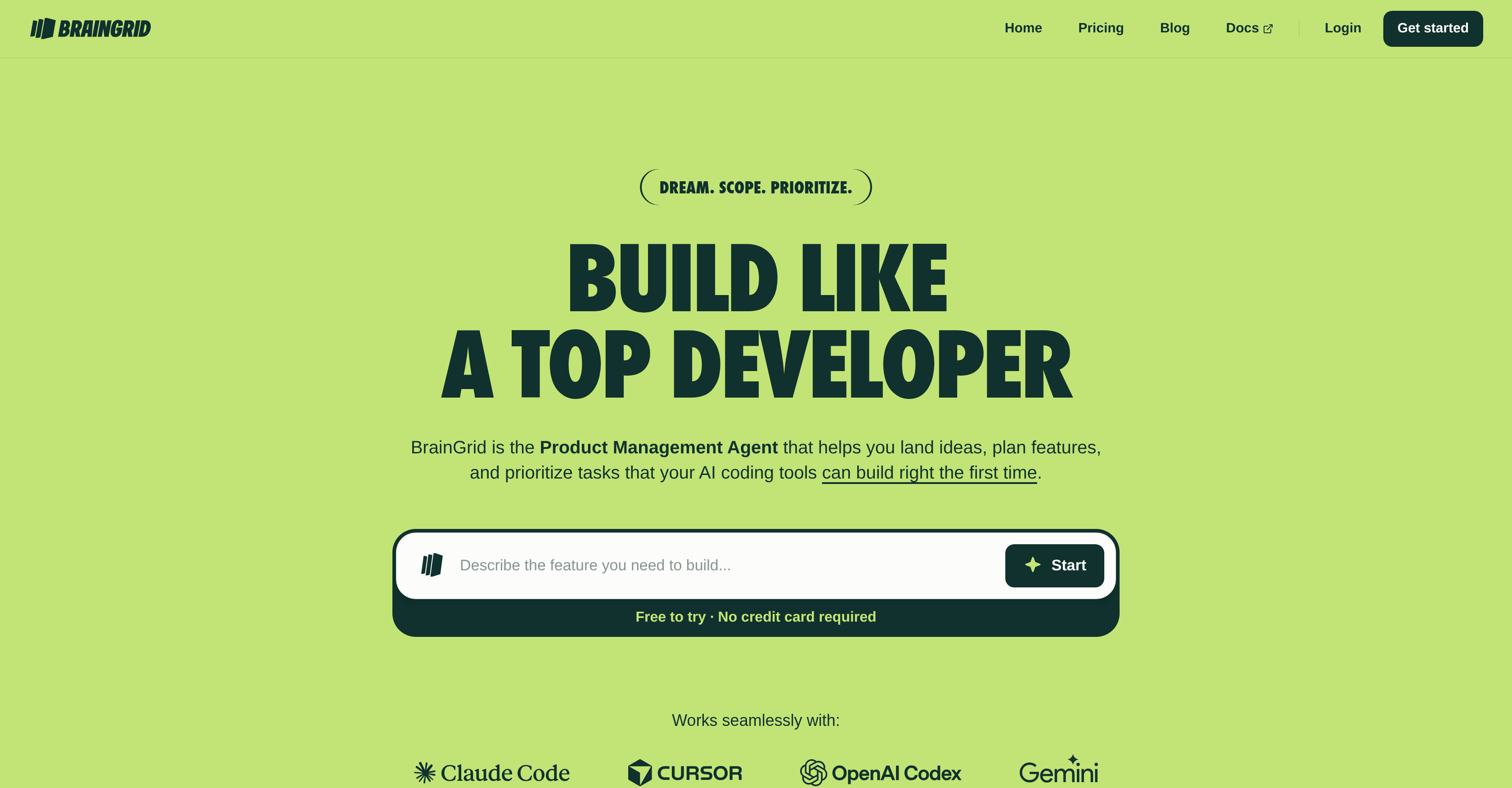
- Ship products faster by eliminating guesswork with a single, structured hierarchy that organizes all your epics and requirements in one unified view
- Transform vague ideas into actionable specs using AI planning agents that ask the smart, clarifying questions you might miss
- Know exactly what to build next with a clear readiness score that signals which items are fully specified and which need more work
- Prevent costly delays by visualizing and managing task dependencies and blockers before they impact your development timeline
Pros & Cons
Pros
- Helps in planning features
- Prioritizes tasks efficiently
- Breaks large features into tasks
- Ensures production-ready apps
- Beneficial for non-technical founders
- Works with various coding tools
- Reduces planning gaps
- Facilitates idea landing
- Conceptualizes user ideas
- Scopes first software version
- Supports Claude Code
- Compatible with Cursor
- Communicates with Google Gemini
- Reduces project setbacks
- Promotes scalable SaaS product
- Clarifies with smart questions
- Generates requirements rapidly
- No tool lock-in
- Improves coding workflow
- Accelerates project delivery
- Reduces app regression
- Multiple coding agent support
- Works seamlessly with MCP, CLI
Cons
- Limited coding agent compatibility
- Lacks collaborative features
- Potential difficulty with scaling
- No support for MVP
- Overcomplication for simple projects
- Lacks financial planning features
- Unknown handling of unknowns
Reviews
Rate this tool
Loading reviews...
Pricing
Pricing model
Free Trial
Paid options from
$10/month
Billing frequency
Monthly
Refund policy
No Refunds
Related Videos
Creating Your First BrainGrid Project with Tyler Wells
BrainGrid•57 views•Dec 15, 2025