

Calfeed
Skip manual event entry. Paste or drop plain text, a CSV file, or a public link, and Calfeed builds a digital calendar from your schedule or timetable.
Listing not yet reviewed by our editors · How we check
Overview
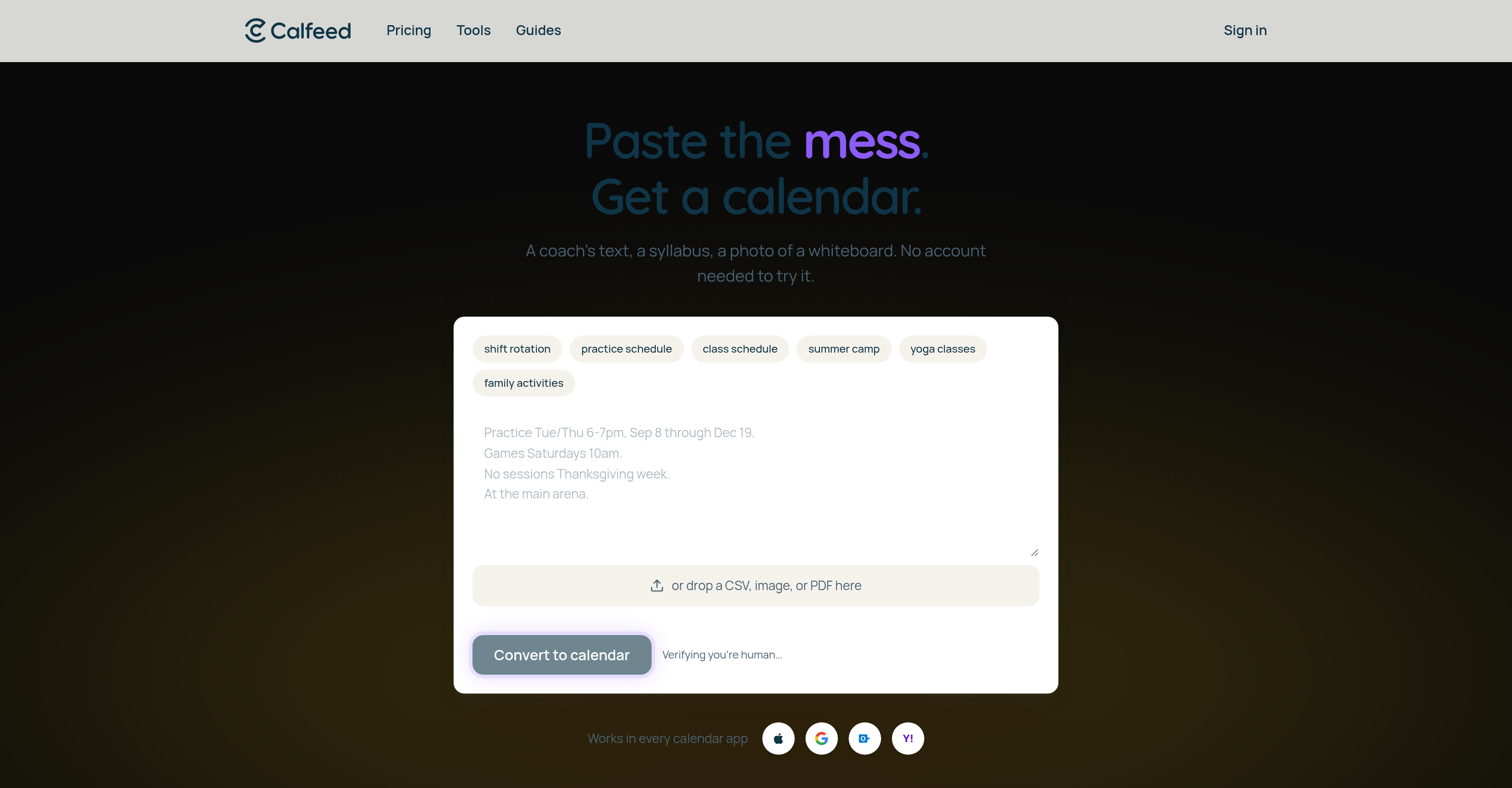
- Skip manual event entry. Paste or drop plain text, a CSV file, or a public link, and Calfeed builds a digital calendar from your schedule or timetable.
- Digitize printed and paper schedules in seconds. Image understanding reads photos and screenshots of existing calendars and turns them into editable, shareable calendar events.
- Reach every attendee on the calendar app they already use. One generated calendar link adds directly to Google Calendar, Apple Calendar, and Microsoft Outlook.
- Keep every subscriber current without resending anything. Live calendar updates push each change automatically, so nobody re-imports files and the link never changes.
- Share a calendar that matches your brand. Add your logo and colors so team schedules, event calendars, and class timetables look like they come from you.
- See every schedule in one place. Calendar merging combines multiple calendars into a single consolidated feed for people juggling several activities, teams, or event series.
- Publish an always-accurate schedule on your website. A copy-and-paste embed snippet places a live-updating calendar on any site, so visitors always see the latest dates.
- Try it before you pay. Start free, then continue with a credit system where the cost per credit depends on the pack size you buy, so you pay only for continued use.
Pros & Cons
From the listing; not yet checked by our editors.
Pros
- Converts plain text into calendar
- Turns images into calendars
- CSV files to calendar
- Public link conversion
- No manual re-imports
- Changes update automatically
- Calendar personalization
- Merging of multiple calendars
- Embedding feature for sites
- Cross-platform compatibility
- File conversion flexibility
- Live updates feature
- Seamless integration with popular platforms
- Credit-based pricing system
- Intuitive interface
- Supports scheduling and timetabling
- Bulk calendar import
- Universal calendar link
- No app installation required
- Stable URL for calendars
- Language-friendly scheduling
- Calendar updates on edit
- Logo and color personalization
- Combines multiple feeds to one
- Capable of label assignments
- Rule setting per source
- Embed updates are automatic
- Calendar iframe copy-paste
- Automatic calendar link update
- Multi-purpose calendar conversion
- Hourly calendar refresh capability
Cons
- Freemium model
- No mobile app
- No free long-term use
- Edits require payment
- Limited customization options
- No multi-language support
- Dependant on internet connection
- Can't categorize events
- All data public
- No offline viewing
Alternatives to Calfeed
Tools that share the most tags with Calfeed.
- Agenda Hero
Transform any text description into perfectly formatted calendar events without manual entry using natural language processing
Free
Not listed
Not yet checked
- Toki AI
Centralize all your calendars in one hub to eliminate scheduling conflicts across Google, Apple, and Outlook
Freemium · from $3.59/month
$3.59/month
Not yet checked
- Smart Calendars AI — Plan fast & easy
Create events hands-free while driving or multitasking using voice recognition for event creation
Freemium · from $1/month
$1/month
Not yet checked
- Clockwise
Automatically reclaim hours of focused work time by having AI create uninterrupted Focus Time blocks across your team's calendar
Freemium · from $6.75/month
$6.75/month
Not yet checked
- CalendarScan
Eliminate hours of manual typing by instantly converting paper calendars to digital format through AI-powered image recognition
Free
Not listed
Not yet checked
- Cal.build
Instantly convert planning documents and ideas into ready-to-use calendars with text-to-calendar conversion
Freemium · from $9.99/month
$9.99/month
Not yet checked
Reviews
Rate this tool
Loading reviews...
Frequently asked questions
What is Calfeed?
Calfeed is an online tool designed to simplify the creation and sharing of digital calendars. Users can convert a range of inputs such as plain text, photos, CSV files, or public links into a shareable digital calendar. This created link can be added to major platforms such as Apple, Google, or Microsoft Outlook. Calfeed also offers live updates, calendar personalization, and the ability to merge multiple calendars.
What types of inputs can Calfeed convert to a digital calendar?
Calfeed converts various types of inputs including plain text, photos, CSV files, public links, and images of calendars into a shareable digital calendar.
Can Calfeed work with images of calendars?
Yes, Calfeed has the capability to work with images of calendars and convert them into digital calendars.
Can I share my Calfeed calendar on other platforms such as Google?
Yes, once a calendar is created in Calfeed, it can be shared via a link on multiple popular platforms such as Google, Apple, and Microsoft Outlook.
Does Calfeed allow for live updates to calendars?
Yes, one of the distinct features of Calfeed is it allows for live updates to calendars. Any changes made in Calfeed are automatically updated in the calendar.
What happens if I make changes in Calfeed?
When changes are made in Calfeed, they are automatically updated in the pertaining calendar across all platforms where it has been shared. This eliminates the need to manually re-import or change links.
Can I personalize my calendar on Calfeed?
Yes, Calfeed provides features for personalizing the calendar. Users can add a logo and color to make the calendar match their branding.
Does Calfeed have a feature to merge multiple calendars?
Yes, Calfeed provides a feature that allows merging of multiple calendars into one. This function is useful for users who have multiple schedules or activities to keep track of.