Overview
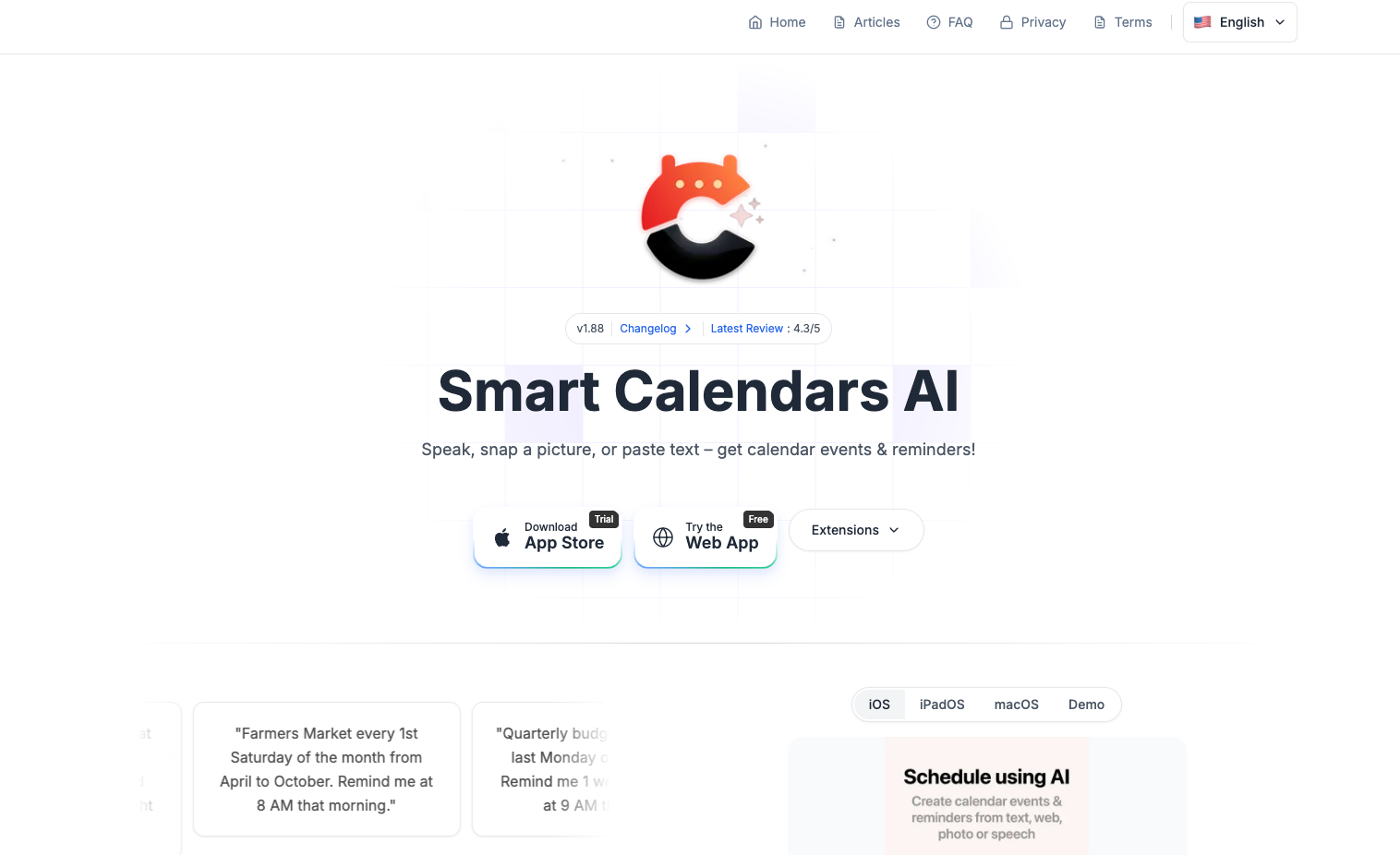
- Create events hands-free while driving or multitasking using voice recognition for event creation
- Extract event details automatically from photos of flyers, documents, or whiteboards through image recognition
- Transfer event information from emails and websites instantly with single-click text recognition
- Share events effortlessly with others using instantly generated URLs and QR codes
- Manage all reminders, tasks, and events in one unified space with drag and drop functionality
- Access your schedule instantly without unlocking your phone through home and lockscreen widgets
- Sync seamlessly across all devices by integrating with Google Calendar, Apple Calendar, and Microsoft Outlook
- Handle complex scheduling needs with advanced recurring event patterns and intelligent alert systems
- Plan around weather conditions with built-in weather forecasts integrated into your agenda view
Pros & Cons
Pros
- Voice recognition
- Image recognition
- Text recognition
- Smart task prioritization
- URL or QR code event sharing
- One space for tasks, reminders, events
- Drag and drop functionality
- Home screen widget
- Lockscreen widget
- Apple Calendar integration
- Google Calendar integration
- Microsoft Outlook integration
- Complex recurring events setup
- Intelligent alert patterns
- Clean user interface design
- Includes weather forecasts
- Customizable agenda views
- Create events from pictures
- Create events from text content
- Event creation by speaking
- Cross-platform synchronization
- Efficient agenda management
- Single-click event extraction
- Productivity enhancement features
- Event and reminder management
- Simplified event coordination
- Seamless with popular external platforms
- Fast sharing of events
- Integrated reminders and tasks
- Effortless schedule organization
- Facilitates hands-free scheduling
- Advanced event management
- Elegant home and lock screen widgets
- Quick access to information
- Flexible repeating rules
- Event sharing with *.ics-files
- Multilingual support
- Free 30-day trial
- Calendar app for all Apple devices
Cons
- Only available on Apple devices
- No Android support
- Absence of API support
- Unavailable browser extensions
- Text recognition errors
- Advanced features may be complex
- Requires subscription after free trial
Reviews
Rate this tool
Loading reviews...
❓ Frequently Asked Questions
Smart Calendars AI is an artificial intelligence-powered calendar application that streamlines organization and planning. It enriches conventional calendar functionalities by incorporating technologies such as voice recognition, text and image recognition, and smart task prioritization.
Smart Calendars AI uses AI technology in several ways. It employs voice recognition for event and reminder creation, uses text and image recognition to extract event details from photos and digital content, and offers smart task prioritization for a more efficient planning process.
In Smart Calendars AI, voice recognition allows users to create events or reminders by merely speaking to the device, permitting a hands-free scheduling experience.
Events or reminders can be created in Smart Calendars AI by dictating details to the device via voice recognition, taking photos of relevant texts or objects through image recognition, or extracting details from digital content like emails and websites with a click through text recognition.
Sharing events in Smart Calendars AI can be done easily using URLs or QR codes. These methods make the coordination and distribution of event details effortless and quick.
Yes, Smart Calendars AI incorporates seamless integration with external platforms like Apple Calendar, Google Calendar, and Microsoft Outlook, facilitating cross-platform synchronization and usability across multiple devices.
Smart task prioritization in Smart Calendars AI automates the system of organizing and managing tasks, events, and reminders. It uses AI to prioritize tasks according to various unspecified variables.
The drag and drop functionality in Smart Calendars AI permits users to handle events and reminders more intuitively and efficiently, allowing them to literally drag events or reminders to wherever they need.
Smart Calendars AI home- and lock-screen widgets offer users instant access to their calendar information, making it easy to view and manage events and tasks.
Yes, Smart Calendars AI allows the setting up of complex recurring events, giving users the flexibility to manage repeated tasks or events with sophisticated needs.
Smart Calendars AI provides intelligent alert patterns, including multiple notifications and flexible repeating rules, making it easier to schedule and keep track of events and reminders.
Customization options in Smart Calendars AI include the ability to personalize agenda views according to user preference. The clean user interface also integrates weather forecasts to enhance user experience.
Smart Calendars AI aids in scheduling and task management by using AI to streamline the creation and organization of events, reminders, and tasks. It allows the extraction of details from voice instructions, images, and digital content and shares these details using URLs or QR codes.
The image recognition feature in Smart Calendars AI allows users to create an event or reminder by snapping photos of relevant texts or objects. The AI then extracts the necessary details from the image.
Text recognition in Smart Calendars AI enhances functionalities such as event creation and reminder setting. Users can easily extract details from digital content such as emails and websites with a single click.
URL and QR code sharing in Smart Calendars AI simplify coordination with other individuals by quickly sharing event details in a convenient, accessible format that can easily be distributed and accessed.
The unified space for reminders, tasks, and events in Smart Calendars AI provides a consolidated view and management area for all organizing needs. It also makes suggestions and prioritizes tasks using AI.
Smart Calendars AI ensures seamless cross-platform synchronization by working in sync with external platforms like Apple Calendar, Google Calendar, and Microsoft Outlook. This allows users to manage their events and reminders across different devices.
Yes, Smart Calendars AI provides in-built weather forecasts within its clean user interface, enabling users to plan better by considering weather conditions.
Smart Calendars AI employs text recognition to extract events or reminders from digital content such as emails and websites. Users can do this with a single click, making it easier to transfer digital details into their calendar.
Pricing
Pricing model
Freemium
Paid options from
$1/month
Billing frequency
Monthly