ChatGPT for Google
Overview
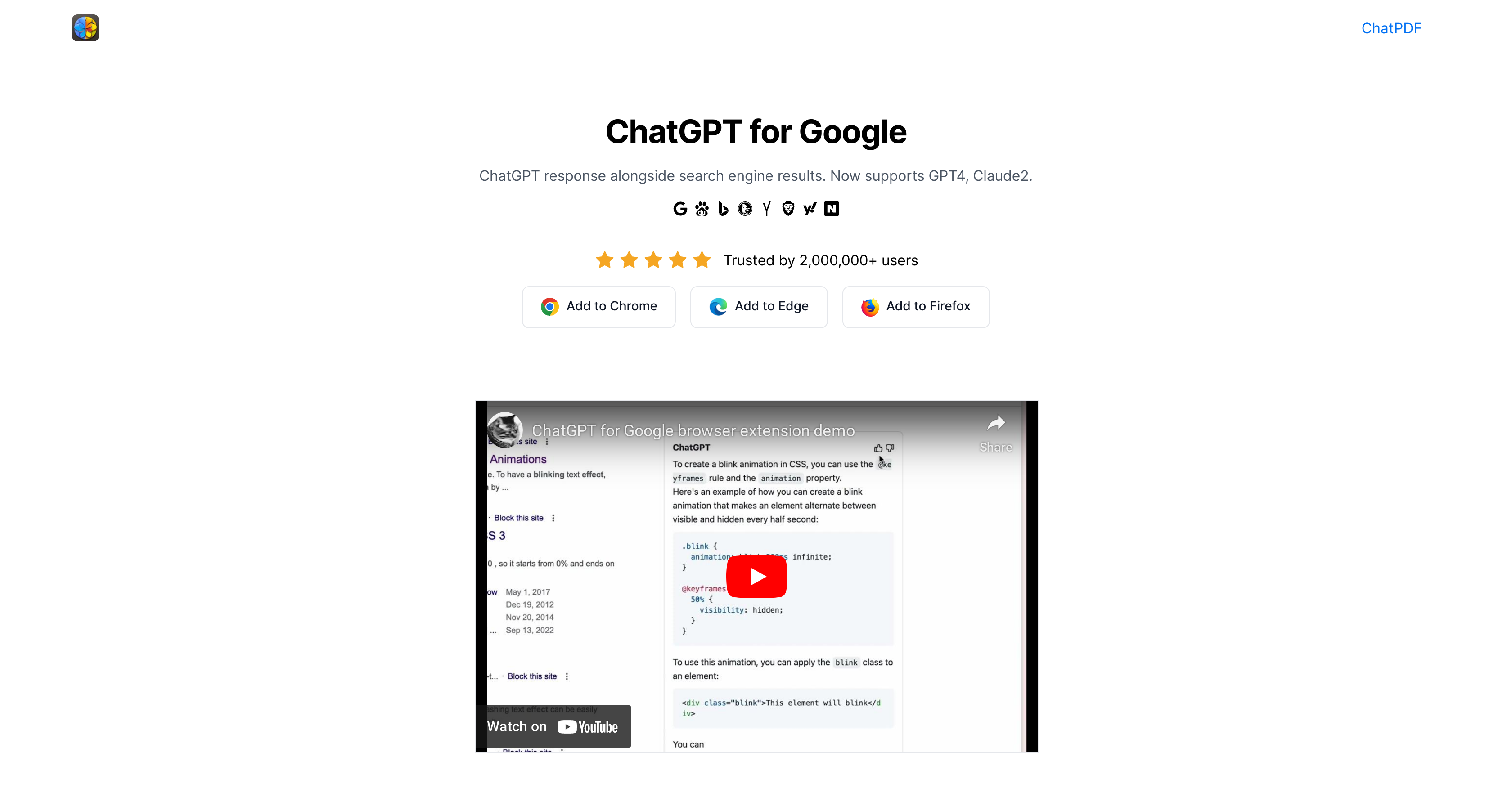
- Get instant AI-powered answers alongside your regular search results without switching tabs, using the integrated chat interface that works across Google, Bing, and other search engines
- Compare responses from multiple AI models including GPT-4, Claude, and Google Bard side-by-side to get the most comprehensive perspective on any query
- Summarize YouTube videos instantly to extract key points without watching the full content, using the built-in video analysis feature that saves viewing time
- Access AI capabilities directly within your existing search workflow without technical expertise, requiring only a standard ChatGPT account to get started
- Generate AI images and detect AI-written content through integrated tools that expand beyond text-based search assistance
Pros & Cons
Pros
- Enhances search engine results
- Displays ChatGPT alongside results
- Free to use
- Supports multiple search engines
- Links to additional services
- Trusted by many users
- Supports GPT-3.5, GPT-4
- Supports Google Bard, Claude
- Available on Chrome, Edge
- Enables YouTube video summaries
- Makes content accessible, digestible
- Improves overall search experience
Cons
- Account creation required
- Browser extension only
- Limited to certain browsers
- No Firefox support
- Possible search result overload
- Unnecessary additional services linked
- No mobile support
- No standalone application
- May not support all languages
Reviews
Rate this tool
Loading reviews...
❓ Frequently Asked Questions
ChatGPT for Google is a browser extension designed to augment search engine functionality with the capabilities of ChatGPT. By displaying ChatGPT responses alongside regular search engine results, it enhances the overall search experience. Notably, it affords the users the ability to compare responses of various AI models, including GPT-3.5, GPT-4, Google Bard, and Claude, on a single page.
ChatGPT for Google works by incorporating ChatGPT responses into search engine results. When a search query is made, the extension fetches and displays responses from AI models alongside the traditional search engine results, thereby providing detailed and diverse insights into any query. Indeed, it enhances user search experience by presenting human-like text from AI models that understand and generate comprehensive responses.
Yes, ChatGPT for Google is free to use. Users can install it for free from supported web stores.
ChatGPT for Google supports a variety of search engines. The supported search engines include Google, Baidu, Bing, DuckDuckGo, Brave, Yahoo, Naver, Yandex, Kagi, and Searx.
Yes, to use the ChatGPT for Google extension, you need to create a free account with ChatGPT or OpenAI.
Absolutely, the ChatGPT for Google extension allows you to display and compare responses from multiple AI models. It supports popular AI models including GPT-3.5, GPT-4, Google Bard, and Claude.
To install ChatGPT for Google on your Chrome browser, you'll need to visit the Chrome Web Store and find the extension. Add it to your browser from there to start enjoying the enhanced search functionality.
Yes, ChatGPT for Google is available on Microsoft Edge. It can be found and installed from the Microsoft Edge Add-ons Store.
Indeed, the extension does have a unique feature that allows for the summarization of YouTube videos. It uses Monica's unique AI, combined with the capabilities of ChatGPT4, to condense and interpret important points from videos, thus cutting down viewing time and enhancing the overall viewer experience.
ChatGPT for Google boasts a solid user base, with over 2,000,000 users placing their trust in the service.
No, you do not have to be a tech expert to use ChatGPT for Google. The extension is designed for a user-friendly experience, meaning anyone who can use a browser can use the extension. All it takes is searching as you normally would, and the AI-enhanced chat responses appear alongside traditional search results.
ChatGPT responses improve your search engine experience by providing more detailed and human-like answers. For instance, instead of receiving a list of links, you get responses that resemble a direct answer to your query. Comparing responses from various AI models on a single page also leads to a richer exploration of results.
To learn about other services that come with the ChatGPT for Google extension, you can visit the website. It lists features such as the AI image generator, AI Detector, YouTube Summary, Web Summary, the productivity-enhancing Search Agent and Writing Agent, and a host of other applications bundled in the extension.
The need for an extension like ChatGPT for Google arises from its ability to significantly enhance the search experience. Traditional search results often involve sifting through pages of links to find relevant information. However, ChatGPT for Google offers a unique solution by utilizing AI capabilities to generate human-like text responses, providing more direct answers to queries, and making the search process more efficient and user-friendly.
Yes, indeed, the extension supports numerous popular AI models, including GPT-3.5, GPT-4, Google Bard, and Claude.
Yes, the ChatGPT for Google extension indeed supports AI features like image generation and detection. It includes a link to AI Image Generator and AI Detector tools.
The YouTube Summary feature in ChatGPT for Google takes the content of YouTube videos and condenses the material into an easily digestible summary. This feature makes it possible to glean the important points from a video without having to spend the time watching the entire content, thereby enhancing the viewer’s experience.
Pricing
Pricing model
Free
Paid options from
Free
Related Videos
How to Add Chat GPT to Google Search - Use GPT AI in Google
Evan Does AI•17.9K views•Mar 10, 2023