Rabbitholes AIv5.1.1
Overview
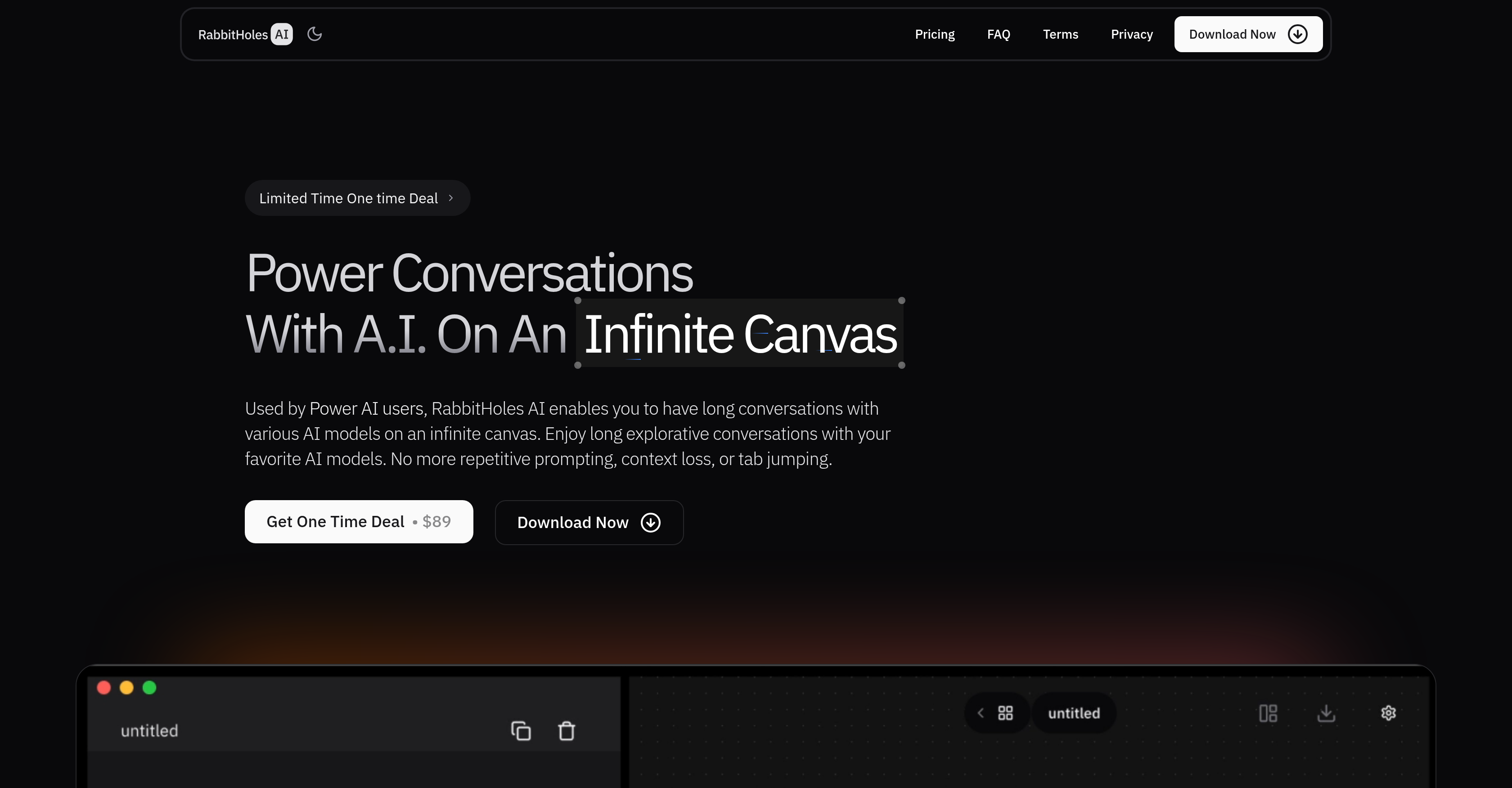
- Eliminate repetitive prompting and context loss with node-based chat structures that let you branch conversations in multiple directions
- Compare AI model responses simultaneously by running multiple models including OpenAI, Anthropic, and Google on the same canvas
- Build research from diverse sources by attaching PDFs, websites, and images directly to your conversation nodes
- Maintain complete privacy and data ownership with all conversations stored locally on your device
- Export your research workflows in JSON or markdown formats for documentation and sharing
- Customize every AI interaction with granular control over system prompts, temperature, and model parameters
- Avoid subscription fees with a one-time purchase that includes free updates and support for one year
Pros & Cons
Pros
- Infinite Canvas
- Node Based Chats
- Multiple Models
- Latest Models
- Advanced Settings
- Custom Providers
- Add Sources
- Saved Locally
- Export Options
- Custom Prompts
- Temperature Control
- Top_p Control
- Branching Conversations
- Reusable Prompts
- Spatial Thinking
- Multi POV
- BYO API Keys
- One Time Purchase
- No Monthly Fees
- Free Updates
- Lifetime Support
- Local Storage
- JSON Export
- Markdown Export
- Customizable
- Flexible Modeling
- Ollama Support
- Google Support
- Anthropic Support
- Custom LLMs
- Device Reassignment
- Free Trial
- Refund Option
- Secure Payment
Cons
- Requires API keys
- No cloud syncing
- Limited export options
- No web version
- Closed source code
- No free trial
Reviews
Rate this tool
Loading reviews...
❓ Frequently Asked Questions
Rabbitholes AI is a conversational AI tool that enables users to have long, explorative conversations with various AI models on an infinite canvas.
Rabbitholes AI works by allowing users to create nodes, each representing a chat, and connect them to form a branching conversation. Users can switch between models, add sources, and control system prompts and settings.
Rabbitholes AI supports multiple AI models, including Ollama, and allows users to add custom providers. Users can bring their own API keys from providers like OpenAI, Anthropic, and Google.
Yes, Rabbitholes AI allows users to control the system prompt, temperature, top_p, and other settings, subject to model support.
Conversations in Rabbitholes AI are stored locally on the user's device.
API keys are required to access AI models from providers like OpenAI, Anthropic, and Google. Users need to bring their own API keys to use these models in Rabbitholes AI.
Users can add sources to their canvas by adding files, websites, and more, and connecting them to their chat.
Yes, users can export their chats from Rabbitholes AI.
Chats can be exported as JSON or markdown files.
Users can switch between AI models in Rabbitholes AI by selecting a different model from the available options.
Yes, Rabbitholes AI allows users to use multiple AI models at once.
Custom providers can be added to Rabbitholes AI by bringing their own API keys and configuring the custom provider settings.
The infinite canvas in Rabbitholes AI is a visual representation of the conversation, where each chat is a node that can be connected to form a branching conversation.
Yes, conversations in Rabbitholes AI can be saved locally on the user's device.
No, Rabbitholes AI does not require monthly fees. It is a one-time purchase.
Support for Rabbitholes AI is available through the Discord server or by contacting the developers directly.
Yes, users can request new features for Rabbitholes AI through the Discord server or by contacting the developers.
Rabbitholes AI differs from other conversational AI tools by offering an infinite canvas, node-based chats, and support for multiple AI models and custom providers.
Rabbitholes AI handles repetitive prompting and context loss by allowing users to create a branching conversation and connect chats, reducing the need for repetitive prompting and preserving context.
Yes, Rabbitholes AI can be used on multiple devices, with the option to reassign devices at any point.
If a user loses their license key, they can contact the developers to retrieve or replace it.
Pricing
Pricing model
Paid
Paid options from
$89
Billing frequency
One-time
Refund policy
Users can request refunds within 7 days of purchase. Refunds are denied for misuse or terms violations but otherwise granted without requiring a reason.