
Claude for Sheetsv1.1.0
Overview
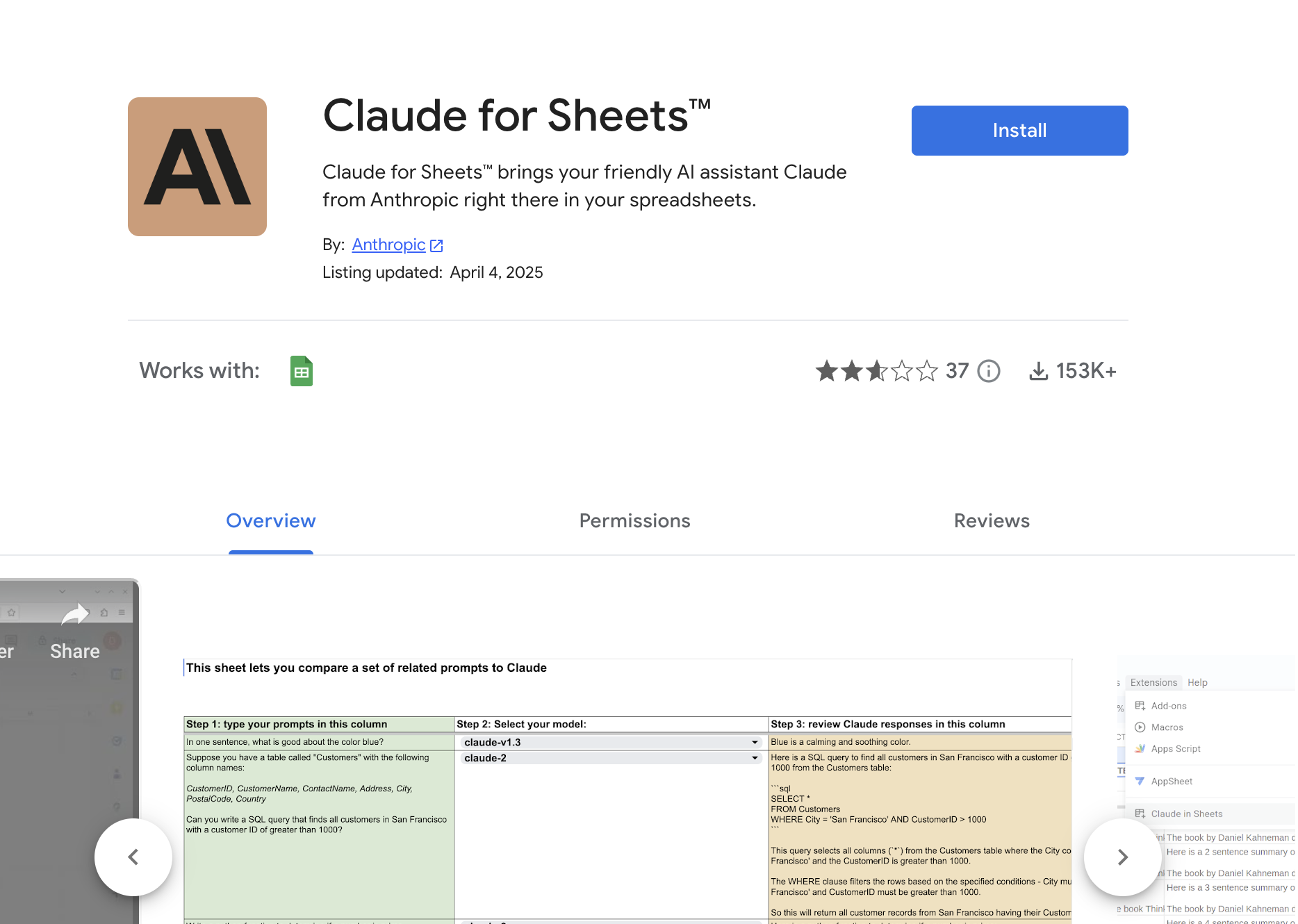
- Extract emails, phone numbers, and addresses from unstructured text automatically using Claude's data parsing capabilities
- Translate multilingual content instantly within your spreadsheet cells for international business operations
- Rewrite text in different styles and tones while maintaining context and meaning through customizable prompts
- Summarize lengthy documents and reports into concise overviews directly in your spreadsheet for quick analysis
- Classify and categorize data based on your specific criteria using AI-powered organization features
- Remove personally identifiable information automatically to maintain data privacy compliance
- Simulate expert roles like career coaching or customer service through customized AI interactions
- Share AI-enhanced spreadsheets across your Google Workspace without requiring teammates to install extensions
Reviews
Rate this tool
Loading reviews...
❓ Frequently Asked Questions
Claude for Sheets is an AI-driven assistant provided by Anthropic, specially designed to integrate with Google Sheets. This advanced tool gives users the advantage of leveraging the capabilities of Claude, Anthropic's AI, directly within their spreadsheets, which effectively adds a new dimension of functionality. From extracting specific information from the text, translations, text rewriting in various styles to content summarizing and data classification, Claude for Sheets offers a wide range of capabilities. It can also be employed to simulate real-life roles such as a career coach.
Claude for Sheets can be integrated with Google Sheets by adding the Claude for Sheets extension to your Google Sheets environment. To use this tool, an Anthropic API key is required. In your spreadsheet, you'll find two specific formula functions known as =CLAUDE() and =CLAUDEFREE(), introducing new ways to interact with your data.
In Claude for Sheets, the =CLAUDE() function serves a key role of facilitating direct conversations with the AI, Claude, within the spreadsheet. This functionality substantially simplifies the interaction with the AI and allows for swift responses without leaving the spreadsheet environment.
The =CLAUDEFREE() function in Claude for Sheets is intended to send free-form prompts to Claude's API. This effectively mirrors the function of a direct API call, adding more flexibility and manipulation options for users with the prompts they choose to send to the AI.
Claude for Sheets is designed to extract a range of specific information from the text. This includes, but isn't limited to, emails, phone numbers, addresses, and other pieces of vital data that might be embedded within a body of text.
Claude for Sheets offers robust text translation capabilities. It can be effectively used to translate text content in spreadsheets, making it suitable for international businesses or users who frequently work with multilingual data.
Claude for Sheets is equipped with elements for data classification. These features allow it to categorize data based on user-defined parameters or criteria, aiding in data organization and making it easier to analyze or manipulate data.
Yes, Claude for Sheets does come with features for removing identifiable information. This function is critical in maintaining data privacy by ensuring that sensitive or personally identifiable information is not inadvertently exposed or shared.
Claude for Sheets has the capability to simulate real-life roles such as acting as a career coach. This feature can be utilized for a multitude of applications, such as automating responses to common queries, providing guidance, or even performing complex tasks, offering users a versatile tool to automate aspects of their work.
Indeed, Claude for Sheets can assist in content summarization. It can condense long articles, reports, or other lengthy bodies of text into concise and informational summaries, which can aid in understanding and time efficiency.
Claude for Sheets guarantees data privacy by ensuring that data shared with =CLAUDE functions is exclusively shared with Anthropic, in line with their outlined Privacy Policy. This measure ensures that user's data remains secure and its privacy is preserved.
Yes, sharing a Claude for Sheets spreadsheet with other users within the Google Workspace organization enables these users to use the custom functions, like =CLAUDE() and =CLAUDEFREE(), without the need to install the add-on separately.
Yes, Claude for Sheets supports Google Workspace. When you share a Claude for Sheets spreadsheet with other users within your Google Workspace organization, they have access to use the custom functions without needing to install the add-on individually.
Yes, Claude for Sheets offers an extension which can be added to your Google Sheets environment, enabling direct incorporation of Claude's capabilities right into Google Sheets. This effectively allows users to benefit from Claude's AI features seamlessly, without needing to exit their spreadsheets.
To use Claude for Sheets, an Anthropic API key is required. It's necessary to register for an API key from Anthropic to access and utilize the capabilities of Claude for Sheets.
The artificial intelligence of Claude for Sheets provides a vast array of functionalities. These include the ability to extract specific information from text, translate text, rewrite text in various styles, and classify data. The AI can also assist in removing identifiable information, summarizing content, and simulating real-life roles like a career coach.
Claude for Sheets is provided by Anthropic, a prominent player in the field of Artificial Intelligence.
With Claude for Sheets AI assistant, users can accomplish myriad tasks. These include extracting specific information from text, translating text, rewriting text in various styles, summarizing content, classifying data, removing identifiable information and simulating real-life roles such as a career coach—right within the spreadsheet.
The API key used for Claude for Sheets is provided by Anthropic. This key is unique for each user and is essential to access Claude's functionalities. However, it's not explicitly stated on their website whether the API key can be customized.
Claude for Sheets can simulate multiple real-life roles. A clear example provided on their website is the simulation of a career coach role, which points to its potential for a variety of applications such as customer service rep, help-desk assistant, and other customer-facing or advisory roles in the business environment.
Pricing
Pricing model
Free
Paid options from
Free